
Unblur Image
Transform blurry images into sharp visuals
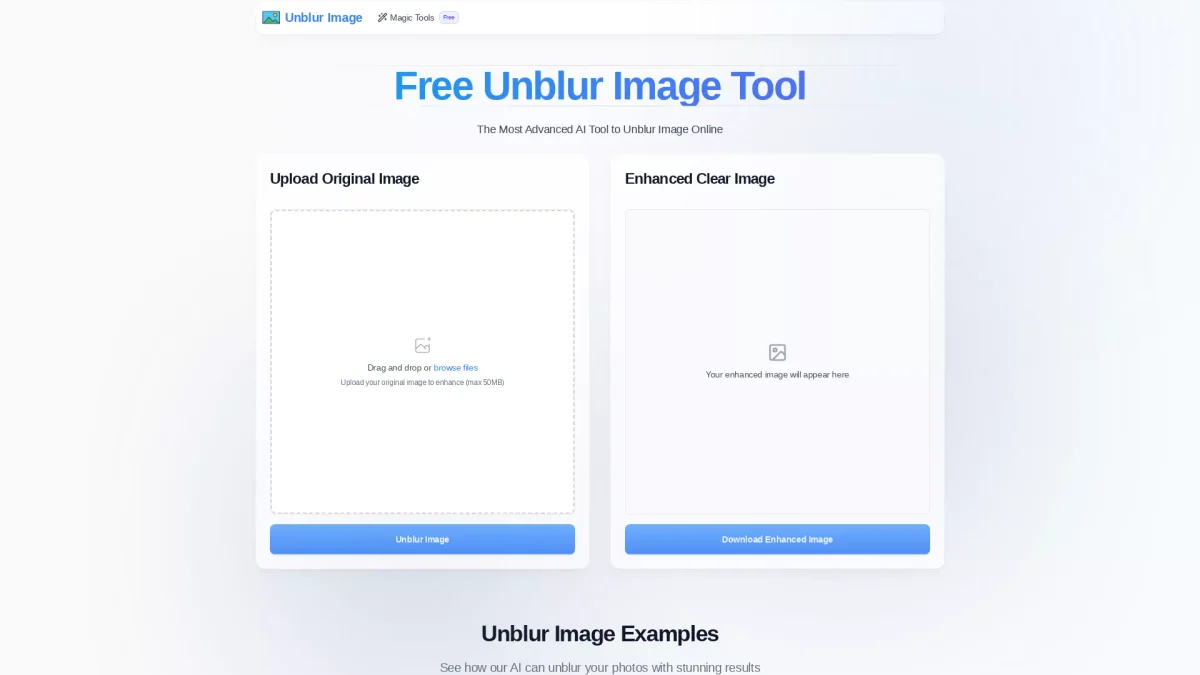
Unblur Image is a free online tool that utilizes advanced AI technology to enhance photo clarity, making your images sharp and clear effortlessly.
What is Unblur Image?
Unblur Image is a cutting-edge online tool designed to restore clarity to blurry photos using advanced AI technology. Its main purpose is to enhance images by removing various types of blur such as motion blur and out-of-focus blur. This tool addresses a common problem faced by photographers and casual users alike, helping them salvage and improve the quality of their images effortlessly. The key benefits of Unblur Image include its user-friendly interface and instant processing capabilities, allowing users to quickly enhance images without the need for downloads or registrations. With professional-grade results, it maintains the original resolution while improving clarity. This makes it an ideal solution for anyone looking to improve their visual content, whether for personal use or commercial projects, saving time and enhancing image quality significantly.
Key Features
- Advanced AI analysis for unblurring
- Supports multiple blur types
- High-quality output without loss
- Instant processing within seconds
- No registration required for use
- User-friendly drag-and-drop interface
Who is it for?
- Photographers needing quick fixes
- Social media managers enhancing visuals
- Casual users restoring personal photos
- Graphic designers improving image quality
Use Cases
1. Restoring Family Photos
Unblur Image can help you restore cherished family photos that may have become blurry over time. Simply upload your images, and the AI will enhance clarity, making them suitable for printing or sharing.
2. Improving Marketing Imagery
Businesses can utilize Unblur Image to enhance marketing visuals. Clear, sharp images improve engagement and professionalism in advertisements and social media posts, helping brands make a strong impression.
3. Enhancing Travel Photos
Travel enthusiasts can use Unblur Image to enhance their vacation photos that may have captured motion blur. This tool will help revive great memories by ensuring the images are crisp and clear.
4. Preparing Images for Publication
Writers and content creators can benefit from Unblur Image by enhancing images for articles or blogs. Clear images contribute to a polished look and can captivate the audience effectively.
Pricing Plans
Free: Professional-grade unblurring without registration.
Frequently Asked Questions
1. How does the Unblur Image tool work?
Unblur Image utilizes advanced AI technology and deep learning algorithms to analyze blurry photos. It automatically enhances clarity and restores details in the images, providing high-quality results within seconds.
2. What types of blur can be fixed with Unblur Image?
The Unblur Image tool can handle various types of blur, including motion blur, out-of-focus blur, and general softness. It adapts to different blur patterns for optimal enhancement results.
3. Is Unblur Image really free to use?
Yes, Unblur Image is completely free to use. There are no hidden fees or registration requirements, allowing users to start enhancing their photos immediately without any cost.
4. Can I unblur multiple images at once?
Currently, Unblur Image processes one image at a time. This ensures the best possible quality for each image, allowing the AI to focus on enhancing individual photos effectively.
Unblur Image Reviews & Ratings
Real user feedback and ratings for Unblur Image. See what the community thinks about this AI tool.
No reviews yet
Be the first to share your experience with Unblur Image