Imglarger
Enhance and enlarge images effortlessly
Imglarger is a powerful online tool that enhances, enlarges, and converts images with AI technology, ensuring high-quality results without losing detail.
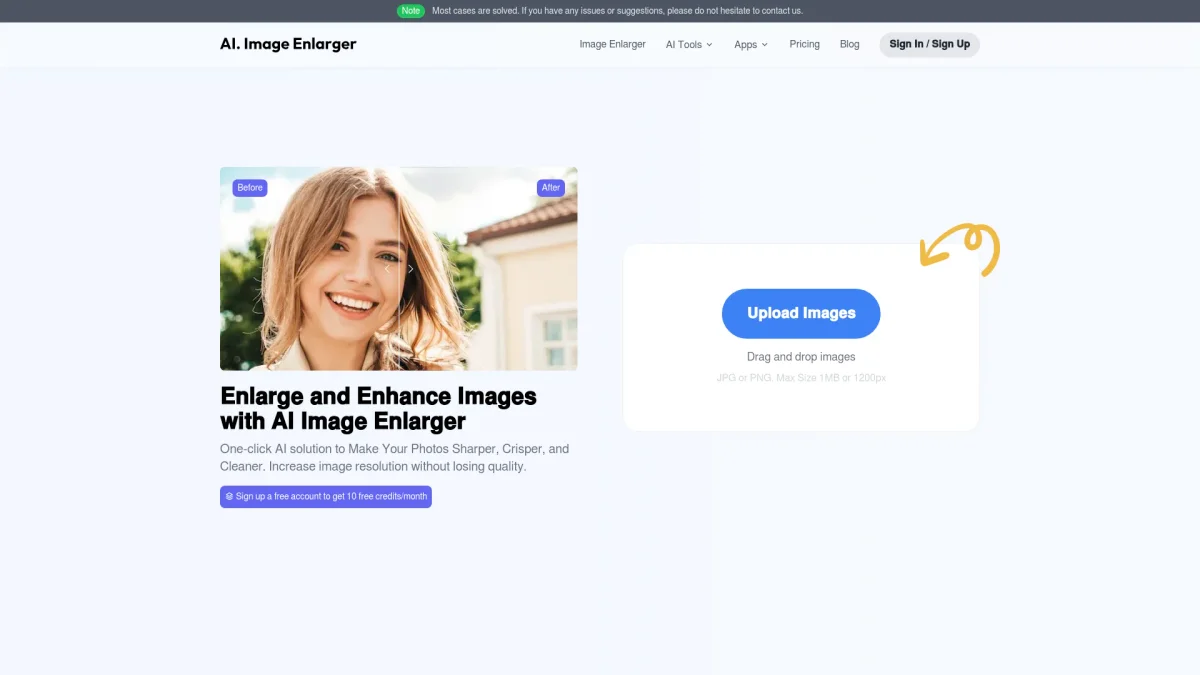
What is Imglarger?
Imglarger is an advanced AI-powered image editing tool designed to upscale, enhance, and convert images efficiently. Its main purpose is to solve common image quality issues, such as pixelation and blurriness, while providing users with a seamless editing experience. By utilizing sophisticated algorithms, Imglarger allows users to enlarge images up to 8x their original size without losing quality, making it ideal for content creators and photographers alike. The key benefits of Imglarger include its ability to restore old photos, remove noise, and enhance clarity instantly. Users can easily perform batch processing, saving time and effort when working with multiple images. With features like AI Uncrop, users can reveal more details in their images, while the image converter allows for hassle-free format changes. Overall, Imglarger empowers users to enhance their visual content quickly and effectively, making it an essential tool for anyone in need of high-quality image processing.
Key Features
- Batch enlarge images up to 8x
- AI-powered photo restoration tools
- Instant image clarity enhancement
- Automatic noise removal for clean images
- Versatile image format converter
- AI Uncrop to reveal hidden details
- User-friendly online interface
Who is it for?
- Photographers and videographers
- Graphic designers
- Content creators and bloggers
- Social media managers
- Digital marketing agencies
Use Cases
1. Restoring Old Family Photos
Use Imglarger to restore old family photos to their former glory. The tool enhances colors and removes creases or scratches, preserving cherished memories in high-quality digital format.
2. Creating High-Resolution Graphics
Graphic designers can utilize Imglarger to upscale images for branding materials. The AI ensures that images maintain clarity, making them suitable for print or digital use without pixelation.
3. Enhancing Social Media Content
Social media managers can enhance and resize images to fit various platform requirements. Imglarger helps create visually appealing content that stands out and engages followers effectively.
4. Batch Processing for E-commerce
E-commerce businesses can process multiple product images at once using Imglarger. Batch resizing and enhancing images ensures all listings are high-quality, improving customer experience and sales.
Pricing Plans
Pricing information not available on website. Please visit the official website for current pricing.
Frequently Asked Questions
1. Does Imglarger offer a free version?
Yes, Imglarger provides a free version that includes basic tools for image enhancement and conversion without requiring a credit card. Users can access core features to experience the service.
2. What types of images can I upload?
Imglarger supports various image formats including JPG, PNG, and WEBP. Users can upload their images directly to the platform for enhancement, resizing, or conversion.
3. How does the AI Uncrop feature work?
The AI Uncrop feature intelligently extends the borders of cropped images to reveal more details. This allows users to enhance their images by showcasing additional context or elements that were previously cut off.
4. Is my data safe with Imglarger?
Yes, Imglarger ensures data safety by automatically deleting processed files after 24 hours. This guarantees that user images are not stored permanently, maintaining privacy and security.
Imglarger Reviews & Ratings
Real user feedback and ratings for Imglarger. See what the community thinks about this AI tool.
No reviews yet
Be the first to share your experience with Imglarger