
BigJPG
Enhance Images with AI Precision
BigJPG is an AI-driven image enlarger that utilizes deep learning to upscale images without losing quality, perfect for artists and photographers alike.
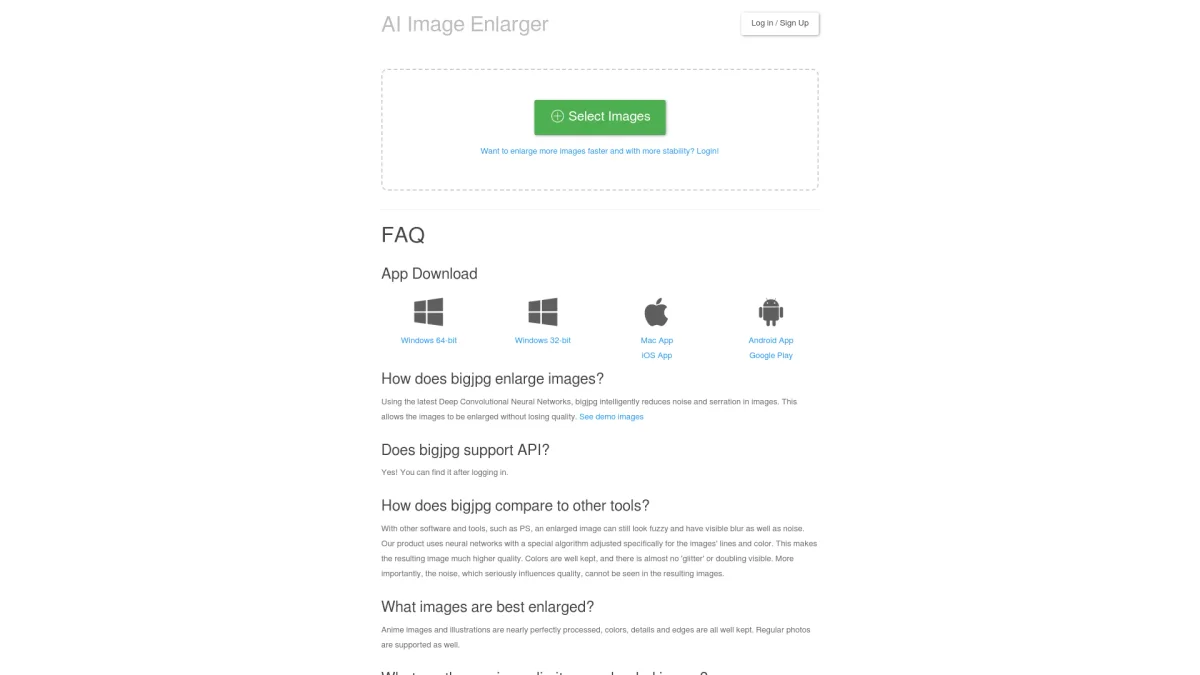
What is BigJPG?
BigJPG is an advanced AI super-resolution tool designed to enlarge images while maintaining high quality. It leverages Deep Convolutional Neural Networks to intelligently reduce noise and artifacts in images, allowing users to upscale their visuals without compromising clarity. This tool primarily addresses the challenge of producing clear, high-resolution images from lower-quality originals, making it ideal for various applications, especially in digital art and photography. By utilizing BigJPG, users can achieve superior image quality that retains colors and details, particularly with anime images and illustrations. The tool supports various formats and offers both free and premium plans, significantly enhancing the user experience with faster processing and higher upload limits. Whether for personal projects or professional work, BigJPG provides a reliable solution for image enhancement that meets the needs of content creators and visual artists alike.
Key Features
- AI-driven lossless image upscaling
- Supports large image sizes up to 50MB
- Processes images up to 16x enlargement
- Offline enlarging capabilities available
- Batch mode for multiple images
- API access for integration
Who is it for?
- Digital artists and illustrators
- Photographers and graphic designers
- Content creators and bloggers
- Social media managers
- Advertisers and marketers
Use Cases
1. Upscaling Anime Artwork
Artists can enhance their anime illustrations effortlessly, ensuring vibrant colors and crisp details are preserved, making their work suitable for prints and digital displays.
2. Improving Product Images
E-commerce businesses can use BigJPG to upscale product images, ensuring high-quality visuals that attract customers and improve sales by showcasing products effectively.
3. Restoring Old Photographs
Users can restore and enlarge old family photos, enhancing the clarity and detail, allowing for better preservation and sharing of cherished memories.
4. Creating High-Resolution Graphics for Marketing
Marketers can use BigJPG to upscale logos and graphics for promotional materials, ensuring that their branding looks professional across all platforms.
Pricing Plans
Free: 5MB max upload size, 20 pictures/month, Pro: $22 USD/year - 50MB max upload size, 2000 pictures/month, Enterprise: Custom pricing - Enhanced features and support.
Frequently Asked Questions
1. What are the image upload limits for BigJPG?
Free users can upload images up to 3000x3000 pixels and 5MB, while paid users can upload images up to 50MB and 3000x3000 pixels.
2. Does BigJPG provide API access?
Yes, BigJPG offers API access to users who log in, allowing integration into other applications and workflows for enhanced functionality.
3. How does BigJPG handle image processing times?
Processing times vary based on the original image size and server traffic. Users will see an estimated time once the enlarging process starts.
4. What types of images are best for enlarging with BigJPG?
BigJPG excels at processing anime images and illustrations, but it also supports regular photographs, retaining details and colors effectively.
BigJPG Reviews & Ratings
Real user feedback and ratings for BigJPG. See what the community thinks about this AI tool.
No reviews yet
Be the first to share your experience with BigJPG