
HitPaw FotorPea
Transform Your Photos with AI Precision
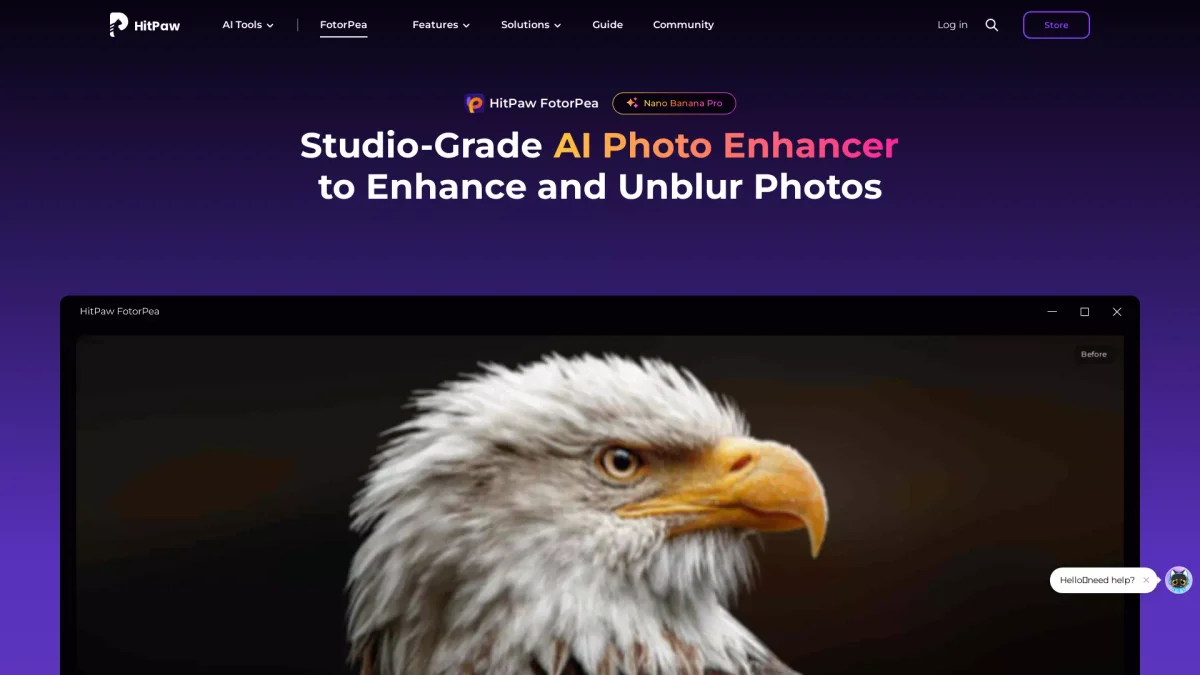
HitPaw FotorPea is an advanced AI photo enhancer that enhances, denoises, and upscales images to 8K, ensuring stunning clarity and detail in every shot.
What is HitPaw FotorPea?
HitPaw FotorPea is a powerful AI-driven photo enhancement tool designed to improve image quality by enhancing details, reducing noise, and upscaling images up to 8K resolution. Its primary purpose is to solve common photography issues like blurriness and low resolution, enabling users to restore their cherished memories and produce professional-grade photos effortlessly. With features such as intelligent unblurring and object removal, HitPaw FotorPea provides users with the ability to transform ordinary pictures into stunning visuals. It's perfect for photographers, content creators, and anyone looking to enhance their images, making it an essential tool for elevating visual storytelling and preserving precious moments.
Key Features
- Enhance images up to 8K resolution
- Intelligent unblurring for clarity
- AI-driven noise reduction
- Remove unwanted objects from photos
- Restore old and damaged photos
- User-friendly interface for quick edits
- Compatible with Windows and Mac
Who is it for?
- Professional photographers
- Content creators and bloggers
- E-commerce product managers
- Social media marketers
- Students and educators
Use Cases
1. Restoring Family Heirlooms
Use HitPaw FotorPea to restore old family photos that may have faded or become damaged over time. The AI tools can enhance the image quality, bringing back details that were lost, making these memories timeless.
2. Enhancing E-commerce Product Images
E-commerce managers can utilize FotorPea to enhance product images taken with older smartphones. The AI enhances textures and details, ensuring that product images look professional and appealing on 4K displays.
3. Fixing Blurry Action Shots
Photographers can quickly fix blurry images from high-speed events like sports. FotorPea's unblurring features restore clarity to motion shots, making them suitable for prints and portfolios.
4. Transforming Smartphone Photos
Social media influencers can enhance their smartphone photos to professional quality using FotorPea. The tool elevates selfies and casual shots, ensuring they stand out in a crowded feed.
Pricing Plans
Pricing information not available on website. Please visit the official website for current pricing.
Frequently Asked Questions
1. Does HitPaw FotorPea have a free trial?
Yes, HitPaw FotorPea offers a free trial, allowing users to explore its features before committing to a purchase. This provides a risk-free opportunity to experience the tool's capabilities.
2. What platforms is HitPaw FotorPea compatible with?
HitPaw FotorPea is available for both Windows and Mac operating systems, ensuring accessibility for a wide range of users. Additionally, mobile versions are available for iOS and Android devices.
3. Can I use HitPaw FotorPea for commercial purposes?
Absolutely! HitPaw FotorPea is suitable for commercial use, making it an ideal choice for professional photographers, marketers, and businesses that require high-quality image enhancements.
4. What types of images can I enhance with FotorPea?
HitPaw FotorPea can enhance various types of images, including portraits, landscapes, and product photos. Its advanced features make it versatile for personal and professional use.
HitPaw FotorPea Reviews & Ratings
Real user feedback and ratings for HitPaw FotorPea. See what the community thinks about this AI tool.
No reviews yet
Be the first to share your experience with HitPaw FotorPea