
beautycam
Transform Your Photos with AI Enhancement
BeautyCam is an AI-powered photo enhancement tool that makes your selfies stunning with just one click, perfect for everyone seeking professional-quality images.
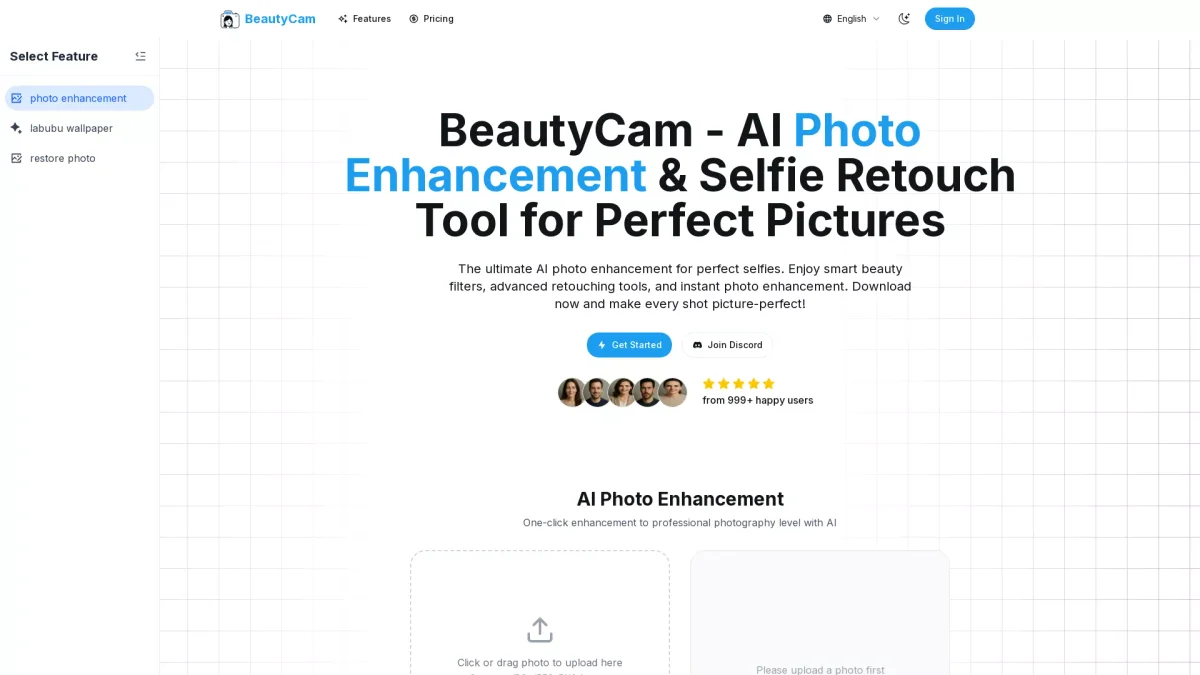
What is beautycam?
BeautyCam is an advanced AI photo enhancement tool designed to elevate your images to professional standards effortlessly. Its main purpose is to solve the common challenge of creating visually appealing photos without requiring extensive photography skills. By simply uploading an image, users can take advantage of the AI's ability to analyze and enhance every detail, ensuring that ordinary snapshots transform into beautiful, polished pictures. The key benefits of using BeautyCam include its user-friendly interface and one-click enhancement capabilities, which make it accessible for anyone, regardless of experience. Users can improve their photos with automatic exposure correction, color grading, and facial retouching, all while maintaining a natural look. This tool is perfect for content creators, social media influencers, and anyone looking to enhance their photography quickly and efficiently, saving them time and effort in photo editing.
Key Features
- One-click professional photo enhancement
- Advanced facial retouching tools
- Rich effects and filters library
- Automatic background enhancement
- Social media optimized exports
- Support for major image formats
Who is it for?
- Photography enthusiasts
- Social media influencers
- Content creators and bloggers
- Small business owners
- Professional photographers
Use Cases
1. Social Media Ready Photos
Enhance your images for Instagram or Facebook effortlessly. With BeautyCam's AI tools, you can quickly transform photos into eye-catching visuals optimized for social media sharing, helping you stand out online.
2. Professional Portraits in Seconds
Create stunning portraits without the need for extensive editing skills. BeautyCam automatically smooths skin, enhances features, and applies filters, ensuring your portraits look professionally retouched in moments.
3. Quick Fixes for Product Photos
Elevate your product images with one-click enhancements. BeautyCam allows small business owners to improve their product photos quickly, making them more appealing to customers and enhancing their online presence.
4. Travel Photos Enhancement
Turn your travel memories into stunning visuals. BeautyCam can improve low-light shots and enhance colors, making your travel photos pop and ensuring they look great in albums or online galleries.
Pricing Plans
Free: Basic editing tools included, Pro: $X/month - Access to advanced features and tools, Enterprise: Custom pricing - Tailored solutions for larger teams.
Frequently Asked Questions
1. Does BeautyCam offer a free trial?
Yes, BeautyCam provides free credits for new accounts, allowing users to try the AI photo enhancement features and access basic editing tools without any cost.
2. What file formats does BeautyCam support?
BeautyCam supports all major image formats, including JPG, JPEG, PNG, HEIC, and WebP, ensuring compatibility with various photo types for easy enhancement.
3. Can I use BeautyCam for commercial purposes?
Absolutely! BeautyCam can be used for commercial projects, but users must ensure they have the necessary rights to all images edited and used commercially.
4. Is my data secure with BeautyCam?
Your privacy is a priority at BeautyCam. Photos are processed directly in your browser, and they do not store your images on their servers unless you choose to save them to cloud storage.
beautycam Reviews & Ratings
Real user feedback and ratings for beautycam. See what the community thinks about this AI tool.
No reviews yet
Be the first to share your experience with beautycam