WorkPPT
Transform text into stunning presentations effortlessly
WorkPPT simplifies the creation of professional presentations by transforming text and documents into polished slides using advanced AI technology, saving you time and effort.
What is WorkPPT?
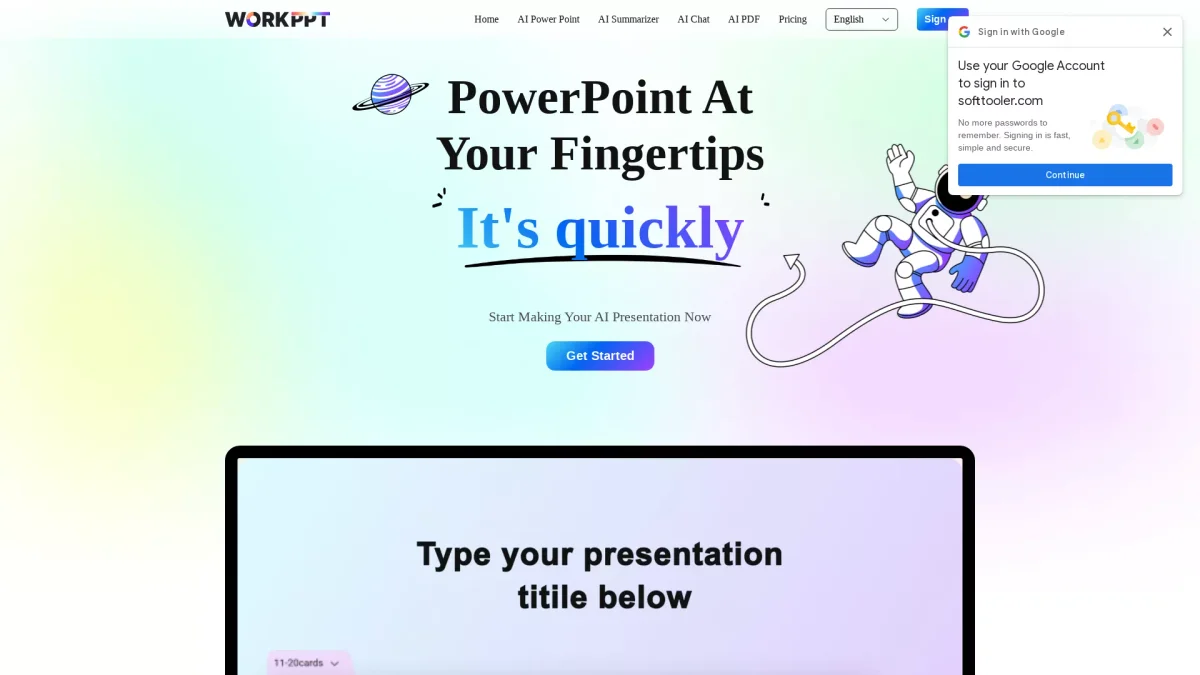
WorkPPT is an all-in-one AI presentation maker that enables users to create professional PowerPoint slides from text, topics, or uploaded documents quickly and easily. Its main purpose is to streamline the presentation creation process, eliminating the hassle of formatting and design, allowing users to focus on content rather than aesthetics. With over 5000 templates and a suite of AI tools, WorkPPT enhances productivity by offering features like AI summarization, PDF management, and mind mapping. Users benefit from automated design suggestions, smart formatting, and instant content generation, making it ideal for meetings, reports, and educational purposes. This tool is perfect for anyone looking to produce high-quality presentations efficiently.
Key Features
- Turn text and files into slides
- Over 5000 customizable templates
- AI PDF merging and conversion
- AI summarizer for quick takeaways
- Instant mind map creation
- Smart formatting and design
Who is it for?
- Business professionals and executives
- Educators and trainers
- Marketing and sales teams
- Students and researchers
Use Cases
1. Creating Business Presentations
Generate impactful business presentations in minutes. Input your data or documents, and WorkPPT transforms them into professional slides, ensuring clarity and engagement during meetings.
2. Educational Lectures and Workshops
Educators can quickly create lecture slides from their notes or documents. WorkPPT streamlines the process, allowing for visually appealing presentations that enhance learning experiences.
3. Marketing Campaigns and Pitches
Craft compelling marketing presentations that capture attention. Use WorkPPT to integrate data, visuals, and key messages into a cohesive slide deck, perfect for pitches and client meetings.
4. Summarizing Reports and Documents
Utilize the AI summarizer to condense lengthy reports into clear and concise presentations. This feature saves time and ensures that key points are communicated effectively.
Pricing Plans
Pricing information not available on website. Please visit the official website for current pricing.
Frequently Asked Questions
1. Does WorkPPT offer a free trial or free plan?
Yes, WorkPPT offers a free plan that allows users to access basic features without any hidden fees, enabling them to explore the tool before considering a paid subscription.
2. What types of files can I convert to PPT?
WorkPPT allows users to convert various file formats into PowerPoint presentations, including Word, Excel, PDF, and image files, making it versatile for different content types.
3. Can I customize the presentation templates?
Absolutely! WorkPPT provides over 5000 templates that are easily customizable to suit your brand and content, ensuring your presentations are unique and visually appealing.
4. Is WorkPPT suitable for team collaborations?
Yes, WorkPPT is designed to enhance productivity and collaboration, enabling teams to work together on presentations seamlessly, regardless of their location.
WorkPPT Reviews & Ratings
Real user feedback and ratings for WorkPPT. See what the community thinks about this AI tool.
No reviews yet
Be the first to share your experience with WorkPPT