Twistly
Transform Your Presentations with AI Power
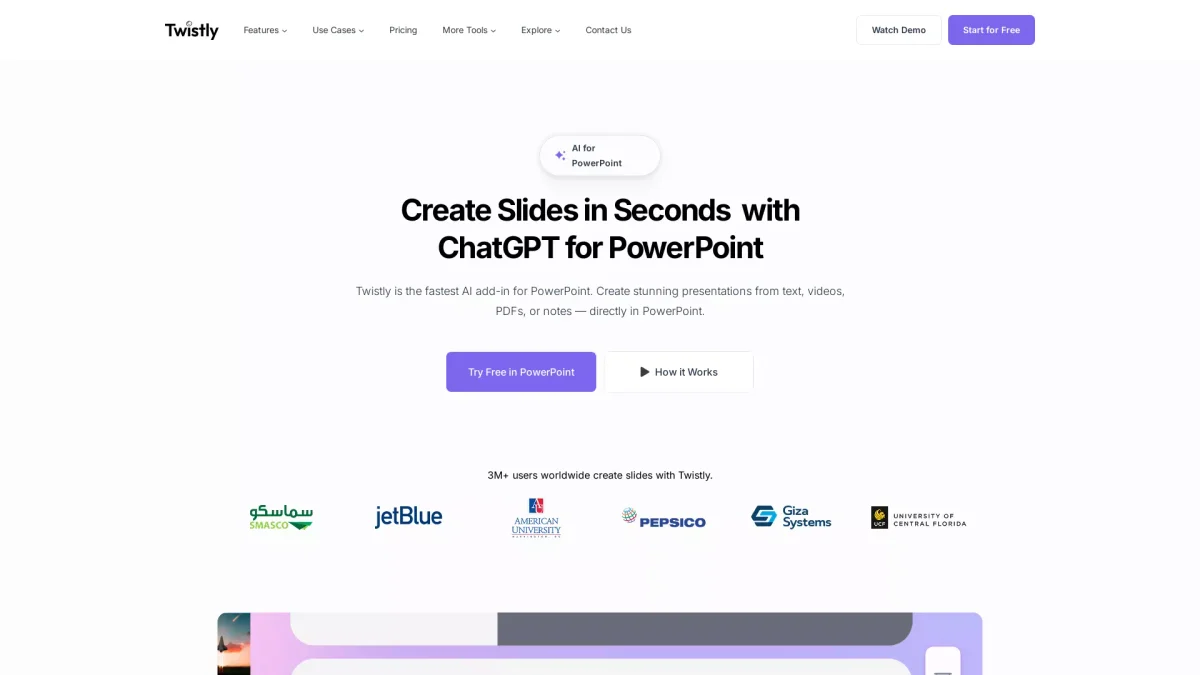
Twistly is an AI-driven presentation maker that simplifies slide creation, allowing users to generate professional PowerPoint presentations in seconds.
What is Twistly?
Twistly is an innovative AI presentation maker specifically designed for Microsoft PowerPoint, aimed at transforming how users create presentations. Its main purpose is to streamline the presentation process by allowing users to convert various source materials—such as PDFs, Word documents, or simple text prompts—into fully structured slides with minimal effort. This solution addresses the common challenges of time-consuming manual slide creation and formatting. With Twistly, users benefit from smart design capabilities that automatically align elements and apply professional layouts. The tool also offers features like one-click text editing, AI image generation, and instant translation of presentations. These functionalities not only save time but also enhance the quality and effectiveness of presentations, making it an ideal choice for students, educators, and professionals looking to impress their audiences with visually appealing and well-organized slides.
Key Features
- Custom brand templates
- Smart design and formatting
- One-click text editing
- AI image generation
- Instant translation
- Speaker notes generation
- Native PowerPoint export
Who is it for?
- Students and academics
- Teachers and educators
- Marketing professionals
- Sales teams
- HR teams
Use Cases
1. Streamline Lesson Preparation
Teachers can use Twistly to quickly create structured presentations for lessons and lectures. By converting their knowledge into visually clear slides, they save time and enhance student engagement.
2. Enhance Academic Presentations
Students can transform complex research notes into polished presentations in seconds. Twistly helps them meet tight deadlines while ensuring high-quality visuals that keep peers engaged.
3. Create Marketing Pitch Decks
Marketers can effortlessly build pitch decks and campaign reports that capture attention. Twistly automates layout processes, allowing them to focus on creative messaging and strategy.
4. Generate Sales Presentations
Sales professionals can swiftly create tailored presentations to meet client needs. Twistly ensures high-quality visuals that enhance credibility and support persuasive pitches.
5. Modernize Corporate Training
HR professionals can generate clear and engaging slide decks for onboarding and internal communications. Twistly helps reflect company culture and brand standards effectively.
Pricing Plans
Pricing information not available on website. Please visit the official website for current pricing.
Frequently Asked Questions
1. Does Twistly offer a free trial?
Yes, Twistly allows users to install the add-in for free, providing access to essential features without any initial cost.
2. What file formats can I import into Twistly?
Twistly supports document imports from various formats, including PDFs, Word documents, and text files, allowing for seamless transformation into presentations.
3. Can I use Twistly for presentations in multiple languages?
Absolutely! Twistly includes a translation feature that allows you to instantly translate your entire presentation into multiple languages with just one click.
4. Is Twistly compatible with Microsoft PowerPoint?
Yes, Twistly is designed as an add-in specifically for Microsoft PowerPoint, enabling users to create presentations directly within the PowerPoint interface.
Twistly Reviews & Ratings
Real user feedback and ratings for Twistly. See what the community thinks about this AI tool.
No reviews yet
Be the first to share your experience with Twistly