VocalRemover
Effortlessly Remove Vocals from Any Track
VocalRemover allows users to easily upload songs and instantly receive vocal-free and acapella versions, perfect for karaoke and music production.
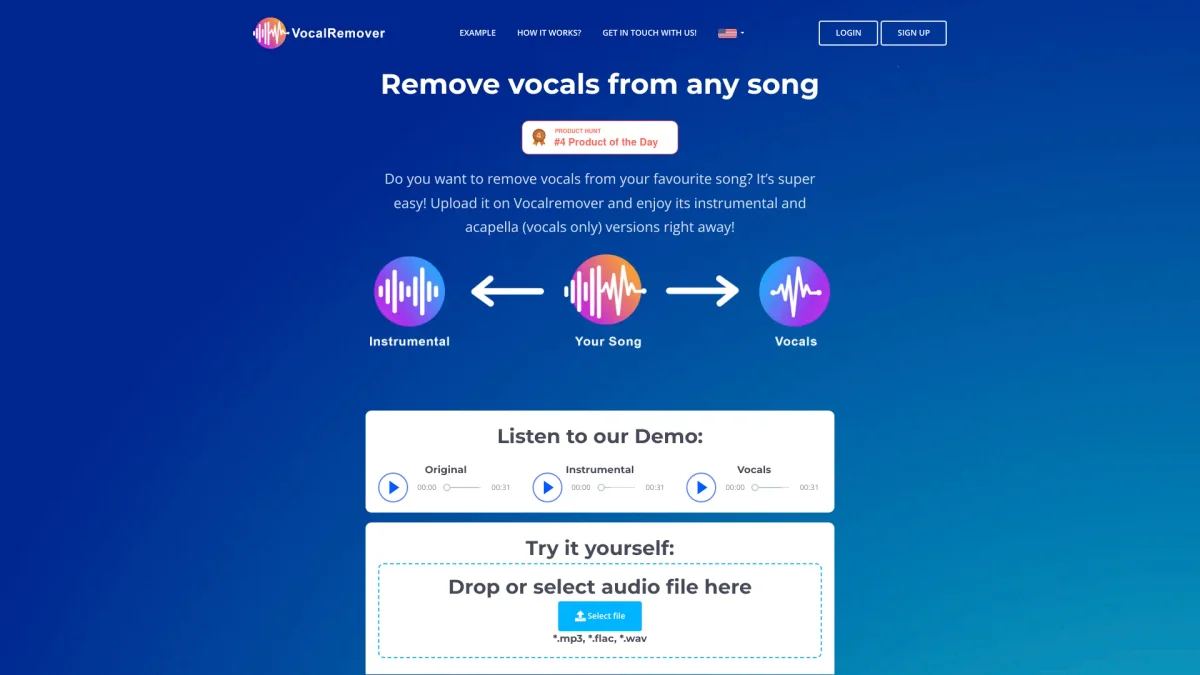
What is VocalRemover?
VocalRemover is an innovative online tool designed to separate vocals from any music track, providing users with instrumental and acapella versions of their favorite songs. Its main purpose is to simplify the process of vocal removal, catering to musicians, DJs, and karaoke enthusiasts who seek high-quality audio outputs without the original vocals, allowing for greater creativity and flexibility in music editing. The key benefits of VocalRemover include fast processing times, lossless sound quality, and the ability to handle various audio formats such as .mp3, .wav, and .flac. Users can quickly upload songs and receive high-quality karaoke tracks or vocal-only versions, making it an invaluable resource for anyone involved in music production, event planning, or simply enjoying personalized music experiences.
Key Features
- AI-powered vocal separation technology
- Instant karaoke and acapella versions
- Supports multiple audio and video formats
- Lossless sound quality output
- Fast conversion within minutes
- 24/7 customer support available
Who is it for?
- Musicians and producers
- Karaoke enthusiasts
- DJs and event planners
- Audio engineers
- Content creators
Use Cases
1. Karaoke Night Preparation
Easily prepare karaoke versions of popular songs by removing the vocals. Simply upload your chosen track and get a high-quality instrumental version to keep the party lively and engaging.
2. Music Production
Producers can extract vocals for remixing or mashup projects. VocalRemover provides clear separation of vocals and instrumentals, allowing for innovative new tracks to be created seamlessly.
3. Personalized Gym Music
Create customized workout playlists by removing vocals from songs. This feature enables fitness instructors to use popular tracks without their original vocals, making the music more suitable for exercise environments.
4. Video Editing for Creators
Content creators can upload videos to remove vocals, enhancing their projects with cleaner audio tracks. This tool is essential for producing voiceover-friendly content or background music without distractions.
Pricing Plans
Free: 30 seconds of vocal removal for testing, Pro: $4.99/month - 30 minutes of conversion, 100GB storage, Enterprise: Custom pricing - tailored solutions for larger needs.
Frequently Asked Questions
1. What audio formats does VocalRemover support?
VocalRemover supports various audio formats including .wav, .mp3, .flac, .ogg, and more, ensuring compatibility with most music files for vocal removal.
2. How long are my files stored after conversion?
Converted files are stored until your subscription is active or you choose to delete them. Sample files are stored for 3 days, while one-time users' files are stored for 30 days.
3. Can I remove vocals from a video file?
Yes, you can upload video files up to 10GB and VocalRemover will process them to remove vocals, providing you with an audio track free from voices.
4. Is there a free trial available for VocalRemover?
VocalRemover offers a free service that allows users to test the vocal removal feature with a 30-second limit on any song, perfect for evaluating the quality before purchasing.
VocalRemover Reviews & Ratings
Real user feedback and ratings for VocalRemover. See what the community thinks about this AI tool.
No reviews yet
Be the first to share your experience with VocalRemover