
Videotowords
Transform Audio and Video to Text Instantly
Videotowords is an AI-driven tool that effortlessly transcribes audio and video files into text, enhancing productivity for students, professionals, and content creators alike.
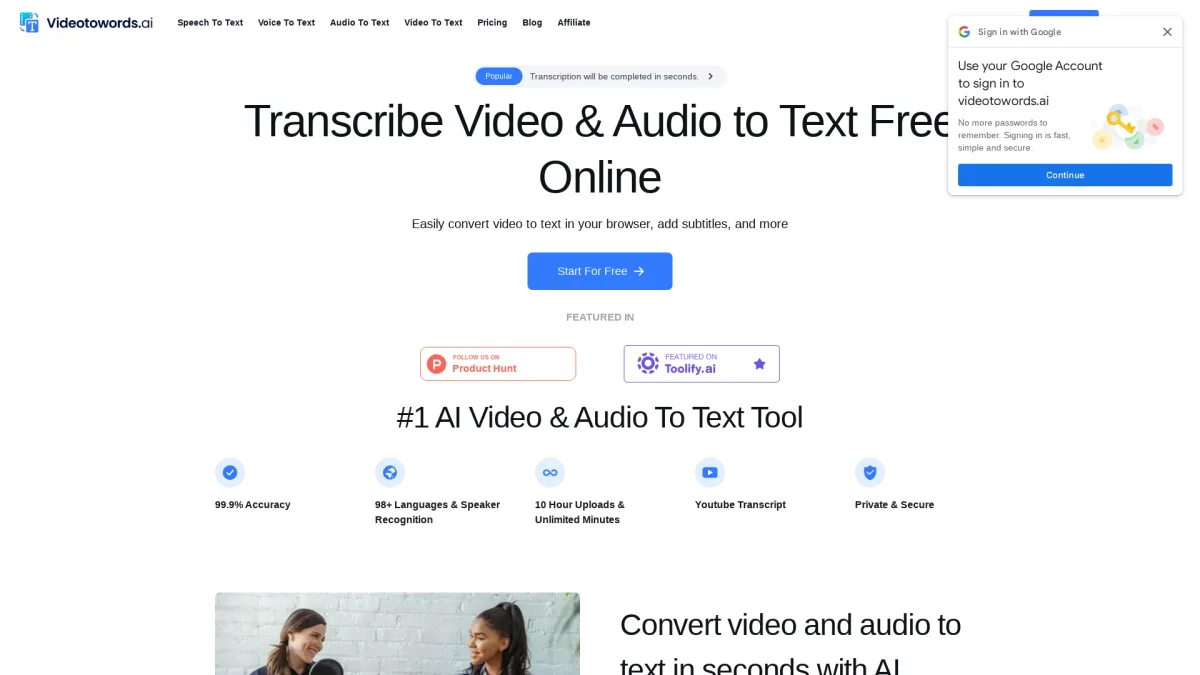
What is Videotowords?
Videotowords is a powerful AI transcription tool designed to convert audio and video content into written text with exceptional accuracy. Its main purpose is to eliminate the tedious process of manual transcription, allowing users such as students, researchers, and content creators to quickly transform spoken words into text formats like blog posts or summaries. This tool supports over 98 languages and can handle extensive audio and video files, making it a versatile solution for various transcription needs. The platform boasts key benefits including ultra-fast transcription, 99.9% accuracy, and robust security measures to protect user data. Users can easily upload files, choose their preferred language, and receive instant text outputs. With support for multiple file formats and convenient editing and exporting options, Videotowords streamlines the transcription process, making it an essential tool for journalists, podcasters, marketers, and anyone needing quick and reliable text conversion from audio or video sources.
Key Features
- 99.9% transcription accuracy
- Supports 98+ languages
- Upload files up to 10 hours long
- Instant AI-generated summaries
- Edit and export transcripts conveniently
- Multi-format audio and video support
- Ironclad data privacy and security
Who is it for?
- Journalists and reporters
- Students and educators
- Podcast hosts and creators
- Researchers and analysts
- Filmmakers and content creators
Use Cases
1. Efficient Interview Transcription
Journalists can use Videotowords to quickly transcribe interviews, enabling them to focus on analysis and storytelling rather than the manual transcription process. This enhances their productivity and ensures timely reporting.
2. Classroom Lecture Notes
Students can transcribe lectures effortlessly, creating accurate written records to review later. This helps in better understanding and retention of course material without spending hours on manual note-taking.
3. Podcast Accessibility Enhancement
Podcast hosts can generate transcripts of their episodes to make content accessible to a broader audience. This not only improves engagement but also caters to those who prefer reading over listening.
4. Research Data Analysis
Researchers can transcribe focus group discussions and interviews to facilitate easier data analysis and citation. Videotowords saves significant time, allowing for a sharper focus on their research objectives.
5. Subtitle Creation for Films
Filmmakers can quickly generate subtitles from their video content, improving accessibility for viewers. This feature enhances the reach and engagement of films with diverse audiences.
Pricing Plans
Free: Basic transcription features with limited access, Pro: $19.90/month - Unlimited transcription with advanced features, Enterprise: Custom pricing - Tailored solutions for large projects and teams.
Frequently Asked Questions
1. What file formats does Videotowords support?
Videotowords supports a wide range of audio and video formats including MP3, MP4, M4A, WAV, AVI, and more. This allows users to upload files without needing additional conversion steps.
2. Can I use Videotowords for different languages?
Yes, Videotowords supports transcription in over 98 languages, including major languages like English, Spanish, Chinese, and French. This makes it suitable for diverse audio and video content.
3. How fast is the transcription process?
The transcription process with Videotowords is lightning-fast, providing users with text outputs in mere minutes after uploading their audio or video files, significantly improving workflow efficiency.
4. Is my data secure with Videotowords?
Absolutely. Videotowords prioritizes user privacy with robust security measures in place to protect data. All uploaded content is encrypted and handled with strict confidentiality.
Videotowords Reviews & Ratings
Real user feedback and ratings for Videotowords. See what the community thinks about this AI tool.
No reviews yet
Be the first to share your experience with Videotowords