
NearScribe
Transcribe audio and video effortlessly
Easily convert audio and video files to accurate text with NearScribe's fast, user-friendly transcription tools designed for various formats and uses.
What is NearScribe?
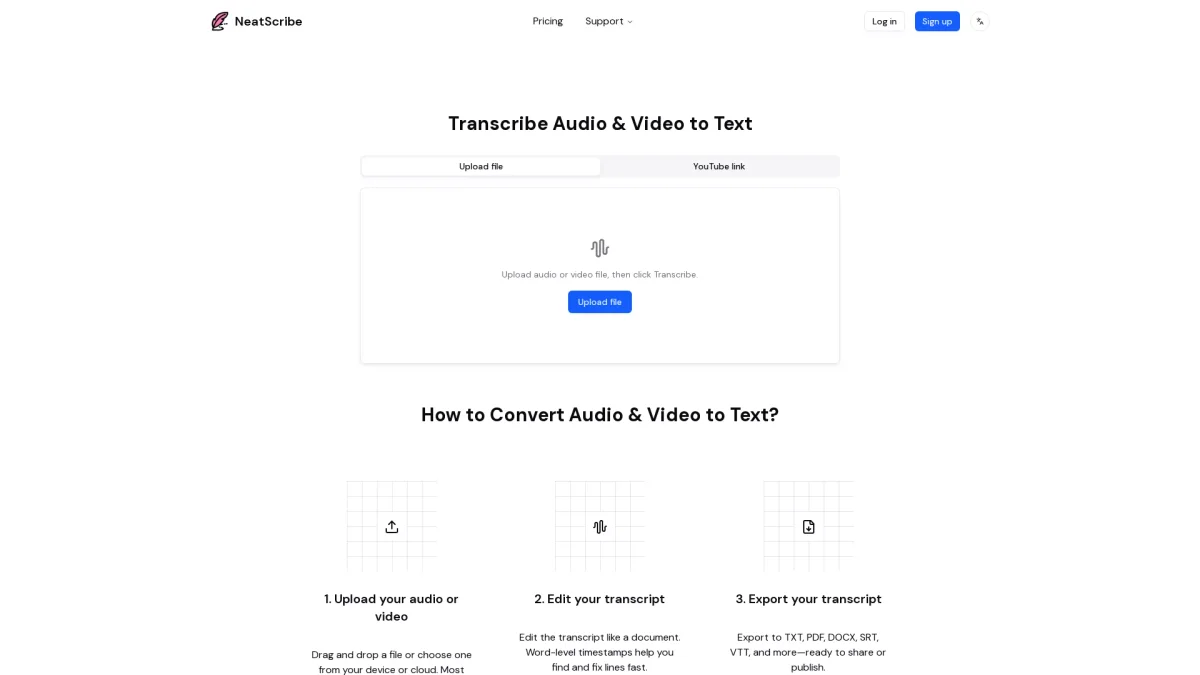
NearScribe is a powerful transcription tool that allows users to convert audio and video content into accurate text quickly and efficiently. It solves the common challenge of transcribing spoken content by providing a streamlined process where users can upload files, edit transcripts easily, and export the results in multiple formats. This makes it ideal for professionals and content creators who need reliable transcripts for their projects. The tool offers several key benefits, including high accuracy and speed, with average transcription times of under 60 seconds. Users can edit transcripts directly in their browser, benefiting from word-level timestamps for quick navigation. With support for various audio and video formats, NearScribe is perfect for podcasts, meetings, and interviews, making transcription accessible and efficient for everyone.
Key Features
- Upload audio and video files
- Edit transcripts in-browser
- Export in multiple file formats
- Generate timestamped subtitles
- Support for 98 languages
- Fast transcription with speaker labeling
Who is it for?
- Content creators and bloggers
- Podcasters and video producers
- Businesses and professionals
- Educators and students
Use Cases
1. Podcast Transcription
Easily transcribe your podcast episodes for accessibility and SEO purposes. Upload audio files, generate accurate transcripts, and share them on your website to reach a broader audience.
2. Meeting Documentation
Capture important discussions from meetings by transcribing audio recordings. NearScribe allows you to convert these recordings into text for easy sharing and reference, enhancing team communication.
3. YouTube Video Transcripts
Generate transcripts for your YouTube videos by pasting the video link. This helps improve video accessibility and can be used for subtitles, enhancing viewer engagement and reach.
4. Subtitle Creation
Create accurate subtitles for videos by uploading your content to NearScribe. The tool generates timestamped subtitles, making it easy to edit and export in formats like SRT or VTT for publication.
Pricing Plans
Free: Basic features for personal use, Pro: $10/month - Advanced features with 1200 credits per month and no daily file limit, Premium: $30/month - Premium features with 6000 credits per month and no daily file limit.
Frequently Asked Questions
1. Can I try NearScribe for free?
Yes, NearScribe offers a free plan that includes basic features, which allows users to transcribe up to three files per day without any cost.
2. What audio and video formats does NearScribe support?
NearScribe supports most audio and video formats, allowing users to upload files from various sources, including device storage and cloud services, for seamless transcription.
3. Can I edit my transcript after it’s generated?
Absolutely! After the transcription is completed, you can easily edit the transcript in your browser, making corrections and adjustments as needed.
4. Is NearScribe suitable for commercial use?
Yes, both the Pro and Premium plans of NearScribe are designed for commercial use, providing advanced features and higher transcription limits for professionals and businesses.
NearScribe Reviews & Ratings
Real user feedback and ratings for NearScribe. See what the community thinks about this AI tool.
No reviews yet
Be the first to share your experience with NearScribe