
Speechify
Transform text into lifelike speech seamlessly
Speechify is a versatile AI tool that converts text to speech and offers voice typing, enhancing productivity for users across various platforms and devices.
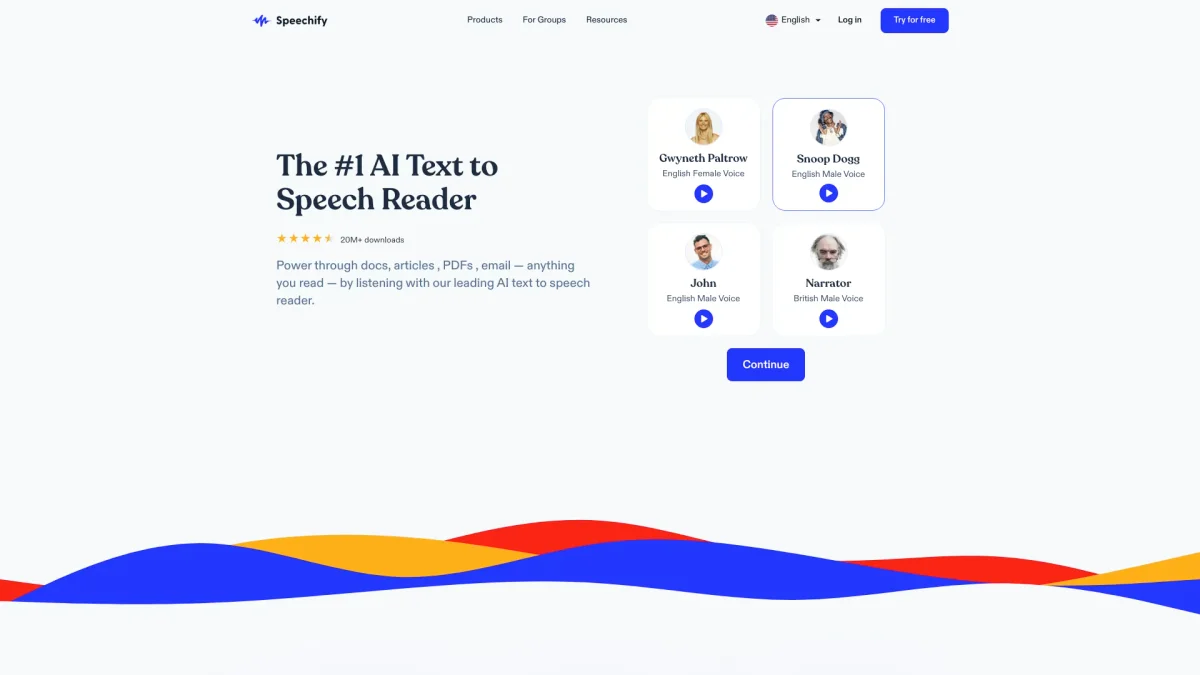
What is Speechify?
Speechify is a powerful text-to-speech and voice typing AI assistant that enables users to read aloud documents, PDFs, and more with lifelike audio. Its main purpose is to enhance accessibility and productivity by allowing individuals to listen to their reading materials and write faster using voice dictation, thereby solving the problem of time-consuming reading and typing tasks. The key benefits of Speechify include its ability to read any text aloud, summarize content, and create podcasts from documents. Users can dictate their thoughts and ideas into any application at speeds up to five times faster than typing. With over 1,000 AI voices and flexible speed control, Speechify caters to various user needs, making it an essential tool for students, professionals, and anyone looking to improve their reading and writing efficiency.
Key Features
- Lifelike text-to-speech conversion
- Voice typing for faster writing
- Supports multiple platforms and devices
- Summarizes content for quick understanding
- Create podcasts from documents
- Adjustable reading speed control
- AI voice assistant for quick answers
Who is it for?
- Students studying for exams
- Professionals managing documents
- Content creators producing podcasts
- Individuals with reading disabilities
- Remote teams collaborating on projects
Use Cases
1. Reading Documents Aloud
Upload any PDF or document into Speechify, and let it read the text aloud to you. This is perfect for users who prefer auditory learning or need to multitask while consuming content.
2. Voice Typing for Faster Writing
Use Speechify's voice typing feature to dictate emails, reports, or notes in any application. This allows users to write up to five times faster than typing, enhancing productivity significantly.
3. Creating AI Podcasts
Transform written content into engaging audio podcasts effortlessly. Simply input a document or a short description, and Speechify generates a polished audio version, making it easy for content creators to reach their audience.
4. Summarizing Reading Material
Utilize Speechify's summarization feature to quickly grasp the main points of lengthy documents. This is especially useful for students and professionals who need to digest information rapidly.
5. Accessible Learning Tools
Students can benefit from Speechify's features by listening to their reading materials and taking voice notes, making learning more accessible and efficient, especially for those with learning disabilities.
Pricing Plans
Pricing information not available on website. Please visit the official website for current pricing.
Frequently Asked Questions
1. Does Speechify offer a free trial?
Yes, Speechify provides a free plan allowing users to test basic features without any credit card requirement. This enables you to explore the tool before deciding on a subscription.
2. What platforms can I use Speechify on?
Speechify is available on various platforms including web, iOS, Android, Chrome, and Edge. This ensures you can access the tool from any device with an internet connection.
3. Can I cancel my subscription anytime?
Yes, you can cancel your Speechify subscription at any time. Your access will continue until the end of the current billing period, providing flexibility in subscription management.
4. How does Speechify assist with accessibility?
Speechify enhances accessibility by providing text-to-speech features that help users with reading difficulties. It allows anyone to listen to written content, making information more accessible.
Speechify Reviews & Ratings
Real user feedback and ratings for Speechify. See what the community thinks about this AI tool.
No reviews yet
Be the first to share your experience with Speechify