
SpeechReader
Transform text into lifelike speech effortlessly
SpeechReader converts text to natural-sounding speech, offering high-quality voices for accessibility, content creation, and multimedia projects without any hassle.
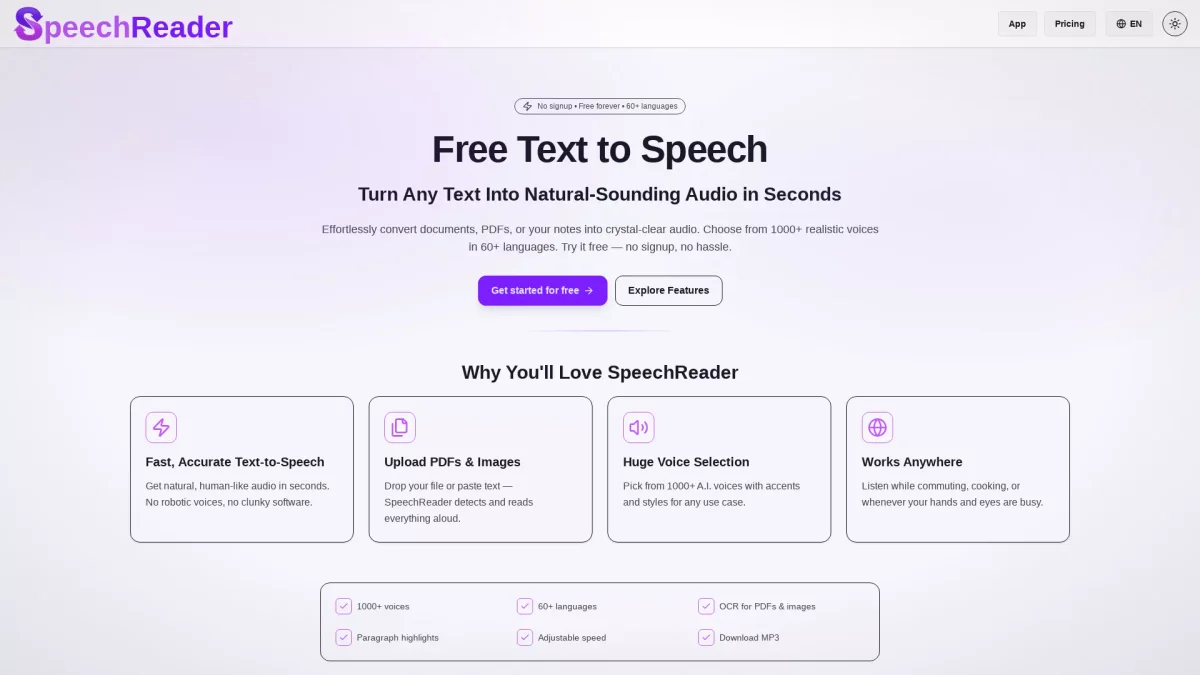
What is SpeechReader?
SpeechReader is a state-of-the-art text-to-speech tool designed to convert written text into spoken audio using advanced speech synthesis technology. Users can quickly paste their text or upload files, and the AI generates natural-sounding speech instantly. This tool addresses the need for quality voice output in various applications such as learning, content creation, and accessibility for individuals with visual impairments. One of the standout features of SpeechReader is its commitment to providing human-like voices that resonate with users. With support for multiple languages and voice styles, it caters to a wide audience, whether for educational purposes or professional projects. Users benefit from a completely free plan with no signup required, making it accessible for anyone who needs high-quality voiceovers, making it ideal for video production, podcasts, or e-learning materials.
Key Features
- Natural-sounding AI voices
- Supports multiple languages
- Downloadable audio files
- High-quality voice cloning options
- No signup required for free use
- Flexible voice styles
Who is it for?
- Content creators and educators
- Marketers and advertisers
- Individuals with visual impairments
- Podcast producers
- Video content creators
Use Cases
1. E-Learning Content
Transform written educational materials into engaging audio lessons. SpeechReader allows educators to create accessible content for students, enhancing learning experiences through auditory support.
2. Video Narration
Generate voiceovers for marketing videos or tutorials easily. With lifelike voices, SpeechReader enhances the viewing experience, ensuring that narratives are clear and engaging for audiences.
3. Podcast Production
Convert scripts or articles into audio format for podcasts. SpeechReader's realistic speech synthesis makes it easy to produce high-quality audio content without the need for professional voice talent.
4. Accessibility Support
Aid individuals with visual impairments by providing clear, natural-sounding audio from text content. SpeechReader ensures that vital information is accessible to everyone, promoting inclusivity.
5. AI Voice Cloning
Utilize SpeechReader's advanced features for voice cloning projects. Create unique voice profiles that can narrate text in personalized styles, perfect for creative storytelling.
Pricing Plans
Free: Access to multiple voices in various languages, Pro: Pricing information not available on website - additional features and premium support, Enterprise: Custom pricing - tailored solutions for large teams.
Frequently Asked Questions
1. Can I use SpeechReader for commercial projects?
Absolutely! SpeechReader provides high-quality voiceovers suitable for commercial applications such as marketing videos, podcasts, and educational content without any hidden fees.
2. What languages does SpeechReader support?
SpeechReader supports multiple languages including Hindi, English, Spanish, and more. This multilingual feature ensures users can create content tailored for diverse audiences.
3. How do I start using SpeechReader for free?
Getting started is easy! Simply paste your text or upload a file, choose an AI voice that matches your needs, and listen or download the audio file with no signup required.
4. Are there any usage limits in the free plan?
Yes, while the free plan allows you to use multiple voices for various languages, it may have limitations on the number of characters or features compared to paid plans.
SpeechReader Reviews & Ratings
Real user feedback and ratings for SpeechReader. See what the community thinks about this AI tool.
No reviews yet
Be the first to share your experience with SpeechReader