
SlidesAI
Create Stunning Presentations Instantly
SlidesAI is an AI-driven presentation maker that transforms your ideas into engaging slides rapidly, compatible with Google Slides and PowerPoint.
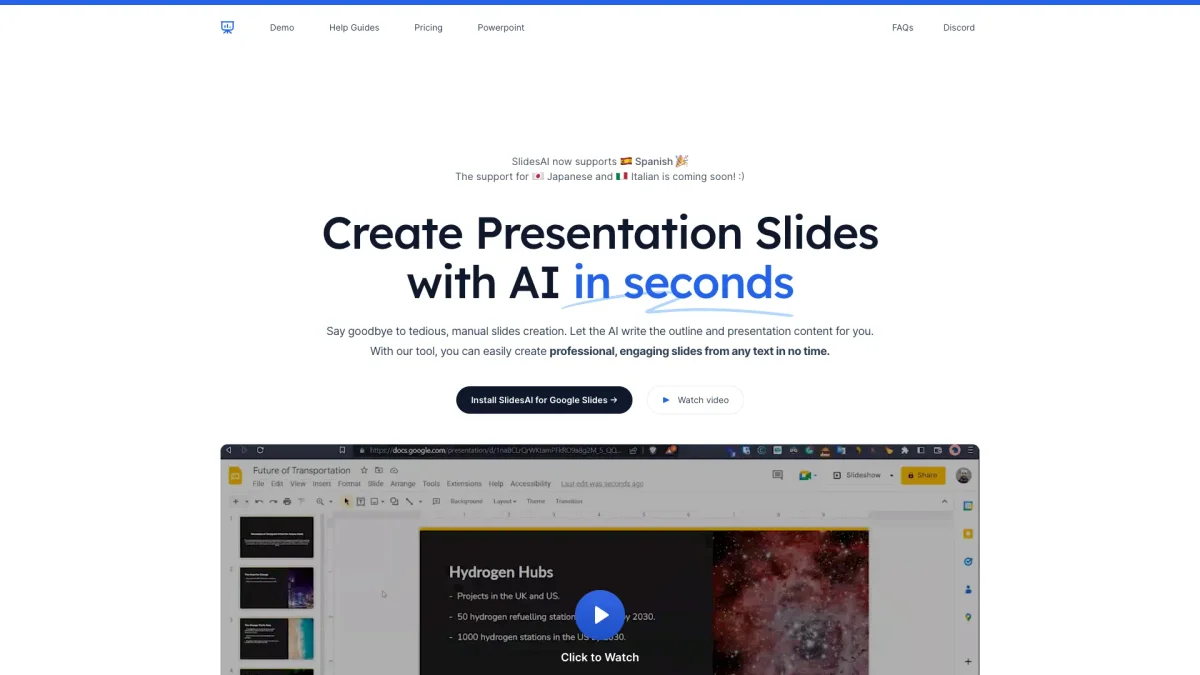
What is SlidesAI?
SlidesAI is a powerful AI presentation maker designed to simplify the creation of stunning presentations in Google Slides and PowerPoint. Its primary purpose is to save users time and effort by automatically generating slide content from text inputs, making it ideal for professionals, educators, and students who need to present information clearly and effectively. The key benefits of SlidesAI include its speed and ease of use, allowing users to create presentations 10 times faster. With features like customizable templates, language support, and seamless integration with popular presentation software, users can refine and enhance their presentations effortlessly. This tool not only boosts productivity but also ensures presentations are visually appealing and well-structured, making it an essential resource for anyone needing to communicate ideas effectively.
Key Features
- AI-generated slides from text
- Seamless integration with Google Slides
- Customizable templates and layouts
- Supports over 100 languages
- Instant image generation
- PowerPoint native integration
- Fast customer support
Who is it for?
- Educators and teachers
- Business professionals
- Students and researchers
- Marketing teams
- Content creators
Use Cases
1. Academic Presentations
Educators can quickly transform lecture notes or research findings into clear, structured presentations. SlidesAI helps in creating visually appealing slides that engage students and enhance learning.
2. Business Proposals
Marketing teams can use SlidesAI to generate compelling proposals and reports. By inputting key points and objectives, they can quickly create professional presentations that effectively communicate their strategies.
3. Event Planning Presentations
Event planners can streamline their workflow by converting ideas and plans into structured presentations. SlidesAI allows for quick adjustments and enhancements, ensuring that all necessary details are conveyed.
4. Workshops and Training Sessions
Professionals can prepare training materials rapidly. With SlidesAI, they can enter topics and automate the slide creation process, allowing them to focus on delivering content effectively.
5. Personal Projects
Individuals can create stunning presentations for personal projects or portfolios. SlidesAI enables users to showcase their work beautifully without needing extensive design skills or software knowledge.
Pricing Plans
Pricing information not available on website. Please visit the official website for current pricing.
Frequently Asked Questions
1. Does SlidesAI work with PowerPoint?
Yes, SlidesAI integrates seamlessly with PowerPoint, allowing users to create and edit presentations directly within the platform. It's available in the Add-ins store for easy installation.
2. What languages does SlidesAI support?
SlidesAI supports over 100 languages, including English, Spanish, French, Italian, Japanese, and Russian. This feature makes it accessible to a global audience.
3. How fast can I create a presentation?
With SlidesAI, you can generate a complete presentation in seconds. Just enter your topic, and the AI will organize sections, write content, and build professional slides for you.
4. Is there a free version of SlidesAI?
Yes, SlidesAI offers a free version that allows users to create presentations without any hidden fees. This is a great way to test the tool before considering a paid plan.
SlidesAI Reviews & Ratings
Real user feedback and ratings for SlidesAI. See what the community thinks about this AI tool.
No reviews yet
Be the first to share your experience with SlidesAI