
Skylum
Transform your photography with AI innovations
Skylum empowers photographers with cutting-edge AI tools to enhance, edit, and organize images effortlessly, elevating creativity and productivity in photography.
What is Skylum?
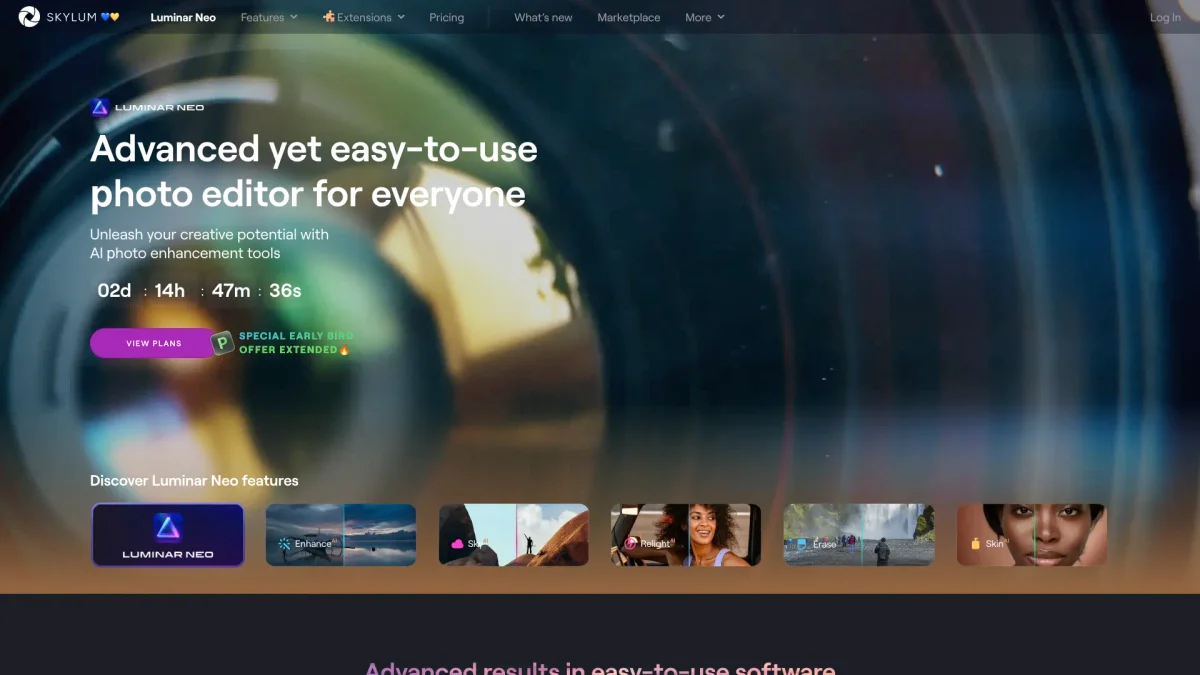
Skylum is a powerful software platform designed specifically for photographers, providing advanced tools for photo editing and organization. Its main purpose is to simplify and enhance the editing process using artificial intelligence, thereby solving common challenges faced by photographers, such as time-consuming manual edits and the need for high-quality results. Skylum's innovative features allow users to achieve stunning images with minimal effort. By using Skylum, photographers can benefit from streamlined workflows and enhanced creative possibilities. The software offers a range of intelligent tools that automate tedious tasks, enabling users to focus more on their artistic vision. With features like AI-driven enhancements, intuitive interfaces, and seamless integration with various devices, Skylum is an essential tool for both amateur and professional photographers aiming to elevate their work and efficiency.
Key Features
- AI-powered image enhancement tools
- Customizable filters and presets
- Intuitive photo management system
- Seamless integration with popular software
- Real-time editing and previews
- Batch processing for efficiency
Who is it for?
- Professional photographers
- Amateur photography enthusiasts
- Content creators and bloggers
- Photo editors and retouchers
Use Cases
1. Enhancing Landscape Photos
Use Skylum to enhance landscape photographs by applying AI-driven adjustments that improve colors, contrast, and sharpness, allowing nature's beauty to shine through in every shot.
2. Streamlining Photo Editing Workflow
Photographers can streamline their editing workflow by utilizing Skylum's batch processing feature, enabling them to edit multiple images simultaneously, significantly saving time on large projects.
3. Creating Stunning Portraits
With Skylum, users can easily create stunning portraits by applying intelligent retouching tools that enhance skin tones, remove blemishes, and adjust lighting for a professional finish.
4. Organizing Photo Libraries
Skylum helps photographers organize their photo libraries efficiently with intuitive tagging and categorization features, making it easy to find and manage images for future projects.
Pricing Plans
Pricing information not available on website. Please visit the official website for current pricing.
Frequently Asked Questions
1. Does Skylum offer a free trial?
Yes, Skylum offers a free trial period that allows users to explore the software's features and capabilities without any financial commitment, ideal for evaluating its fit for your photography needs.
2. What types of edits can I perform with Skylum?
Skylum allows you to perform a wide range of edits including color correction, sharpening, exposure adjustments, and applying various artistic filters to enhance your photographs creatively.
3. Is Skylum compatible with other editing software?
Yes, Skylum integrates seamlessly with popular editing software like Adobe Photoshop and Lightroom, allowing users to enhance their workflow and utilize multiple tools effectively.
4. Can I use Skylum for commercial photography?
Absolutely! Skylum is designed for both personal and commercial use, making it a versatile tool for photographers working on various projects, including client work and professional portfolios.
Skylum Reviews & Ratings
Real user feedback and ratings for Skylum. See what the community thinks about this AI tool.
No reviews yet
Be the first to share your experience with Skylum