
AI Photo Restorer
Revive and Enhance Your Old Photos
Transform blurred and faded images into vibrant memories with AI Photo Restoration, the ultimate online tool for restoring and enhancing old photographs.
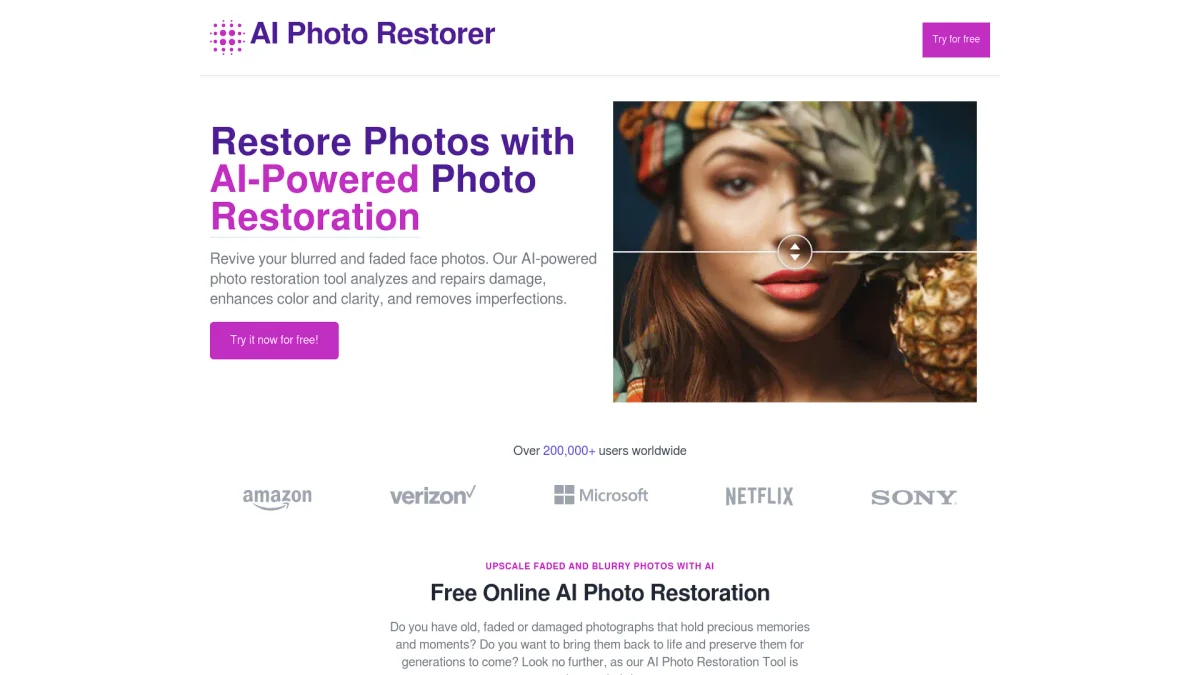
What is AI Photo Restorer?
AI Photo Restorer is an advanced online tool that utilizes artificial intelligence to restore and enhance old photographs. Its main purpose is to revive blurred and faded images, repairing damage and improving overall quality. By analyzing each photo, the tool restores lost details, enhances colors, and eliminates imperfections, making cherished memories look fresh and vibrant once again. Users benefit significantly from the AI Photo Restorer through its powerful features that upscale images up to four times their original resolution. This high-quality upscaling is perfect for various applications, including printing and creating wallpapers. The tool is designed for anyone looking to restore family photographs, enhance recent snapshots, or simply enjoy the magic of revitalized images, making it a valuable resource for both personal and professional use.
Key Features
- AI-powered photo restoration
- Upscale images up to 4x resolution
- Enhance colors and clarity
- Remove scratches and blemishes
- Fast processing time for images
- User-friendly interface for easy access
Who is it for?
- Photographers looking to restore images
- Families preserving memories
- Digital marketers enhancing visuals
- Professional photo retouchers
- Students working on projects
Use Cases
1. Restoring Family Memories
Upload old family photos that have faded or been damaged over time. The AI Photo Restorer will analyze and enhance these images, bringing back their original colors and details, making them perfect for sharing or printing.
2. Enhancing Portraits for Professional Use
Photographers can use the tool to enhance portraits by improving clarity and details. The AI technology refines facial features, ensuring that every image showcases the subject in the best possible light.
3. Creating High-Quality Wallpapers
Use the AI Photo Restorer to upscale scenic images or artwork up to four times their original resolution. This feature ensures that the details remain sharp and vibrant, perfect for use as wallpapers on various devices.
4. Preparing Images for Printing
Before printing, ensure your images are of the highest quality. The tool enhances images by correcting imperfections and boosting resolution, resulting in prints that look stunning and professionally finished.
Pricing Plans
Pricing information not available on website. Please visit the official website for current pricing.
Frequently Asked Questions
1. Can AI Photo Restoration restore old photos?
Yes, AI Photo Restorer is specifically designed to restore old photos by enhancing their details, colors, and overall quality. It can also remove scratches, dust, and other types of damage that may have occurred over time.
2. How effective is AI at restoring damaged photos?
AI is highly effective at restoring damaged photos, including fixing scratches, fading, and other forms of damage. The technology not only repairs but also improves image resolution, making old or damaged photos look as good as new.
3. How long does the AI photo restoration process take?
The restoration process is typically completed within a few seconds, depending on the complexity of the damage. Larger or more heavily damaged photos may take slightly longer to process.
4. Can I use AI photo restoration for free?
Yes, we offer a limited number of free credits when you sign up, allowing you to restore your first few photos for free. After using your free credits, additional credits can be purchased for continued restoration.
AI Photo Restorer Reviews & Ratings
Real user feedback and ratings for AI Photo Restorer. See what the community thinks about this AI tool.
No reviews yet
Be the first to share your experience with AI Photo Restorer