Screenapp
Your AI-powered assistant for audio and video
ScreenApp simplifies note-taking and transcription, transforming conversations into structured insights for effective communication and productivity.
What is Screenapp?
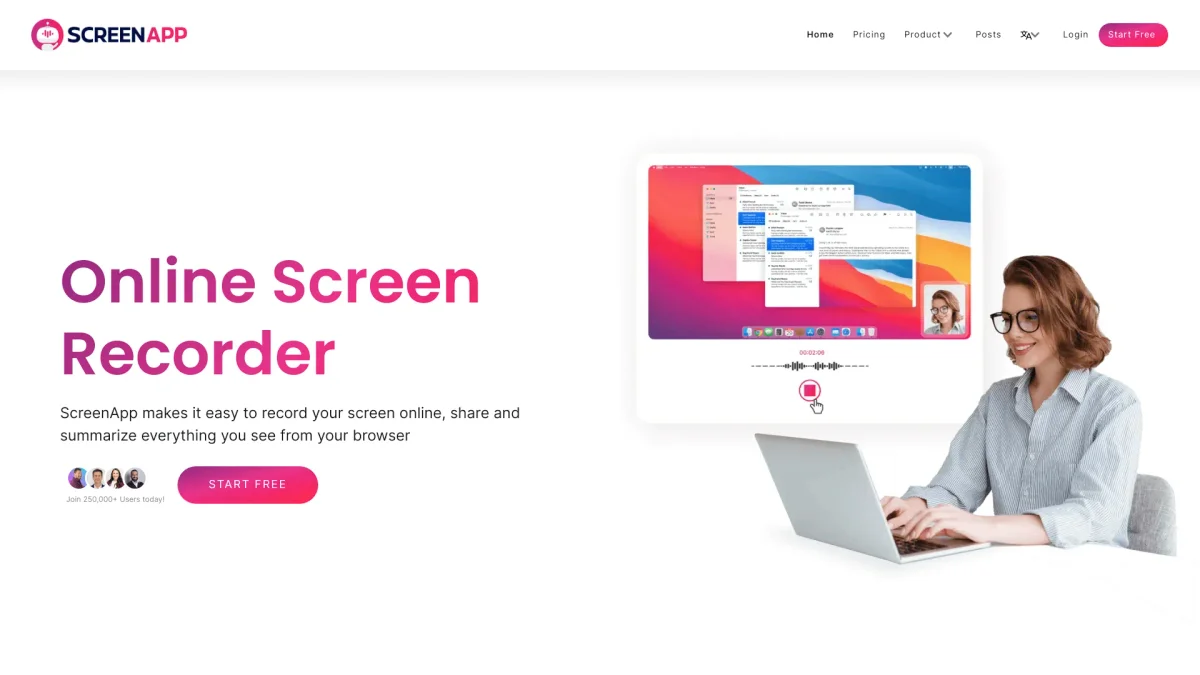
ScreenApp is a powerful AI notetaker and transcription tool designed to capture and summarize audio and video recordings effortlessly. Its main purpose is to help users manage meetings, lectures, and conversations by providing instant summaries and searchable transcriptions, turning scattered discussions into organized knowledge that can be easily accessed and reviewed. With ScreenApp, users can record and transcribe any audio or video content, allowing them to retrieve important details quickly. Key benefits include the ability to generate professional summaries, clean up messy text, and translate recordings in real-time, making it an invaluable tool for professionals, students, and anyone looking to optimize their productivity and understanding of recorded content.
Key Features
- Instant audio and video recording
- Real-time transcription and summarization
- Searchable notes from recordings
- PDF export of summaries
- Integration with popular meeting tools
- Real-time translation capabilities
- User-friendly interface with no installations
Who is it for?
- Business professionals
- Students and educators
- Content creators and marketers
- Project managers
- Remote teams and collaborators
Use Cases
1. Meeting Summaries
Record meetings with ScreenApp and automatically generate concise summaries. This allows team members to focus on discussions without worrying about taking notes, ensuring everyone stays informed and aligned.
2. Lecture Transcriptions
Students can record lectures and receive instant transcriptions and summaries. This makes reviewing complex topics easier, enhancing understanding and retention of course material.
3. Client Calls and Presentations
Capture client calls and presentations to create professional summaries that highlight key decisions and action items. This helps maintain clear communication and follow-up on important points.
4. Content Creation for Videos
Use ScreenApp to record video content and generate transcripts that can be edited into scripts or subtitles. This streamlines the video creation process and improves accessibility for viewers.
5. Real-time Translation
Leverage ScreenApp's translation capabilities during meetings or lectures to facilitate communication across different languages, making it ideal for diverse teams and global collaboration.
Pricing Plans
Free: Limited transcription minutes and basic summaries, Pro: $X/month - Unlimited transcription and premium features, Enterprise: Custom pricing - Tailored solutions for larger organizations.
Screenapp Reviews & Ratings
Real user feedback and ratings for Screenapp. See what the community thinks about this AI tool.
No reviews yet
Be the first to share your experience with Screenapp