
SaveDay
Your ultimate bookmark manager and organizer
SaveDay simplifies capturing, organizing, and utilizing your online knowledge effectively, enhancing productivity and information management.
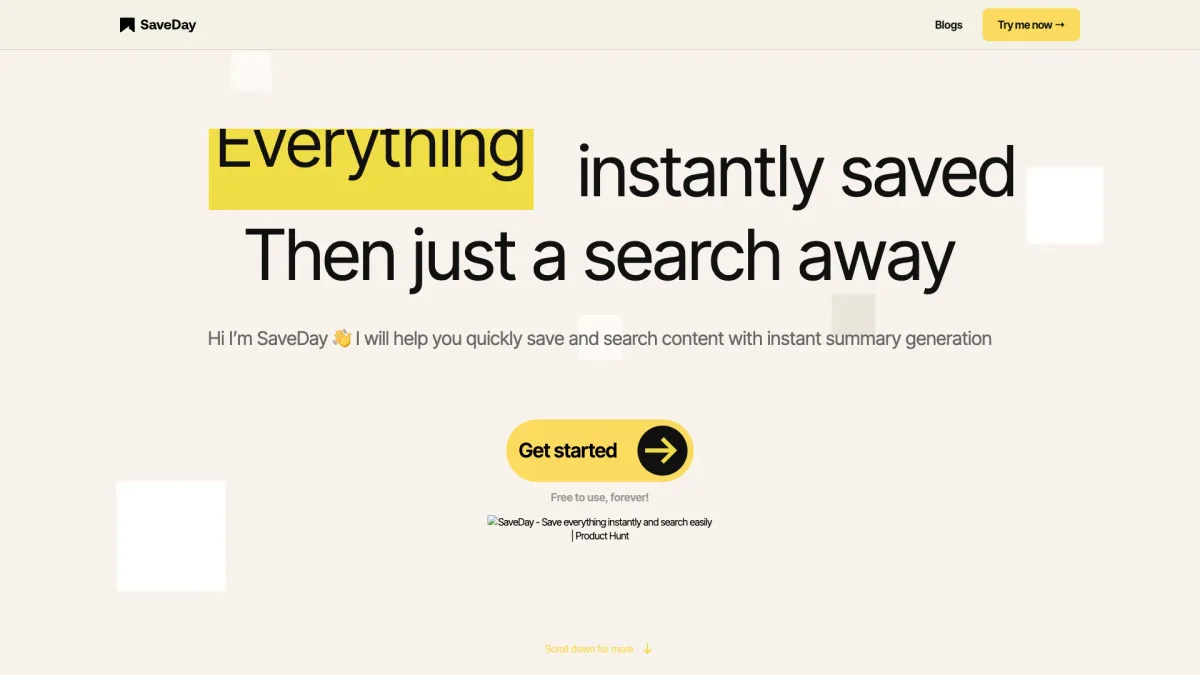
What is SaveDay?
SaveDay is a smart bookmark manager designed to capture, organize, and utilize your knowledge effortlessly. Its primary purpose is to help users save important information from the internet quickly, eliminating the hassle of manual organization and retrieval. With just one click, you can capture anything online, making it an essential tool for anyone looking to streamline their information management. Users benefit from SaveDay through its automatic organization features and effective search capabilities, enabling them to find saved content easily. The tool empowers individuals and teams to enhance productivity by minimizing the time spent on data retrieval and organization. With a commitment to privacy and data security, SaveDay ensures that your saved information remains confidential and accessible only to you, making it a trusted solution for knowledge management.
Key Features
- One-click information capture
- Automatic organization of bookmarks
- Advanced search functionality
- Cross-device accessibility
- Privacy-first approach
- Telegram integration
- Browser extension support
Who is it for?
- Students and researchers
- Content creators and bloggers
- Digital marketing professionals
- Project management teams
- Tech-savvy users
Use Cases
1. Research and Study Management
Easily capture articles, papers, and web pages for research projects. SaveDay allows users to organize their findings and access them quickly, making study sessions more efficient.
2. Creating Content for Blogs
SaveDay helps bloggers capture ideas, articles, and references in one place. Users can quickly organize saved content and retrieve it when drafting new posts, streamlining the writing process.
3. Team Collaboration and Sharing Knowledge
Teams can use SaveDay to capture and share relevant information seamlessly. The automatic organization feature ensures that all team members can easily access shared resources, enhancing collaboration.
4. Bookmarking Important Web Pages
Users can save important web pages and articles for easy access later. SaveDay's tagging and organization features help keep bookmarks sorted, so users never lose valuable information.
Pricing Plans
Free: Basic features including Telegram integration and browser extensions, Pro: Pricing information not available on website. Please visit the official website for current pricing.
Frequently Asked Questions
1. What is the main purpose of SaveDay?
SaveDay is designed to help users capture, organize, and utilize their online knowledge effectively, making information management easier and more efficient.
2. Is my saved content private and secure?
Yes, SaveDay prioritizes user privacy and security. All saved content is kept confidential, and the platform does not share any information with third parties.
3. Can I access SaveDay on multiple devices?
Absolutely! SaveDay allows users to access their saved content from any device with the appropriate browser or Telegram integration, ensuring seamless access across platforms.
4. What features are included in the free plan?
The free plan includes basic features such as the ability to capture content via Telegram and browser extensions, along with automatic organization of saved information.
SaveDay Reviews & Ratings
Real user feedback and ratings for SaveDay. See what the community thinks about this AI tool.
No reviews yet
Be the first to share your experience with SaveDay