
RemoveWatermark
Effortlessly remove watermarks from media
RemoveWatermark provides a user-friendly platform to instantly erase unwanted watermarks, logos, and text from images and videos without compromising quality.
What is RemoveWatermark?
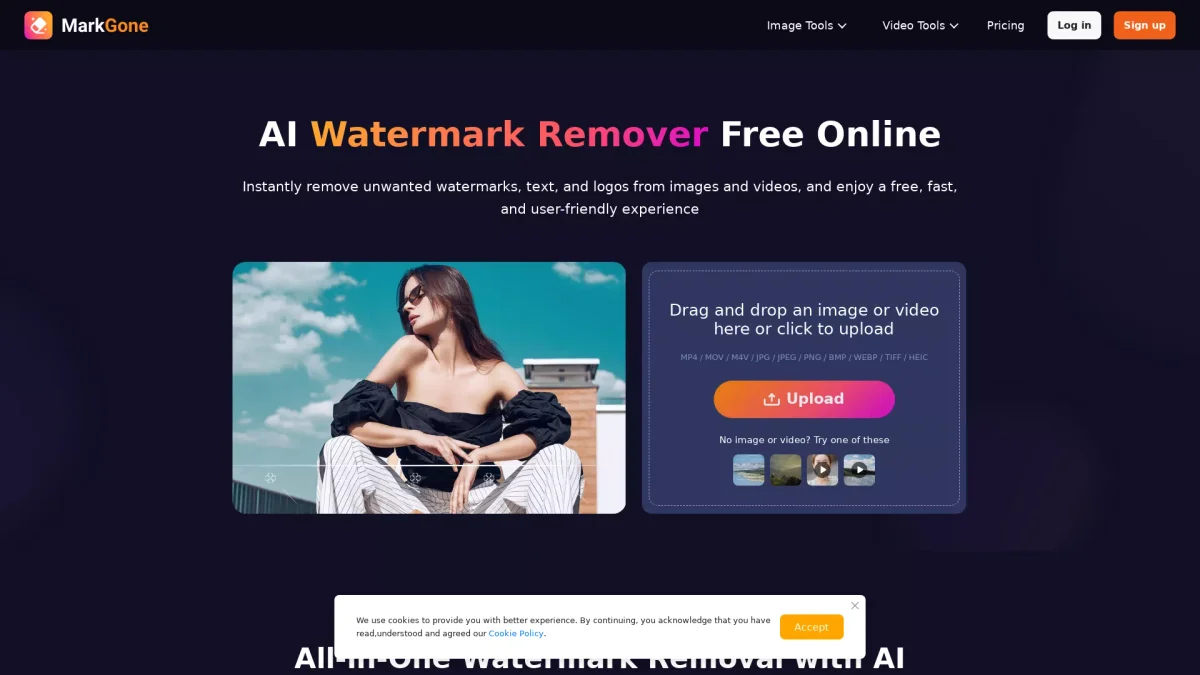
RemoveWatermark is an online tool designed to help users effortlessly remove watermarks, logos, and text from photos and videos. Its main purpose is to provide a fast and efficient solution for individuals and professionals who need clean visuals for personal or commercial use. By utilizing advanced AI technology, RemoveWatermark eliminates unwanted content with a single click, making it accessible to everyone without the need for complex editing skills. The key benefits of RemoveWatermark include its user-friendly interface, high-quality results without visual distortion, and strict data security measures. Users can quickly upload their media files in various formats, and the AI handles the watermark removal automatically, preserving the original quality. This tool is ideal for content creators, marketers, and anyone looking to enhance their visual media while maintaining professionalism and visual integrity in their work.
Key Features
- One-click watermark removal
- Supports various media formats
- No manual editing required
- Maintains original quality
- Secure data processing
- Fast and efficient results
Who is it for?
- Content creators and bloggers
- Social media managers
- Video editors and producers
- Digital marketing professionals
Use Cases
1. Social Media Content Creation
Easily clean images and videos before posting on social media platforms. RemoveWatermark ensures your content looks polished and professional, helping maintain brand integrity and engagement.
2. Restoring Old Photos
Use RemoveWatermark to remove unwanted stamps and logos from old photographs. This tool helps restore the visual appeal of historical images, making them suitable for sharing or printing.
3. Video Editing and Production
Quickly erase logos and watermarks from video clips during the editing process. RemoveWatermark allows video editors to maintain high-quality visuals, ensuring a seamless final product.
4. Preparing Images for Marketing
Remove watermarks from promotional images to create clean visuals for marketing campaigns. With this tool, marketers can enhance their graphics, making them more appealing to potential customers.
Pricing Plans
Free: Limited daily uses of watermark removal, Pro: $X/month - Unlimited access and additional features, Enterprise: Custom pricing - Tailored solutions for large teams.
Frequently Asked Questions
1. What file formats does RemoveWatermark support?
RemoveWatermark supports various formats including MP4, MOV, M4V, JPG, JPEG, PNG, BMP, WEBP, TIFF, and HEIC, allowing you to upload and process multiple types of media.
2. Can I use RemoveWatermark for commercial projects?
You may only use RemoveWatermark on images or videos that you own or have the rights to. It is prohibited to remove watermarks from copyrighted content without authorization.
3. How does RemoveWatermark maintain data security?
RemoveWatermark employs strict security measures for all uploaded files, ensuring that user information is protected during the watermark removal process. Data privacy is a top priority.
4. Are there any limits on file sizes for uploads?
Yes, image files can be up to 20MB, while video files can be up to 300MB and 10 minutes in length. Users should ensure their media meets these criteria for successful uploads.
RemoveWatermark Reviews & Ratings
Real user feedback and ratings for RemoveWatermark. See what the community thinks about this AI tool.
No reviews yet
Be the first to share your experience with RemoveWatermark