Protopie
Elevate your prototyping experience effortlessly
ProtoPie is an innovative prototyping tool that enables designers to create interactive prototypes with ease, enhancing collaboration and user experience.
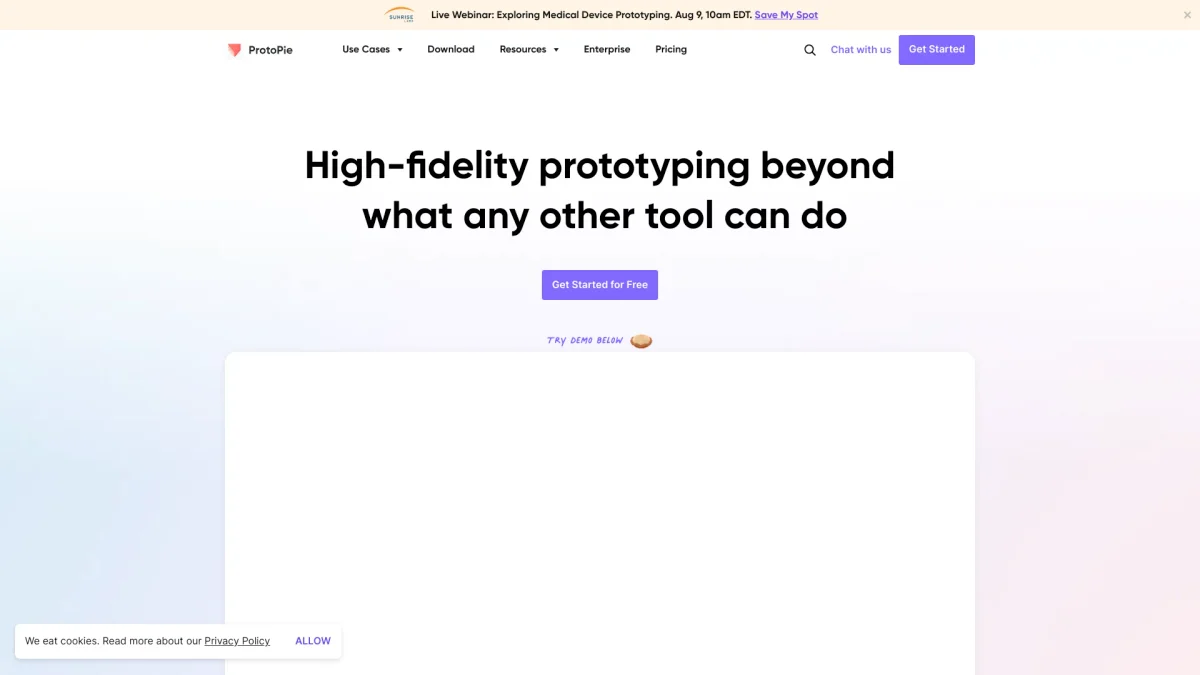
What is Protopie?
ProtoPie is a powerful prototyping tool designed for UI/UX designers, allowing them to create interactive and high-fidelity prototypes without coding. Its main purpose is to bridge the gap between design and development by enabling designers to simulate complex interactions and user experiences, thus solving the challenge of traditional prototyping methods that often fall short in demonstrating true app functionality. By using ProtoPie, users benefit from its ability to integrate with popular design tools like Figma and Sketch, providing seamless workflows. The platform supports multiple device interactions and native device sensors, ensuring prototypes feel realistic and engaging. With features such as team collaboration, extensive cloud storage, and customizable options, ProtoPie empowers design teams to work more efficiently and creatively, making it an essential tool for modern product development.
Key Features
- Interactive and high-fidelity prototypes
- Integration with Figma, Sketch, and Adobe XD
- Support for multiple device interactions
- Cloud storage for easy access
- Native device sensors for realistic simulations
- Team collaboration and sharing options
- Customizable add-ons for enhanced functionality
Who is it for?
- UI/UX designers
- Product design teams
- Tech startups
- Design agencies
- Freelance designers
Use Cases
1. User Experience Testing
Designers can create prototypes with various user interactions to test user experience and gather feedback before actual development, ensuring the final product aligns with user needs.
2. Collaborative Design Workshops
ProtoPie allows teams to collaborate in real-time during design workshops, enabling participants to interact with prototypes and provide instant feedback, which enhances the design process.
3. Presenting Concepts to Stakeholders
With ProtoPie, designers can create high-fidelity prototypes that effectively demonstrate design concepts to stakeholders, making it easier to communicate ideas and gain project approvals.
4. Simulating Complex Interactions
Utilize ProtoPie to simulate complex app interactions, such as transitions and animations, providing a clear understanding of the app's functionality for both designers and developers.
5. Integrating Device Features
Leverage ProtoPie’s ability to use native device sensors, such as touch and motion, to create realistic prototypes that showcase how users will interact with the final product.
Pricing Plans
Free: 2 prototypes, 2 scenes per prototype, 50MB cloud storage; Pro: $47/editor/month - Unlimited prototypes, unlimited handoff recordings, 5GB cloud storage; Enterprise: Custom pricing - Private server, dedicated training, and support.
Frequently Asked Questions
1. What features are included in the free plan?
The free plan includes 2 prototypes, 2 scenes per prototype, and 50MB of cloud storage, allowing users to explore basic functionalities without any cost.
2. How does the Pro plan differ from the Basic plan?
The Pro plan includes all Basic features plus unlimited prototypes, unlimited handoff recordings, 5GB of cloud storage per team, and local prototype saving capabilities.
3. Can I upgrade my plan after subscribing?
Yes, you can easily upgrade your plan from Basic to Pro by accessing the Billing section in your account settings and following the prompts for upgrading.
4. Is ProtoPie suitable for team collaboration?
Absolutely! ProtoPie offers team libraries, multiple team collaboration features, and unlimited handoff recordings, making it an ideal choice for design teams working together.
Protopie Reviews & Ratings
Real user feedback and ratings for Protopie. See what the community thinks about this AI tool.
No reviews yet
Be the first to share your experience with Protopie