PresentationGPT
Create Stunning Presentations with AI
Generate high-quality, engaging presentations in seconds with PresentationGPT, designed to impress and save you time on content creation.
What is PresentationGPT?
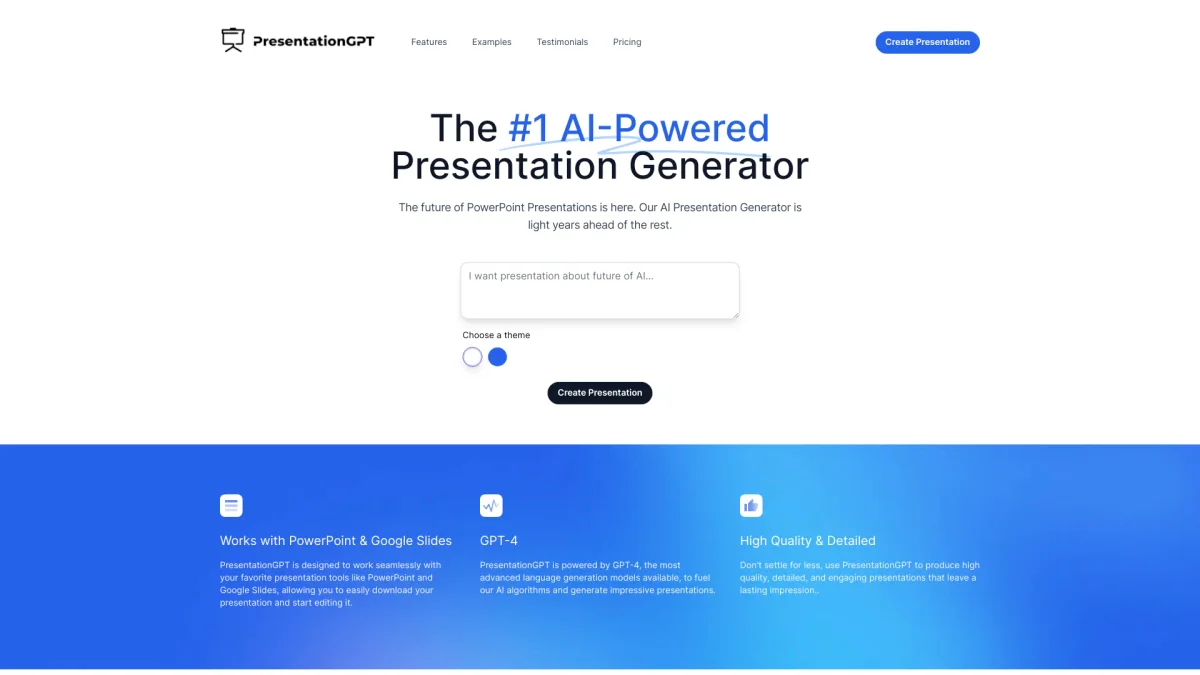
PresentationGPT is an advanced AI-powered presentation generator that helps users create high-quality, detailed presentations quickly and effortlessly. Its main purpose is to streamline the presentation-making process, allowing users to focus on content rather than design. PresentationGPT solves the common problem of time-consuming presentation creation by leveraging an advanced language model, LISA, specifically optimized for generating impressive presentations. The key benefits of PresentationGPT include saving time and effort while ensuring high-quality outputs that can be easily customized. Users can generate presentations compatible with PowerPoint and Google Slides, allowing for easy editing and sharing. With no hidden fees and a straightforward pricing model, PresentationGPT empowers users to create, edit, and download professional presentations without the hassle of starting from scratch, making it ideal for students, professionals, and anyone in need of visually appealing presentations.
Key Features
- AI-generated presentations in seconds
- Compatibility with PowerPoint and Google Slides
- Customizable themes and text colors
- High-quality editable file formats
- No hidden fees or subscriptions
- Unlimited presentations in free plan
- Proprietary language model LISA
Who is it for?
- Business professionals
- Students and educators
- Marketing teams
- Content creators
- Corporate trainers
Use Cases
1. Business Pitch Presentations
Generate compelling pitch decks for investors in minutes. PresentationGPT allows entrepreneurs to create visually appealing slides that effectively communicate their business ideas and strategies.
2. Educational Lectures and Workshops
Educators can create engaging presentations for lectures and workshops. With customizable themes and layouts, educators can present complex topics in an easily digestible format.
3. Marketing Campaign Overviews
Marketing teams can quickly assemble presentations that showcase campaign strategies, results, and insights. PresentationGPT's AI ensures that the messaging is clear and impactful, aiding in stakeholder buy-in.
4. Conference and Event Presentations
Speakers can create professional presentations for conferences and events, ensuring they stand out. The tool’s design flexibility allows for tailored presentations that align with event themes.
Pricing Plans
Free: Create unlimited presentations, share presentations easily, access to basic design templates; Pro: $5 pay per download - High-quality editable PowerPoint and Google Slides files; $12/mo Unlimited Downloads Subscription - Access to all features with unlimited downloads.
Frequently Asked Questions
1. What payment methods are supported on PresentationGPT?
PresentationGPT accepts various payment methods for its Pro plans, ensuring a smooth transaction process. Users can choose their preferred method when purchasing downloads or subscriptions.
2. Can I change the images on the generated presentations?
Yes, once you download the presentations created with PresentationGPT, you can easily edit and change images as needed in PowerPoint or Google Slides.
3. How does the free plan work?
The free plan allows users to create unlimited presentations and share them easily. Users can access basic design templates, and only pay when they choose to download presentations in specific formats.
4. What file formats can I download presentations in?
Presentations generated on PresentationGPT can be downloaded in various formats, including high-quality editable PowerPoint files, non-editable PDF files, and editable Google Slides decks.
PresentationGPT Reviews & Ratings
Real user feedback and ratings for PresentationGPT. See what the community thinks about this AI tool.
No reviews yet
Be the first to share your experience with PresentationGPT