
Napkin
Transform your text into impactful visuals
Napkin AI converts your written ideas into engaging visuals, simplifying the process of business storytelling and enhancing communication effectiveness.
What is Napkin?
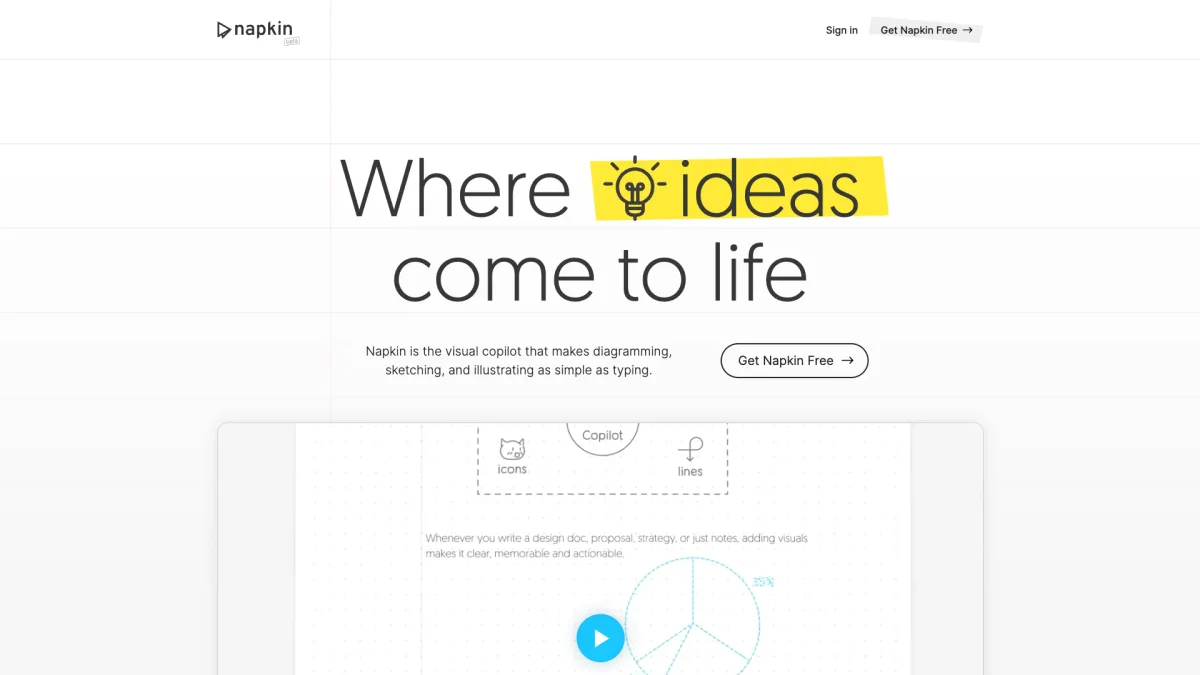
Napkin is a visual AI tool designed to help users convert their text into relevant visuals like infographics, diagrams, and flowcharts. Its primary purpose is to streamline the process of creating compelling visual content, making it easier for individuals and teams to communicate ideas effectively without needing extensive design skills. By eliminating the complexity of visual creation, Napkin empowers users to enhance their presentations and documents effortlessly. The key benefits of Napkin include its ability to generate visuals quickly from existing text, allowing users to focus on the message rather than the design. With fully editable visuals, users can customize styles, colors, and fonts to match their branding. This flexibility makes Napkin ideal for various use cases, including presentations, social media content, and documentation, ultimately saving time and improving the overall quality of communication across different platforms.
Key Features
- Direct text-to-visual generation
- Fully editable visuals
- Extensive icon database
- Dynamic connectors for clarity
- Multiple export formats
- User-friendly interface
Who is it for?
- Business professionals
- Educators and trainers
- Content creators and bloggers
- Marketing teams
- Project managers
Use Cases
1. Creating Engaging Presentations
Use Napkin to transform your textual content into visually appealing slides. The tool helps you generate infographics and diagrams, making your presentations more engaging and effective.
2. Designing Visual Content for Social Media
Quickly create eye-catching visuals for social media platforms. Napkin allows you to produce high-quality graphics that align with your brand's messaging, enhancing audience engagement.
3. Generating Infographics for Reports
Elevate your reports with auto-generated infographics and data charts. Napkin simplifies complex information into digestible visuals, making it easier for your audience to understand key points.
4. Developing Educational Materials
Educators can use Napkin to create visually rich teaching materials. The ability to generate diagrams and flowcharts helps illustrate concepts clearly, aiding student comprehension.
Pricing Plans
Free: Basic features with some limitations, Pro: Pricing information not available on website - Enhanced features for regular use, Enterprise: Custom pricing - Tailored solutions for large teams.
Frequently Asked Questions
1. Is there a free version of Napkin available?
Yes, Napkin offers a free plan that includes basic features, allowing users to explore the tool without any charges. However, some limitations may apply.
2. How do I create visuals in Napkin?
Creating visuals in Napkin is simple. You can import or paste your text, and the tool will automatically generate relevant visuals for you to choose from.
3. What formats can I export my visuals in?
Napkin allows users to export visuals in multiple formats, including PPT, PDF, PNG, and SVG, ensuring compatibility with various platforms and uses.
4. Can I edit the visuals generated by Napkin?
Absolutely! All visuals created in Napkin are fully editable, enabling users to customize content, style, and other elements to suit their needs.
Napkin Reviews & Ratings
Real user feedback and ratings for Napkin. See what the community thinks about this AI tool.
No reviews yet
Be the first to share your experience with Napkin