NanoBananaPhotoshop
AI-Powered Editing for Photoshop Users
Transform your Photoshop workflow with AI-driven edits using Nano Banana Photoshop, delivering professional results effortlessly and quickly.
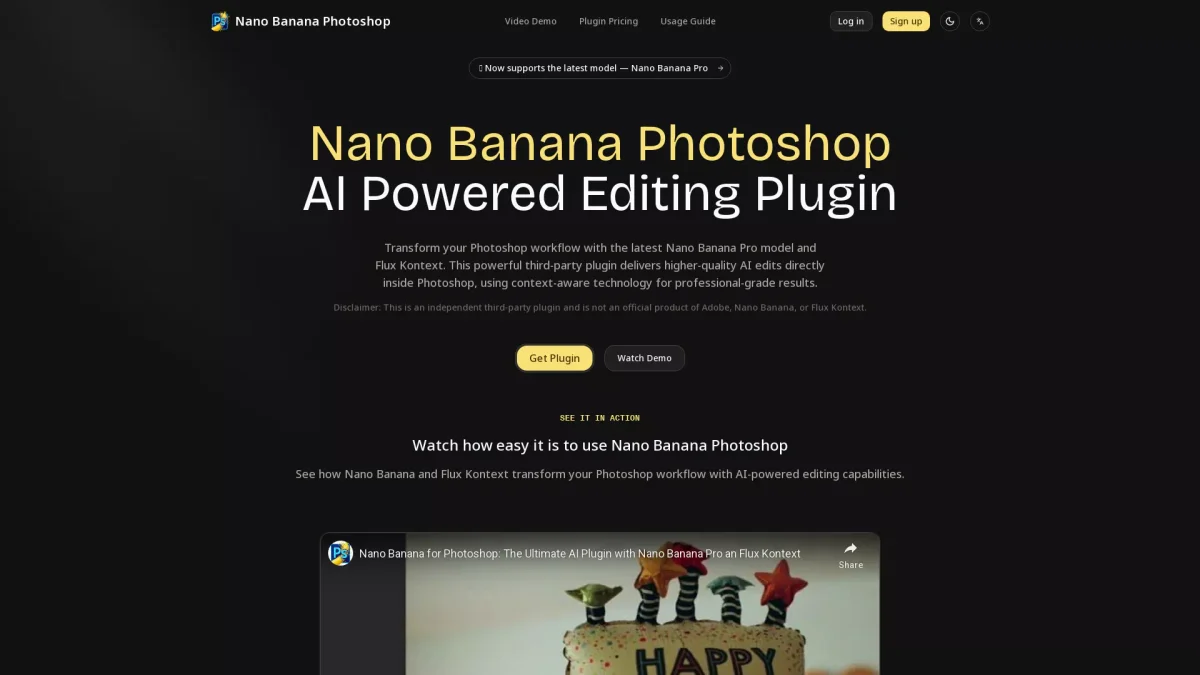
What is NanoBananaPhotoshop?
NanoBananaPhotoshop is an innovative AI-powered editing plugin designed to enhance the Photoshop experience by providing context-aware editing capabilities. Its main purpose is to enable users to create high-quality edits seamlessly within their existing Photoshop workflow, addressing common challenges related to image editing. By integrating advanced AI technology, NanoBananaPhotoshop simplifies the editing process, making it accessible and efficient for users at all skill levels. The key benefits of using NanoBananaPhotoshop include its professional-grade results and ease of use. With features like quick installation and context-aware technology, users can achieve stunning edits with minimal effort. Whether you're a graphic designer, photographer, or content creator, this plugin helps streamline your editing tasks, allowing you to focus on creativity while saving time and enhancing productivity through powerful AI-driven tools.
Key Features
- Context-aware editing technology
- Professional-grade AI edits
- Easy 5-minute installation
- Supports multiple AI models
- Quick access through Photoshop scripts
- Cost-effective per-image pricing
- Works on macOS and Windows
Who is it for?
- Graphic designers
- Photographers
- Content creators
- Digital artists
- Marketing professionals
Use Cases
1. Quick Edits for Social Media
Easily produce eye-catching images for social media platforms. Use the AI capabilities to enhance photos or create original designs that attract more engagement and followers.
2. Professional Image Retouching
Leverage NanoBananaPhotoshop for retouching images with precision. The plugin allows for quick edits such as color correction and detail enhancement, ensuring high-quality results for portfolios or client work.
3. Creative Typography Designs
Utilize context-aware editing to create stunning typography. The Flux Kontext model enables designers to integrate text seamlessly into images, enhancing visual storytelling.
4. Fast Prototyping for Marketing Materials
Speed up the design process for marketing campaigns. Create quick prototypes and visuals that align with brand identity, all while maintaining professional quality using AI-powered features.
Pricing Plans
Original price $9.9 — now only $8. Current costs per image: Nano Banana: ~$0.039, Flux Kontext Pro: ~$0.04, Flux Kontext Max: ~$0.08.
Frequently Asked Questions
1. Is NanoBananaPhotoshop compatible with Windows?
Yes, NanoBananaPhotoshop works on Windows, but there may be some limitations such as brief command windows appearing on Windows 10. The plugin is fully functional on Windows 11, but the Reference Image option is not available on Windows.
2. What is the cost per image using NanoBananaPhotoshop?
The current costs per image are approximately $0.039 for the Nano Banana model, $0.04 for Flux Kontext Pro, and $0.08 for Flux Kontext Max. This pricing structure makes it cost-effective for users.
3. What version of Photoshop is required for this plugin?
NanoBananaPhotoshop requires Adobe Photoshop CC 2020 or newer versions. It is compatible with both macOS 10.14+ and Windows 10+.
4. Can I use both AI models in NanoBananaPhotoshop?
Yes, users can choose between the Nano Banana model for quick edits and the Flux Kontext model for more context-aware and detailed editing. This flexibility allows for tailored editing experiences.
NanoBananaPhotoshop Reviews & Ratings
Real user feedback and ratings for NanoBananaPhotoshop. See what the community thinks about this AI tool.
No reviews yet
Be the first to share your experience with NanoBananaPhotoshop