
Mp4ToText
Convert MP4 videos to text effortlessly
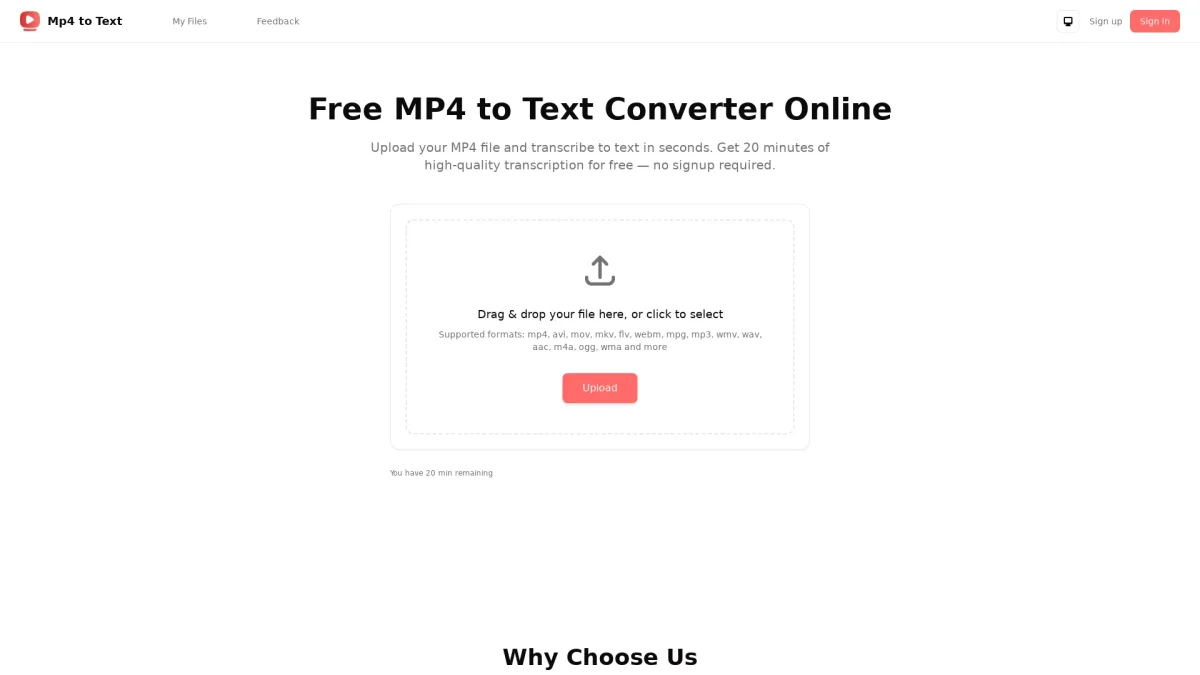
Mp4ToText transforms your video files into written text, enabling easy transcription and content accessibility for various applications.
What is Mp4ToText?
Mp4ToText is a specialized tool designed to convert MP4 video files into text formats, addressing the challenges of transcribing audio content manually. By automating this process, it saves users time and effort, making video content more accessible in text form for editing, sharing, or archiving. This service is particularly useful for educators, content creators, and professionals needing accurate transcriptions for their video materials. With Mp4ToText, users benefit from high transcription accuracy and quick turnaround times. The tool is ideal for those looking to enhance their productivity by easily converting spoken content into written form. This capability allows users to focus on analysis, content creation, or improving their video materials without the burden of manual transcription. Whether for educational purposes, content marketing, or research, Mp4ToText streamlines the process of converting video to text.
Key Features
- High accuracy transcription
- Fast processing times
- User-friendly interface
- Supports multiple languages
- Customizable output formats
- No software installation required
Who is it for?
- Educators and teachers
- Content creators and YouTubers
- Researchers and students
- Business professionals
- Transcription service providers
Use Cases
1. Transcribing Educational Videos
Educators can use Mp4ToText to convert lecture videos into text, making it easier for students to review materials and enhance learning outcomes through accessible written content.
2. Creating Video Subtitles
Content creators can generate text from their video content to create accurate subtitles, improving accessibility for viewers with hearing impairments and enhancing engagement across platforms.
3. Research Documentation
Researchers can transcribe interviews or recorded discussions quickly, allowing for efficient data analysis and easier documentation of qualitative research findings.
4. Content Repurposing
Businesses can convert webinars and presentations into written formats for blog posts or articles, maximizing the value of their video content and reaching wider audiences.
Pricing Plans
Pricing information not available on website. Please visit the official website for current pricing.
Frequently Asked Questions
1. What file formats does Mp4ToText support?
Mp4ToText primarily supports MP4 video files for transcription. The tool is optimized for this format to ensure high accuracy and efficient conversion to text.
2. Is there a limit on video length for transcription?
Mp4ToText allows for the transcription of videos of various lengths. However, for very long videos, processing times may vary, so it's advisable to check the tool for any specific limits.
3. Can I edit the transcription after conversion?
Yes, once the transcription is generated, users can easily edit the text for accuracy or to meet specific needs, ensuring that the final output aligns with their requirements.
4. Is my data secure when using Mp4ToText?
Mp4ToText prioritizes user security, employing encryption methods to protect data during processing and ensuring that user information remains confidential and secure.
Mp4ToText Reviews & Ratings
Real user feedback and ratings for Mp4ToText. See what the community thinks about this AI tool.
No reviews yet
Be the first to share your experience with Mp4ToText