
ImgGood
Transform Your Photos with AI Magic
Elevate your photography with ImgGood's free online AI photo editor, featuring tools for background removal, image enhancement, and creative transformations.
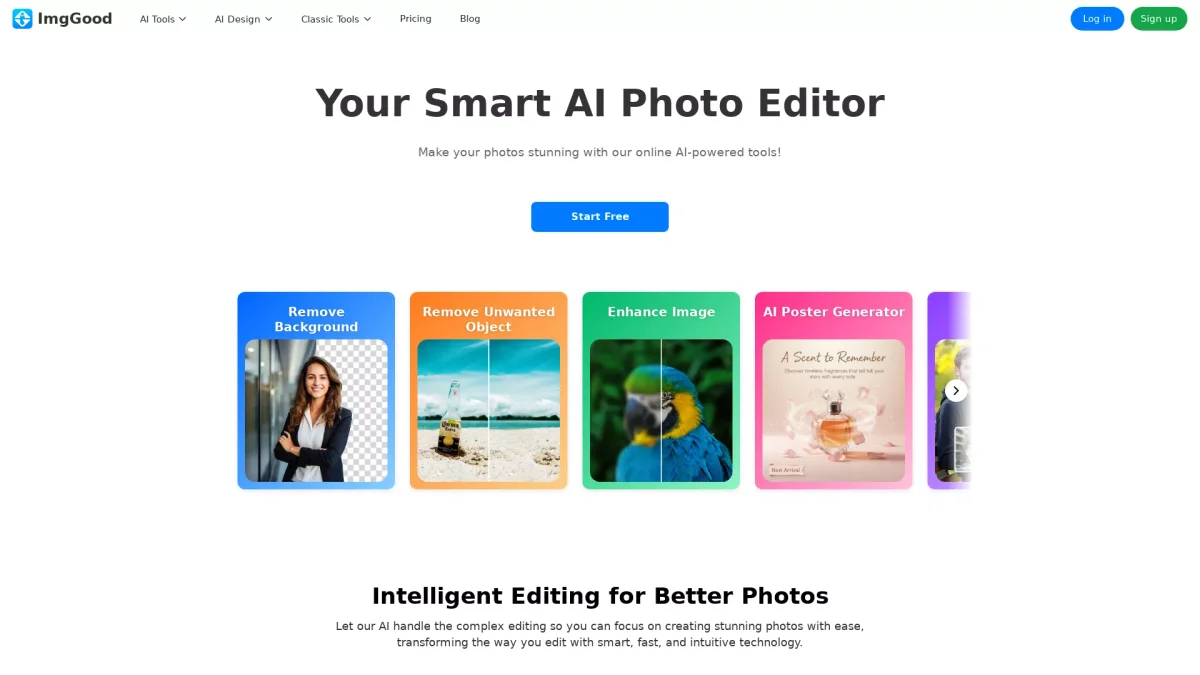
What is ImgGood?
ImgGood is an innovative online photo editing tool that harnesses advanced AI technology to simplify the process of photo enhancement. Its main purpose is to provide users with powerful editing capabilities, including background removal, image upscaling, and object removal, solving common photo editing challenges with ease and efficiency. Whether for personal use or professional projects, ImgGood allows users to create stunning images without needing extensive editing skills. Users can benefit from ImgGood's intuitive interface and smart tools that streamline complex editing tasks. With features such as AI product photography and poster generation, it empowers creatives, marketers, and everyday users to produce high-quality visuals quickly. The platform is ideal for anyone looking to enhance their images, making it a go-to solution for photographers, e-commerce businesses, and social media enthusiasts seeking impactful visuals effortlessly.
Key Features
- Effortless background removal
- Advanced image enhancement tools
- Batch processing for multiple images
- AI-powered object removal
- Instant promotional poster creation
- Image upscaling with clarity
- Creative photo transformations
Who is it for?
- Photographers and editors
- E-commerce business owners
- Social media marketers
- Content creators and bloggers
Use Cases
1. E-commerce Product Photography
Create professional-quality product photos effortlessly. Upload images and let ImgGood enhance them, making your listings more attractive to potential buyers while saving time on editing.
2. Social Media Content Creation
Generate eye-catching visuals for your social media platforms. Use ImgGood to create stunning promotional posters, enhancing your images to stand out on Instagram and TikTok.
3. Restoring Old Photos
Revive your cherished memories by colorizing and enhancing old black-and-white photos. ImgGood's tools restore clarity and vibrancy, allowing you to preserve your history beautifully.
4. Quick Background Removal
Easily remove backgrounds from images for a cleaner look. ImgGood's background remover is perfect for creating profile pictures or product listings, ensuring a polished final result.
Pricing Plans
Free: Basic features including background removal and image enhancement, Pro: $X/month - Unlock all advanced features and priority support, Enterprise: Custom pricing - Tailored solutions for larger teams.
Frequently Asked Questions
1. Is ImgGood free to use?
Yes, ImgGood offers a free plan that includes basic features for users. You can access essential tools without any hidden fees, with an option to upgrade for more advanced functionalities.
2. Can I use ImgGood on mobile devices?
Absolutely! ImgGood is accessible via mobile web browsers, so you can edit your photos on the go, providing flexibility for users who prefer working on their smartphones or tablets.
3. What types of images can I edit with ImgGood?
ImgGood supports various image formats, allowing you to edit JPEG, PNG, and other common image types. This makes it versatile for different editing needs and projects.
4. Does ImgGood provide batch processing?
Yes, ImgGood features a bulk background remover that allows users to process multiple images simultaneously. This saves time and enhances productivity for users with large quantities of photos.
ImgGood Reviews & Ratings
Real user feedback and ratings for ImgGood. See what the community thinks about this AI tool.
No reviews yet
Be the first to share your experience with ImgGood