ImagenAI
AI-driven photo editing for professionals
ImagenAI offers advanced photo editing solutions powered by artificial intelligence, allowing photographers to enhance their images effortlessly and efficiently.
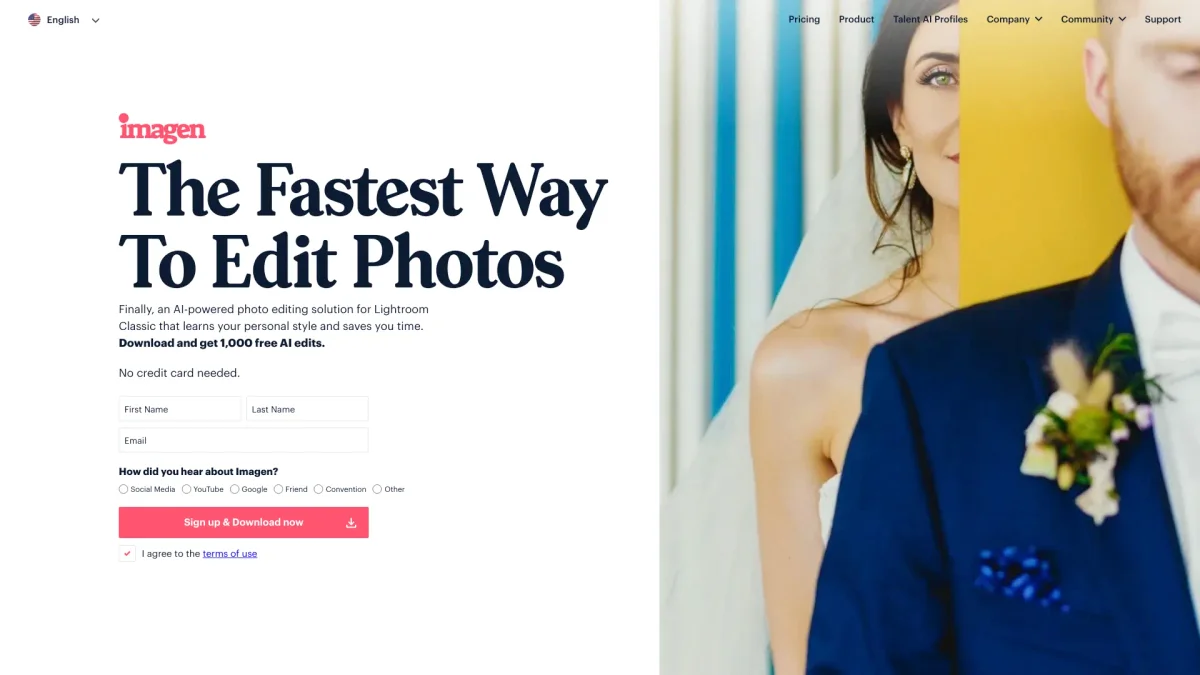
What is ImagenAI?
ImagenAI is a cutting-edge AI tool designed to streamline and enhance the photo editing process for photographers and creatives. Its primary purpose is to automate tedious editing tasks, allowing users to focus on their creative vision while achieving professional results. By leveraging advanced machine learning algorithms, ImagenAI addresses common photo editing challenges such as time consumption and repetitive tasks, making it an indispensable tool for anyone in the photography industry. With ImagenAI, users can enjoy a variety of benefits, including significant time savings and improved editing consistency. The tool enables photographers to achieve their desired aesthetics quickly, with features that automate color correction, background removal, and image enhancement. By using ImagenAI, users can elevate their workflow, increase productivity, and ultimately deliver high-quality images that stand out in a competitive market.
Key Features
- Automated photo editing processes
- Advanced background removal tools
- Intelligent color correction
- Batch processing capabilities
- Customizable editing presets
Who is it for?
- Professional photographers
- Photography enthusiasts
- Social media influencers
- Marketing and advertising agencies
Use Cases
1. Effortless Image Enhancements
Use ImagenAI to enhance images quickly and effectively. The tool automates the editing process, applying adjustments that improve color balance and clarity, making it ideal for busy professionals who need polished results without the hassle.
2. Bulk Photo Editing for Events
For photographers covering events, ImagenAI allows batch processing of images. You can apply consistent edits across multiple photos simultaneously, saving time and ensuring a uniform look for your event portfolio.
3. Social Media Content Creation
Create stunning visuals for social media platforms effortlessly. ImagenAI's editing features help influencers and marketers enhance photos quickly, ensuring high engagement and polished content that captures audience attention.
4. Creative Project Workflow
Incorporate ImagenAI into your creative workflow for projects requiring high-quality images. The tool helps streamline the editing process, allowing creative professionals to focus on conceptualization and artistic direction without getting bogged down by manual edits.
Pricing Plans
Pricing information not available on website. Please visit the official website for current pricing.
Frequently Asked Questions
1. What types of images can ImagenAI edit?
ImagenAI can edit a wide variety of image formats, making it suitable for any photography needs, from portraits to landscapes. The tool is designed to handle diverse editing tasks efficiently.
2. Is there a learning curve for using ImagenAI?
No, ImagenAI is user-friendly and designed to be intuitive for all skill levels. Whether you're a novice or a professional, you can quickly learn to navigate the tool and utilize its features effectively.
3. Can I save my custom presets in ImagenAI?
Yes, ImagenAI allows users to create and save custom editing presets. This feature enables you to maintain a consistent editing style across your projects, enhancing efficiency and creativity.
4. Does ImagenAI provide customer support?
Yes, ImagenAI offers comprehensive customer support for its users. You can access resources, tutorials, and direct assistance to help you make the most of the tool.
ImagenAI Reviews & Ratings
Real user feedback and ratings for ImagenAI. See what the community thinks about this AI tool.
No reviews yet
Be the first to share your experience with ImagenAI