
Fotor
Your all-in-one online photo editor
Fotor offers powerful online photo editing tools, enhancing images effortlessly with AI-driven features designed for both beginners and professionals alike.
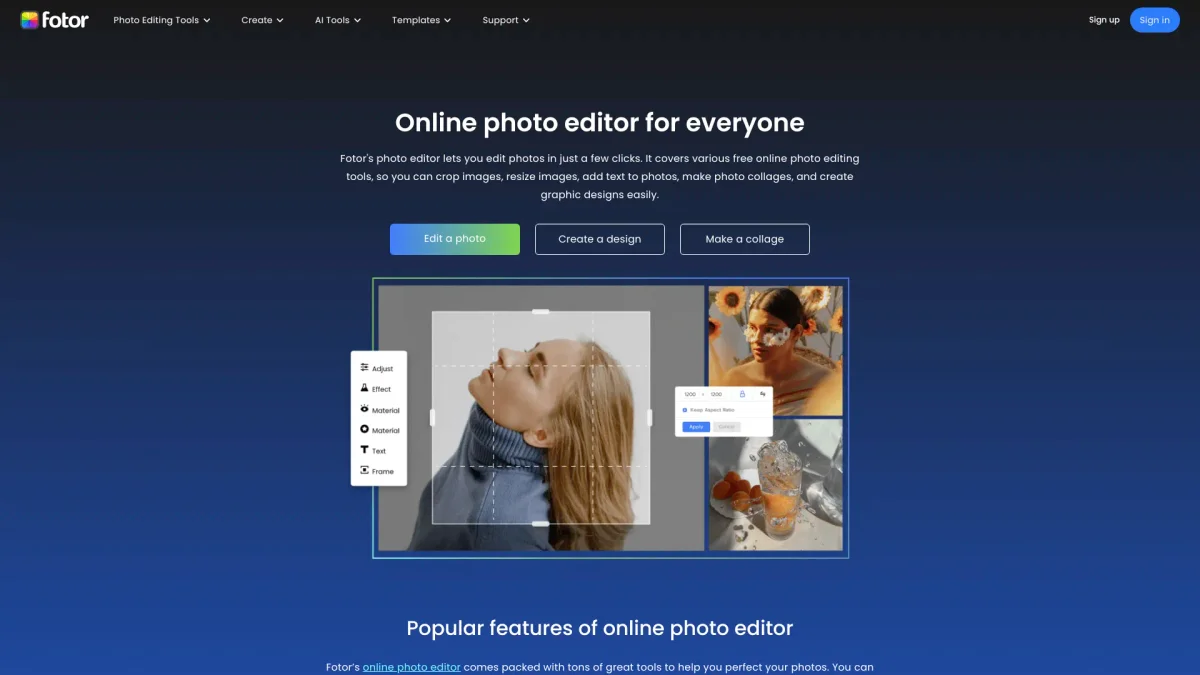
What is Fotor?
Fotor is a comprehensive online photo editing tool that caters to users looking to enhance and manipulate images with ease. Its primary purpose is to provide a user-friendly platform where individuals can perform various editing tasks, from basic adjustments to advanced enhancements, all in one place. Fotor solves the problem of complex software by offering intuitive AI tools that streamline the photo editing process. With Fotor, users benefit from a wide range of features, including AI-driven photo enhancement, background removal, and image generation. This tool empowers users to create professional-quality images without needing extensive editing skills. Whether for social media posts, marketing materials, or personal projects, Fotor ensures users can achieve stunning results quickly and efficiently, making it an essential resource for photographers, marketers, and casual users alike.
Key Features
- AI-enhanced photo quality improvement
- One-click background removal
- Batch photo editing capabilities
- Advanced image retouching tools
- Generative AI image creation
- User-friendly interface for all skill levels
Who is it for?
- Photographers and videographers
- Social media marketers
- Content creators and bloggers
- E-commerce business owners
- Graphic designers
Use Cases
1. Social Media Image Preparation
Easily prepare images for social media by enhancing their quality, removing backgrounds, and applying filters. Fotor's tools ensure your visuals stand out on platforms like Instagram and Facebook.
2. Creating Marketing Materials
Design professional marketing materials such as flyers and posters using Fotor's templates and editing tools. Customize your designs to maintain brand consistency and attract your target audience.
3. Photo Restoration Projects
Restore old or damaged photos by utilizing Fotor's AI enhancement and retouching features. Improve clarity, color, and detail, making cherished memories look new again.
4. Generating Unique Art Styles
Transform your photos into unique artistic styles, such as cartoons or paintings, using Fotor's AI art generator. This feature allows you to create eye-catching visuals for personal or commercial use.
Pricing Plans
Pricing information not available on website. Please visit the official website for current pricing.
Frequently Asked Questions
1. What platforms can I use Fotor on?
Fotor is accessible on various platforms, including web browsers, iOS, and Android devices, ensuring you can edit photos on-the-go or from your computer.
2. Does Fotor support batch editing of photos?
Yes, Fotor includes a batch photo editor feature that allows users to apply edits to multiple images simultaneously, saving time and enhancing workflow efficiency.
3. Can I remove backgrounds from images easily?
Absolutely! Fotor's AI background remover can instantly eliminate backgrounds from your images, creating transparent PNGs ready for any application or design project.
4. Is Fotor suitable for beginners?
Yes, Fotor is designed to be user-friendly, making it accessible for beginners while also offering advanced features for professional users, ensuring everyone can edit with ease.
Fotor Reviews & Ratings
Real user feedback and ratings for Fotor. See what the community thinks about this AI tool.
No reviews yet
Be the first to share your experience with Fotor