
Excel Whisper
Transform Your Excel Experience with AI
Excel Whisper utilizes AI to analyze spreadsheets privately, allowing users to perform complex tasks effortlessly using natural language.
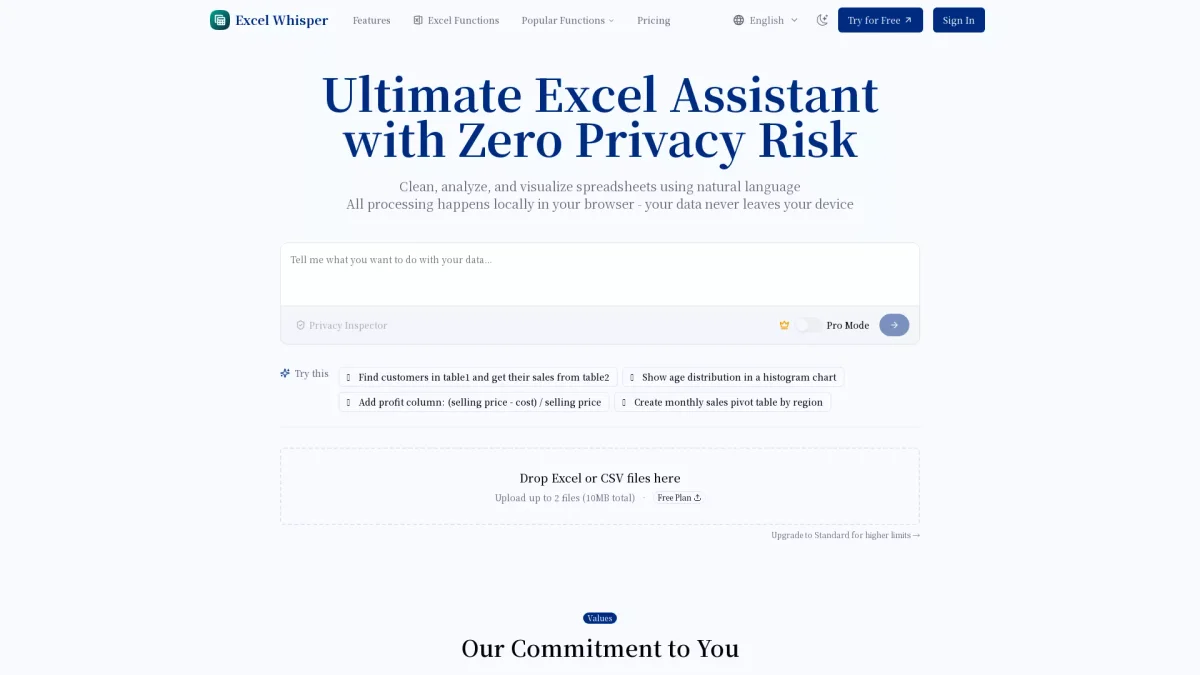
What is Excel Whisper?
Excel Whisper is an AI-powered tool designed to enhance your Excel experience by enabling users to analyze and visualize spreadsheets using natural language. This innovative solution addresses the common challenges of data analysis by allowing users to focus on what matters most while the AI automates tedious tasks, ensuring that sensitive data remains secure through local processing in the browser. With Excel Whisper, users benefit from a privacy-first approach that guarantees their data never leaves their device. The tool simplifies data cleaning, visualization, and analysis, allowing users to perform complex tasks with ease. By automating repetitive actions, Excel Whisper enables professionals to save time, reduce errors, and enhance productivity, making it a valuable assistant for anyone working with spreadsheets.
Key Features
- Natural language processing for queries
- Automatic data cleaning and formatting
- Local processing for data privacy
- Multi-file analysis support
- Quick and intuitive visualizations
- Seamless export and sharing options
- Flexible pricing plans for different needs
Who is it for?
- Financial analysts
- Data scientists
- HR managers
- Small business owners
- Marketing analytics professionals
Use Cases
1. Quarterly Financial Reporting
Financial analysts can use Excel Whisper to automate the generation of quarterly reports, significantly reducing the time spent on manual calculations and ensuring data accuracy through AI-driven analysis.
2. Employee Data Management
HR managers can streamline the management of employee data across multiple spreadsheets. Excel Whisper allows for simultaneous file analysis, making it easier to create insightful visualizations for presentations.
3. Sales Trend Analysis
Small business owners can leverage Excel Whisper to analyze sales trends and customer data without getting bogged down by complex formulas, allowing them to focus on strategic decisions.
4. Data Cleaning for Research
Researchers can utilize Excel Whisper to quickly clean and format messy data sets, accelerating the preparation process for analysis while ensuring that sensitive information remains secure.
Pricing Plans
Free: 10 analyses per month, basic mode only; Pro: $19.9/month - 1000 analyses per month, Pro mode access, unlimited file size, advanced charts.
Frequently Asked Questions
1. Is my data safe with Excel Whisper?
Absolutely! Excel Whisper processes all data directly in your browser, ensuring that your files never leave your device. This privacy-first approach guarantees that sensitive information remains secure and inaccessible to external parties.
2. What are the pricing options for Excel Whisper?
Excel Whisper offers a Free plan with 10 analyses per month. The Standard plan costs $9.9/month for 300 analyses, and the Pro plan is $19.9/month, allowing for 1000 analyses and advanced features.
3. Can I analyze multiple files at once with Excel Whisper?
Yes, Excel Whisper supports multi-file analysis. Users can upload up to 10 files in Pro mode, allowing for comprehensive comparisons and combined data insights without hassle.
4. What types of visualizations can I create?
Excel Whisper allows users to generate various charts and graphs based on the data type, enabling quick visualizations of trends and patterns to enhance data interpretation and reporting.
Excel Whisper Reviews & Ratings
Real user feedback and ratings for Excel Whisper. See what the community thinks about this AI tool.
No reviews yet
Be the first to share your experience with Excel Whisper