GPTexcel
AI-Powered Excel Formula Generator
Streamline your spreadsheet processes with GPTexcel, an AI assistant for generating formulas, pivot tables, charts, and data insights in Excel and Google Sheets.
What is GPTexcel?
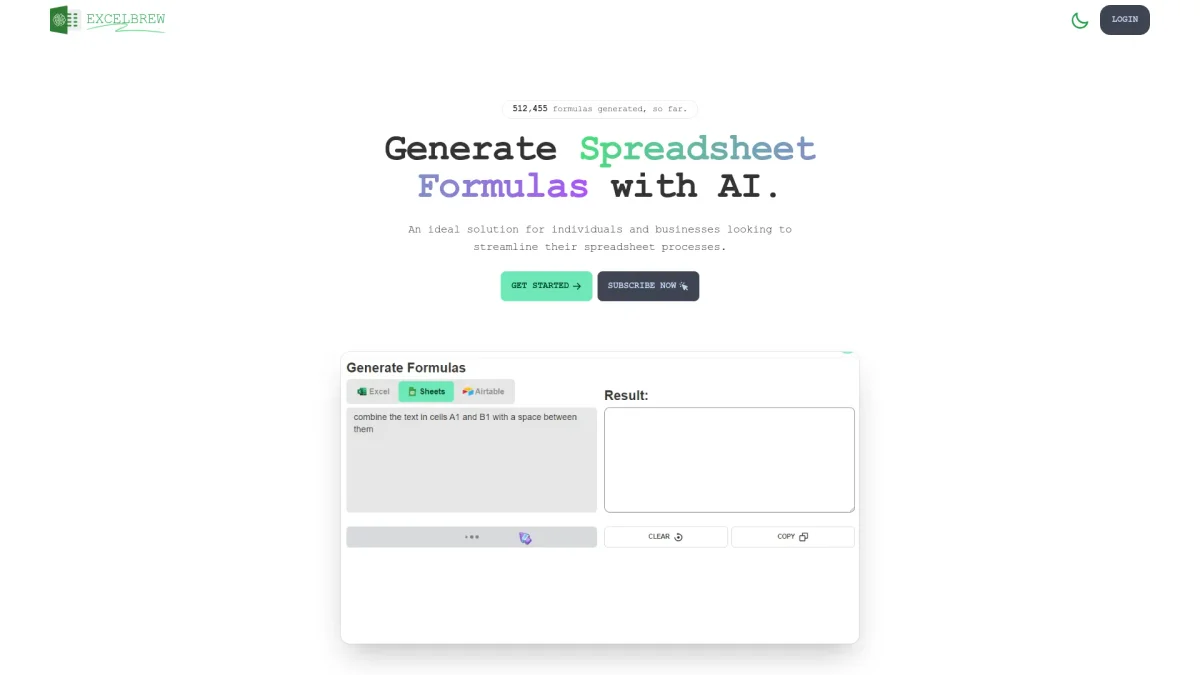
GPTexcel is an innovative AI-powered spreadsheet assistant designed to facilitate the creation of complex formulas, automate repetitive tasks, and enhance data analysis in Excel, Google Sheets, and Airtable. Its main purpose is to simplify and expedite spreadsheet workflows for both individuals and businesses, addressing the common challenges of generating accurate calculations and insights efficiently. By leveraging AI technology, GPTexcel not only generates formulas but also assists in creating pivot tables, charts, and SQL queries. Users benefit from improved productivity and reduced manual effort, enabling them to focus on more strategic tasks. With over 1.6 million users, GPTexcel is ideal for anyone seeking to enhance their data management capabilities and derive actionable insights from their spreadsheets quickly and easily.
Key Features
- Generate complex Excel formulas effortlessly
- Create and modify pivot tables automatically
- Generate SQL queries and automation scripts
- Interactive chat feature with Excel files
- Convert image-based tables to spreadsheets
- Analyze data and produce insightful reports
Who is it for?
- Business analysts and data scientists
- Small business owners
- Students and educators
- Accountants and financial professionals
- Marketing teams and professionals
Use Cases
1. Automating Financial Reports
Streamline the process of generating financial reports by automatically creating complex Excel formulas and pivot tables. GPTexcel helps users save time and reduce errors in their financial analysis.
2. Data Analysis for Academic Research
Researchers can use GPTexcel to analyze large datasets quickly, generating insights and reports with ease. The tool simplifies the process of creating charts and visualizations to present findings effectively.
3. Marketing Campaign Performance Tracking
Marketers can track campaign performance by utilizing pivot tables and charts generated by GPTexcel. The AI tool helps in automating the data analysis process, making it easier to derive actionable insights.
4. SQL Query Generation for Database Management
Database administrators can simplify the creation and modification of SQL queries using GPTexcel. This feature streamlines database interactions and enhances efficiency in data management tasks.
Pricing Plans
Free: Up to 10 AI chat messages and basic features, Pro: $9.00/month - Up to 3,000 AI chat messages and advanced tools, Pro Plus: $18.00/month - Up to 10,000 AI chat messages and full capabilities.
Frequently Asked Questions
1. What is GPTexcel and what does it do?
GPTexcel is an AI-powered spreadsheet assistant that generates complex formulas, SQL queries, automation scripts, and more to streamline spreadsheet processes in Excel and Google Sheets.
2. Can I use GPTexcel for Google Sheets?
Yes, GPTexcel supports Excel, Google Sheets, LibreOffice Calc, and Airtable, making it versatile for various spreadsheet platforms.
3. What features are included in the free plan?
The free plan includes up to 10 AI chat messages refreshed every 30 days, basic formula generation, and the ability to upload files up to 5MB.
4. Is there a chat feature available with GPTexcel?
Yes, GPTexcel features an interactive chat capability that allows users to ask questions about their data and receive immediate responses, enhancing user engagement with their spreadsheets.
GPTexcel Reviews & Ratings
Real user feedback and ratings for GPTexcel. See what the community thinks about this AI tool.
No reviews yet
Be the first to share your experience with GPTexcel