
Edit Photo
Free, fast, and private photo editing
Edit Photo is a free online photo editor that operates entirely in your browser, offering a fast and ad-free editing experience without account creation or cookie acceptance.
What is Edit Photo?
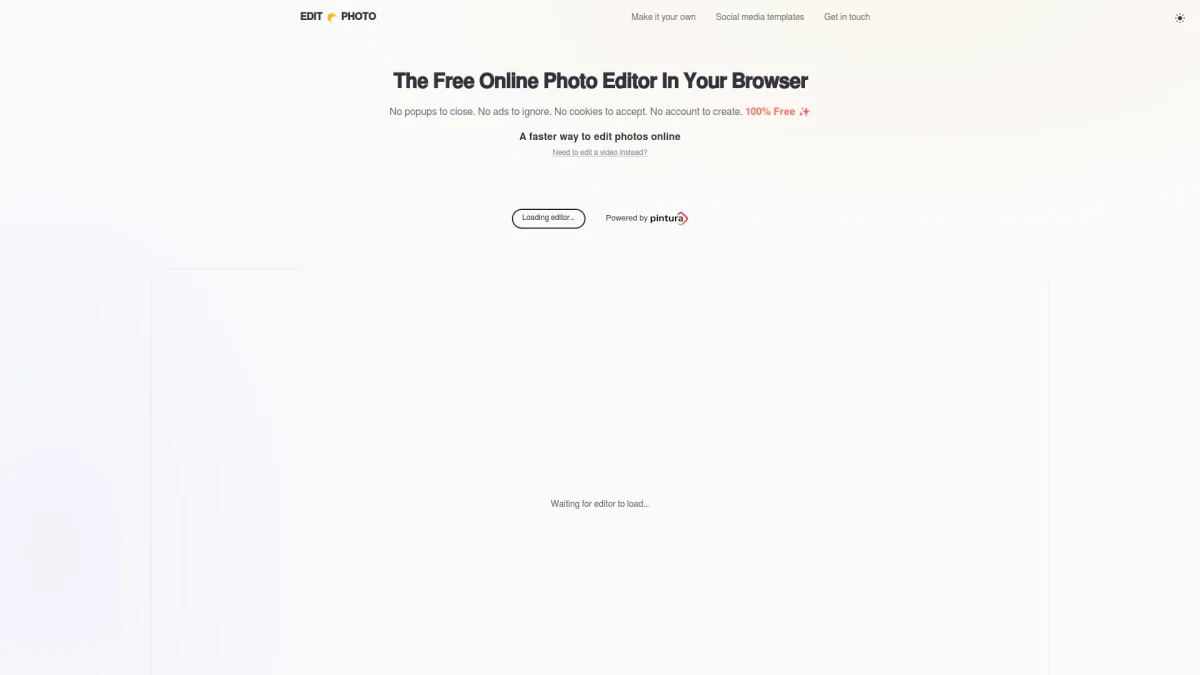
Edit Photo is a browser-based free online photo editor designed for quick and efficient image modifications. It eliminates the need for downloads, pop-ups, and advertisements, allowing users to focus solely on editing their photos. This tool addresses the common frustration of cumbersome software installations and privacy concerns by enabling editing directly within the browser without uploading images to external servers. Key benefits of Edit Photo include its user-friendly interface and strong emphasis on privacy. Users can edit images in various formats, including JPEG, PNG, WEBP, and GIF, without tracking or invasive ads. The service utilizes Pintura technology, ensuring robust editing capabilities while remaining completely free of charge. This makes it an attractive option for casual users and professionals alike who seek reliability and efficiency in photo editing.
Key Features
- 100% free with no ads
- No account creation required
- Edit directly in your browser
- Supports multiple image formats
- Privacy-focused with no tracking
- Fast image editing with Pintura
Who is it for?
- Casual photographers
- Social media enthusiasts
- Bloggers and content creators
- Small business owners
- Students and educators
Use Cases
1. Quick Edits for Social Media
Easily enhance photos for social media platforms. Edit Photo allows users to quickly adjust brightness, contrast, and apply filters to create eye-catching visuals that boost engagement.
2. Creating Custom Graphics
Utilize Edit Photo to design custom graphics for blogs and websites. Users can combine images, add text overlays, and create unique content that stands out without any software installation.
3. Personal Projects and Gifts
Perfect for family events or personal projects, users can edit photos for invitations or collages. Edit Photo makes it simple to prepare images for printing or sharing with friends and family.
Pricing Plans
Free: All core editing features with no ads, Pro: Pricing information not available on website. Please visit the official website for current pricing.
Frequently Asked Questions
1. What file formats does Edit Photo support?
Edit Photo supports various image formats including JPEG, PNG, WEBP, HEIC, GIF, and animated GIFs, allowing users to work with a wide range of image types.
2. Do I need to create an account to use Edit Photo?
No, Edit Photo does not require account creation. Users can start editing photos immediately without the need to sign up or log in.
3. Is my privacy protected while using Edit Photo?
Yes, Edit Photo prioritizes user privacy. All editing occurs directly in your browser, meaning your photos are not uploaded or stored. There are no cookies or tracking involved.
4. How does Edit Photo remain free to use?
Edit Photo is free because it utilizes Pintura technology, which is a commercial product. Companies purchasing Pintura licenses indirectly support this free service without any hidden costs.
Edit Photo Reviews & Ratings
Real user feedback and ratings for Edit Photo. See what the community thinks about this AI tool.
No reviews yet
Be the first to share your experience with Edit Photo