
Diagram Generator
Create Professional Diagrams Instantly
Transform your ideas into stunning diagrams effortlessly with our AI-powered generator, supporting over 16 diagram types and designed for users of all skill levels.
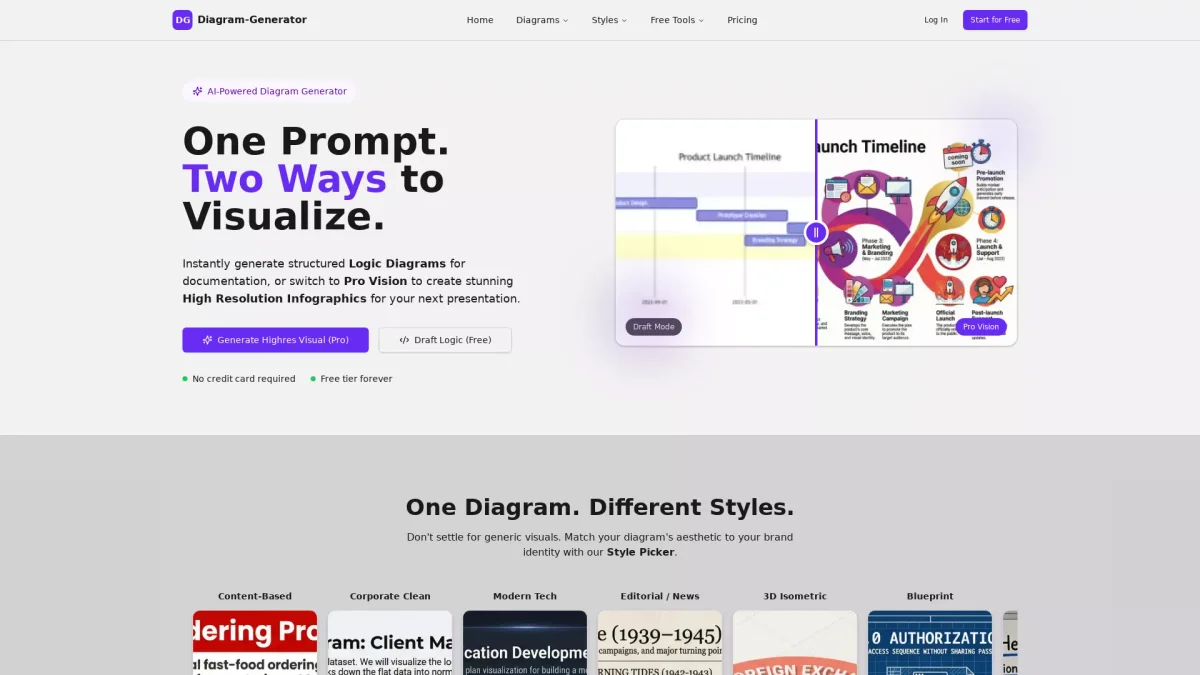
What is Diagram Generator?
Diagram Generator is an AI-powered tool that allows users to create a variety of professional diagrams quickly and easily. The main purpose is to simplify the diagram creation process by enabling users to generate visual representations from simple text prompts. This tool addresses the challenge of producing high-quality diagrams without requiring extensive design skills or software knowledge, making it accessible for everyone from students to professionals. With Diagram Generator, users benefit from rapid diagram creation, a range of customizable styles, and the ability to refine their visuals through natural language commands. This tool is ideal for anyone looking to enhance their presentations or documentation with clear and visually appealing diagrams, thus saving time and improving the overall quality of their work. The AI Agent even understands technical specifications to create accurate architecture diagrams, making it a versatile companion for technical teams.
Key Features
- Create diagrams from text prompts
- Support for 16+ diagram types
- AI-powered DGAI Agent for technical diagrams
- Customizable styles matching brand identity
- High-resolution, presentation-ready outputs
- Natural language refinement for easy edits
- Real-world data integration for accuracy
Who is it for?
- Software developers and architects
- Business analysts and project managers
- Students and educators
- Technical writers and documentarians
Use Cases
1. Software Architecture Diagrams
Use Diagram Generator to create comprehensive software architecture diagrams by simply describing your system requirements. The AI Agent transforms your specifications into a structured visual representation instantly.
2. Flowchart Creation for Projects
Generate flowcharts quickly for project planning. By entering a text prompt detailing the process, you can visualize workflows that aid in decision-making and communication among team members.
3. Mind Mapping for Brainstorming
Leverage Diagram Generator to create mind maps that organize ideas effectively. Just input your central theme and watch the AI craft a visual layout that captures all related concepts.
4. Presentation-Ready Diagrams
Enhance your presentations with visually appealing diagrams. The tool generates high-quality graphics that can be directly integrated into slides, ensuring your ideas are communicated clearly and attractively.
Pricing Plans
Free: 5 one-time credits, access to all 16+ diagram types, Pro: $9/month - 100 Pro credits/month, max resolution 2K, no watermark, commercial license, Enterprise: Custom pricing - tailored solutions with additional features.
Frequently Asked Questions
1. What types of diagrams can Diagram Generator create?
Diagram Generator supports over 16 types of diagrams, including flowcharts, ER diagrams, sequence diagrams, mind maps, and organizational charts, making it versatile for various needs.
2. Is there a free version of Diagram Generator?
Yes, Diagram Generator offers a free version that provides 5 one-time credits, allowing users to create diagrams without requiring any payment or credit card information.
3. How does the DGAI Agent work?
The DGAI Agent assists by turning your requirements, documents, and sketches into diagrams. You can describe your needs in natural language, and the AI will generate the appropriate visual representation.
4. Can I use the diagrams for commercial purposes?
Yes, with the Pro subscription, you receive a commercial license, allowing you to use the generated diagrams in your business presentations and materials without restrictions.
Diagram Generator Reviews & Ratings
Real user feedback and ratings for Diagram Generator. See what the community thinks about this AI tool.
No reviews yet
Be the first to share your experience with Diagram Generator