
Designify
Transform your photos effortlessly with AI
Designify enables users to enhance images, remove distractions, and create stunning visuals without requiring any design experience.
What is Designify?
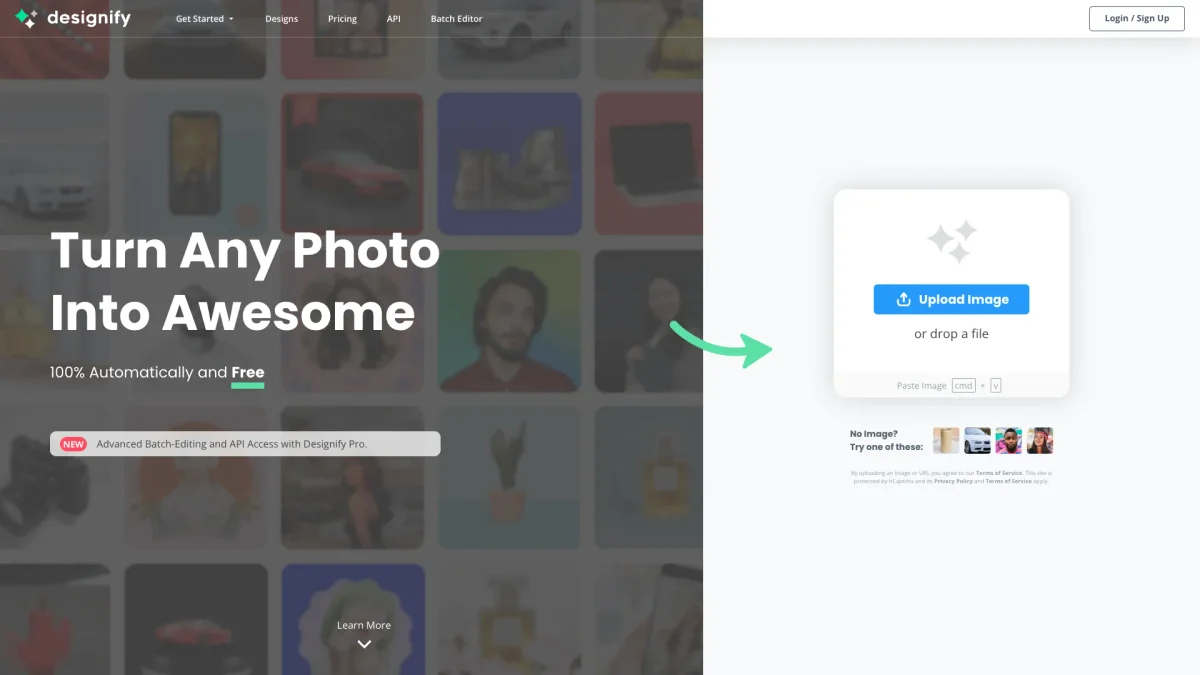
Designify was a user-friendly tool designed to transform ordinary photos into stunning visuals by allowing users to edit images without needing design expertise. Its primary goal was to simplify the editing process, enabling anyone to enhance their images, remove unwanted backgrounds, and add new elements easily, making it accessible for various users, from casual photographers to professionals seeking quick edits. Key benefits of Designify included its intuitive interface that allowed users to focus on creativity rather than technical skills. It offered features such as background removal and image enhancement, which helped users create polished visuals for social media, marketing, or personal projects. Although Designify has shut down, users are encouraged to explore Canva's AI photo editing tools as an alternative for similar functionalities and ease of use.
Key Features
- Easy background removal
- Image enhancement capabilities
- Add new elements to photos
- User-friendly interface
- No design experience required
- Fast processing time
Who is it for?
- Social media managers
- Content creators and bloggers
- Small business owners
- Marketing professionals
- Casual photographers
Use Cases
1. Social Media Content Creation
Enhance your social media images by removing distractions and adding new elements. Designify allows you to create eye-catching visuals that engage your audience, helping to grow your online presence.
2. E-commerce Product Images
Improve the quality of your product images by using Designify to remove backgrounds and enhance the visual appeal. This results in professional-looking photos that can significantly boost sales.
3. Personal Photo Editing
Transform your personal photos into stunning visuals. Whether it's for a family album or a special occasion, Designify allows you to edit your images quickly and easily, making them memorable.
4. Marketing Materials
Create polished visuals for your marketing campaigns. Designify helps you design flyers, brochures, or social media posts by enhancing images and ensuring they are visually appealing and professional.
Pricing Plans
Pricing information not available on website. Please visit the official website for current pricing.
Frequently Asked Questions
1. When did Designify officially shut down?
Designify officially shut down on December 1, 2025, at 9:00 a.m. Central European Time (CET). After this date, the service is no longer available.
2. Can I recover my designs after shutdown?
No, once Designify was shut down, all designs and files became inaccessible. Any batches created were automatically deleted after 30 days of processing.
3. What happened to my Designify Pro subscription?
All Designify Pro subscriptions were cancelled, and users could utilize their subscriptions until the expiry date. After that, access to the service was no longer available.
4. What alternatives are available after Designify?
After the shutdown of Designify, users are recommended to explore Canva’s AI photo editing tools, which offer features like background removal and image enhancement for creating polished visuals.
Designify Reviews & Ratings
Real user feedback and ratings for Designify. See what the community thinks about this AI tool.
No reviews yet
Be the first to share your experience with Designify