
DebuggAI
Automated Browser Testing Made Easy
DebuggAI simplifies browser testing for developers of all skill levels, providing automated tests directly within your GitHub workflow to enhance code quality and streamline development.
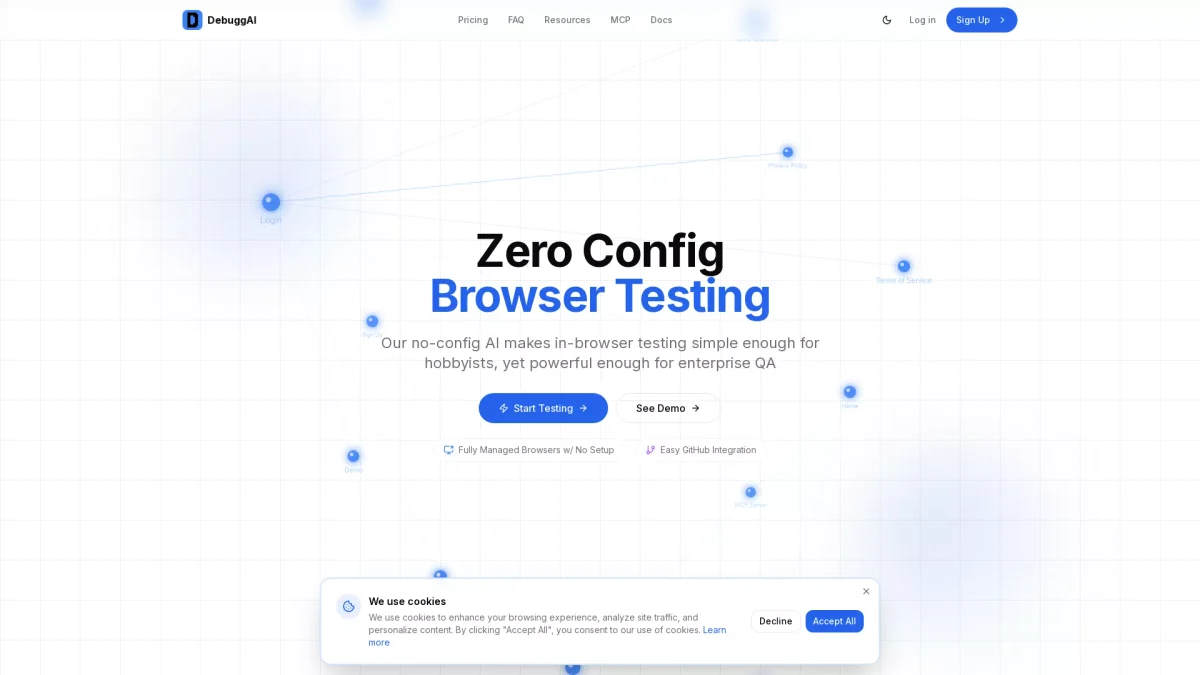
What is DebuggAI?
DebuggAI is an innovative tool designed to automate browser testing for web applications, seamlessly integrating with GitHub to manage testing processes without requiring DevOps expertise. Its main purpose is to eliminate the complexities of traditional testing frameworks, allowing developers to focus on writing code while DebuggAI handles repository access, dependency installation, and browser orchestration automatically. By utilizing AI-powered testing, DebuggAI offers significant benefits, including faster pull request reviews, reduced production bugs, and enhanced confidence in code quality. The tool automatically monitors pull requests, runs targeted tests, and provides results inline, enabling developers to catch issues early and ensure that every commit is thoroughly validated before it reaches production. This leads to more efficient workflows and higher quality software releases.
Key Features
- Zero configuration browser testing
- Fully managed testing environment
- Easy GitHub integration
- Automated detection of PRs
- Inline test results on PR comments
- AI-powered application understanding
- Local server testing with secure tunneling
Who is it for?
- Software developers
- Quality assurance teams
- GitHub users
- Startups and enterprises
- Open source contributors
Use Cases
1. Continuous Integration Testing
Integrate DebuggAI into your CI pipeline to automate testing for each new pull request. It runs browser tests automatically, providing immediate feedback on code changes, enhancing collaboration among team members.
2. Local Development Testing
Use DebuggAI to test applications on your local server before committing changes. It creates secure tunnels to run real browser tests, helping catch issues early in the development process.
3. Monitoring Pull Requests
Automatically monitor your pull requests with DebuggAI. As soon as a PR is opened, it triggers a series of browser tests, delivering results directly in the PR comments for quick review and action.
4. Debugging Failures
When tests fail, DebuggAI provides recorded sessions that allow developers to replay failures step-by-step. This feature helps in diagnosing issues effectively and speeds up the debugging process.
Pricing Plans
Free: Public repos with 100 tests/month, Pro: $20/month - Private repos and 1,000 tests/month, Enterprise: Custom pricing - Unlimited tests and dedicated support.
Frequently Asked Questions
1. What is included in the free plan of DebuggAI?
The free plan includes automated testing for public repositories with up to 100 tests per month and community support, making it ideal for open source projects.
2. How does DebuggAI integrate with GitHub?
DebuggAI integrates with GitHub through a simple app installation, allowing automatic monitoring of pull requests and triggering tests without any additional configuration required by the user.
3. Can I use DebuggAI for private repositories?
Yes, DebuggAI's Pro plan supports private repositories, offering 1,000 tests per month along with priority support for professional developers and teams.
4. What types of applications can DebuggAI test?
DebuggAI can test any web application regardless of the tech stack. Its AI-powered capability maps your application and executes browser tests accordingly, ensuring comprehensive coverage.
DebuggAI Reviews & Ratings
Real user feedback and ratings for DebuggAI. See what the community thinks about this AI tool.
No reviews yet
Be the first to share your experience with DebuggAI