
ColPat
Ultimate color palette and design tool
ColPat is the ultimate tool for creating stunning color palettes and enhancing your design projects effortlessly and creatively.
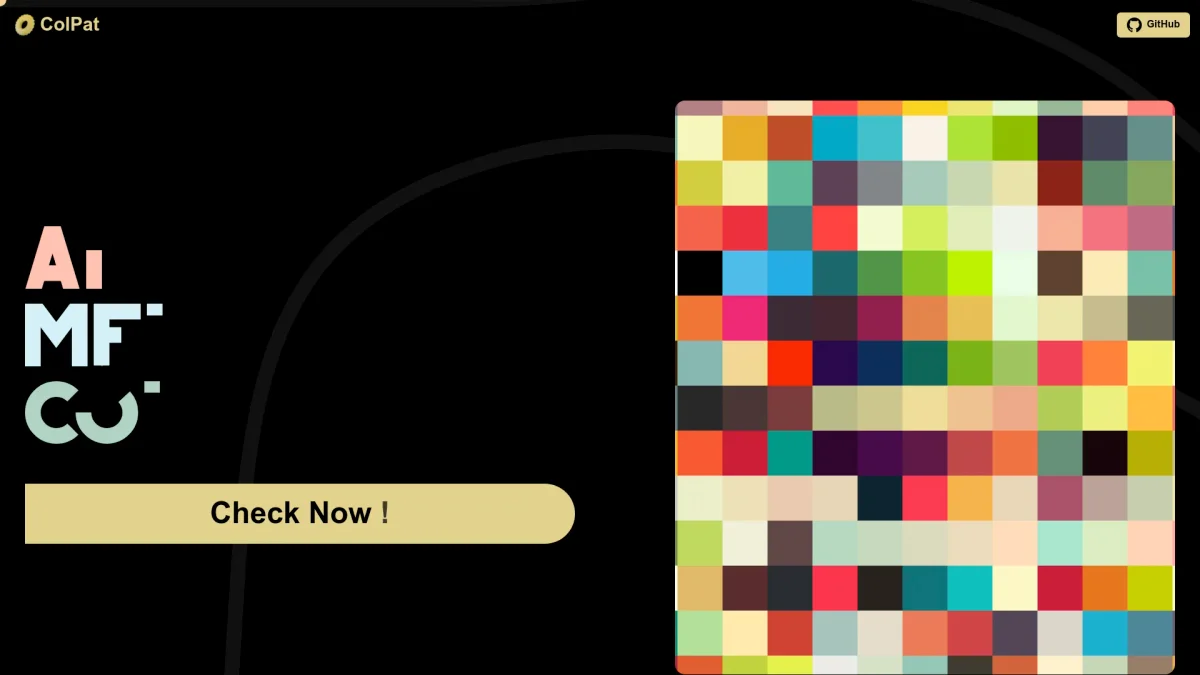
What is ColPat?
ColPat is a cutting-edge design tool that focuses on providing users with the ability to create and manage color palettes effectively. Its main purpose is to assist designers and artists in selecting harmonious color combinations, which can enhance the visual appeal of their projects. By streamlining the process of color selection, ColPat helps to eliminate the guesswork involved in choosing colors that work well together. The key benefits of ColPat include its user-friendly interface and robust features that cater to both amateur and professional designers. With this tool, users can quickly generate unique color palettes, ensuring that their designs are cohesive and visually striking. ColPat stands out due to its emphasis on creativity and ease of use, making it an essential resource for anyone involved in design work, from graphic designers to web developers.
Key Features
- Create custom color palettes
- User-friendly interface
- Save and manage palettes
- Color harmony suggestions
- Export palettes for use
Who is it for?
- Graphic designers
- Web developers
- Artists and illustrators
- Marketing professionals
Use Cases
1. Website Design Projects
Utilize ColPat to create visually appealing color schemes for web projects. Designers can quickly generate color palettes that enhance user experience and maintain brand consistency across websites.
2. Brand Identity Development
ColPat helps businesses establish a strong brand identity by allowing them to create distinctive color palettes that reflect their brand values and resonate with their target audience.
3. Social Media Graphics
Design eye-catching social media graphics by leveraging ColPat’s color palette features. Users can select colors that attract attention and improve engagement across social media platforms.
Pricing Plans
Pricing information not available on website. Please visit the official website for current pricing.
Frequently Asked Questions
1. What is ColPat used for?
ColPat is designed to create and manage color palettes effectively, aiding designers and artists in selecting harmonious color combinations for their projects.
2. Is ColPat easy to use for beginners?
Yes, ColPat features a user-friendly interface that simplifies the color palette creation process, making it accessible for both beginners and experienced designers.
3. Can I save my color palettes in ColPat?
Absolutely! ColPat allows users to save and manage their custom color palettes, ensuring that you can revisit and utilize them in future design projects.
4. Does ColPat offer any color harmony suggestions?
Yes, ColPat provides suggestions for color harmony, helping users choose combinations that work well together and enhance the overall design quality.
ColPat Reviews & Ratings
Real user feedback and ratings for ColPat. See what the community thinks about this AI tool.
No reviews yet
Be the first to share your experience with ColPat