
Colorize B&W Photos
Revive Memories with AI Colorization
Transform black-and-white photos into vibrant color images effortlessly with our AI-powered online tool, perfect for restoring cherished family memories and historical photographs.
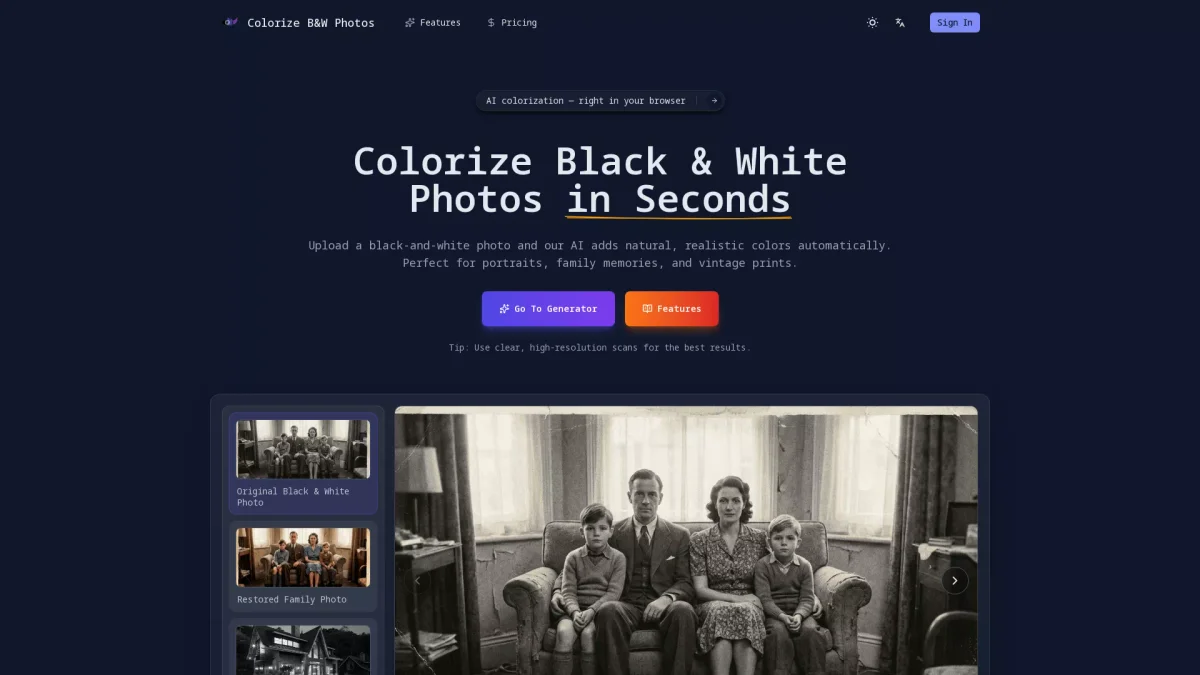
What is Colorize B&W Photos?
Colorize B&W Photos is an innovative online tool that utilizes AI technology to colorize black-and-white photographs automatically. Its primary purpose is to restore old memories captured in monochrome, providing a simple solution for users looking to bring their vintage photographs back to life with realistic colors. This tool eliminates the need for manual editing, making it accessible for anyone regardless of their design skills. By using Colorize B&W Photos, users can effortlessly enhance their family portraits, historical images, and cherished memories. The tool ensures natural results by focusing on balanced skin tones and environmental details, preserving the original photograph's essence. With a user-friendly interface that works seamlessly on both desktop and mobile devices, this tool is ideal for personal archives, genealogy projects, and anyone looking to relive significant moments captured in black and white.
Key Features
- Automatic AI colorization
- High-resolution image downloads
- Natural skin tones
- Instant before-and-after comparisons
- User-friendly online interface
- Compatible with desktop and mobile
Who is it for?
- Family historians and genealogists
- Photography enthusiasts
- Digital archivists
- Casual users restoring memories
- Students working on projects
Use Cases
1. Restoring Family Portraits
Use Colorize B&W Photos to bring old family portraits back to life. Upload a black-and-white image, and the AI will analyze and apply realistic colors, preserving precious memories for future generations.
2. Enhancing Wedding Photos
Transform vintage wedding photographs into vibrant images. The tool applies natural colors to highlight joyful moments, making them suitable for displays, albums, or social media sharing.
3. Reviving Childhood Memories
Bring your childhood photographs into the present with colorization. Upload old images, and the AI will restore them with lifelike colors, allowing you to cherish those memories anew.
4. Historical Photo Restoration
Ideal for historians and archivists, this tool can colorize black-and-white historical images, making them more engaging and accessible for educational purposes or public displays.
Pricing Plans
Pricing information not available on website. Please visit the official website for current pricing.
Frequently Asked Questions
1. What file formats does Colorize B&W Photos support?
Colorize B&W Photos supports JPG and PNG file formats, allowing users to upload their black-and-white images conveniently for colorization.
2. Is my original black-and-white photo altered during the colorization process?
No, your original black-and-white photo remains unchanged. The tool generates a separate colorized copy that you can download and save.
3. Can I use Colorize B&W Photos on mobile devices?
Yes, Colorize B&W Photos is designed to work seamlessly on both desktop and mobile devices, requiring no software installation, making it easily accessible anywhere.
4. How can I ensure the best results when colorizing photos?
For the best results, it is recommended to use clear, high-resolution scans of your black-and-white photos. This helps the AI analyze and apply accurate colors to the image.
Colorize B&W Photos Reviews & Ratings
Real user feedback and ratings for Colorize B&W Photos. See what the community thinks about this AI tool.
No reviews yet
Be the first to share your experience with Colorize B&W Photos