
Autoppt
Create stunning presentations in seconds
Autoppt is an AI-powered presentation generator that transforms your ideas into beautifully designed slides quickly and effortlessly, without requiring design skills.
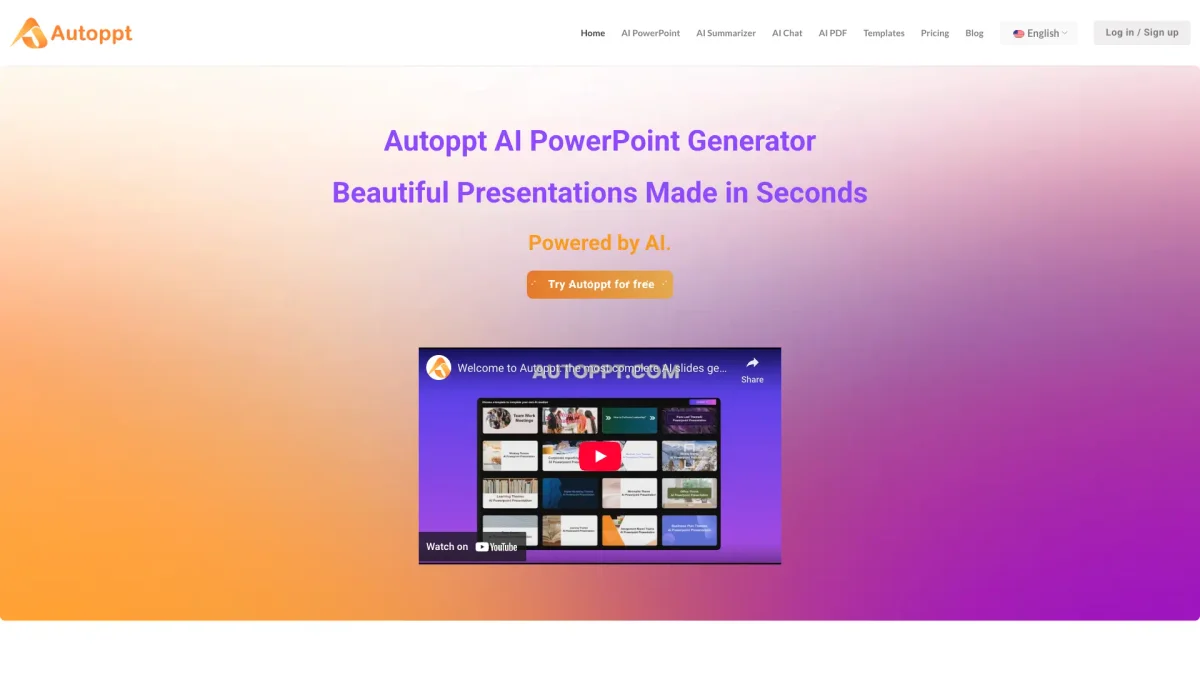
What is Autoppt?
Autoppt is an advanced AI PowerPoint maker designed to simplify the presentation creation process. By allowing users to enter a topic or upload documents, it instantly generates beautifully designed slideshows. This tool is perfect for anyone looking to streamline their presentation workflow and eliminate the tedious aspects of slide creation, making it accessible to users with no design expertise. With Autoppt, users benefit from an extensive collection of templates and customization options, allowing them to tailor their presentations to suit any theme or audience. The ability to convert documents into slides and engage audiences in multiple languages enhances productivity, saves time, and ensures that presentations are impactful and professional, making it an essential tool for business professionals, educators, and content creators alike.
Key Features
- Instant AI slideshow generation
- Extensive template collection
- Document upload for slide conversion
- Customization options for design
- Supports 100+ languages
- Online editing and sharing capabilities
Who is it for?
- Business professionals
- Educators and trainers
- Content creators and marketers
- Students and academic researchers
Use Cases
1. Business Meeting Presentations
Use Autoppt to quickly generate professional slides for business meetings. Simply enter your topic, and the AI creates a polished presentation that you can customize and present confidently.
2. Educational Lectures
Educators can create engaging lecture slides effortlessly. Autoppt allows them to upload their lesson plans and transform them into visually appealing presentations that enhance student learning.
3. Event Presentations
Plan an event and need a presentation? Autoppt can generate slides that outline event details, schedules, and key points, ensuring that your audience stays informed and engaged.
4. Research Summaries
Researchers can convert their reports into concise presentations. Upload your PDF or Word document, and let Autoppt generate slides that highlight your findings effectively.
Pricing Plans
Free: Basic features for presentation creation, Pro: $X/month - Additional features including PDF summarization and advanced templates, Enterprise: Custom pricing - Tailored solutions for large teams.
Frequently Asked Questions
1. Does Autoppt offer a free trial?
Yes, Autoppt provides a free trial that allows access to a variety of free online office tools, enabling users to test its capabilities before subscribing.
2. What types of documents can I upload?
Autoppt supports various document formats, including PDF, Word, TXT, Excel, PPT, and JPG, allowing users to easily convert existing content into presentations.
3. How can I customize my slides?
Users can customize their generated slides by adjusting fonts, colors, and adding tables using the online editor, ensuring the final presentation meets their specific needs.
4. What payment methods are accepted?
Autoppt accepts multiple secure payment options including credit and debit cards and PayPal, partnering with FastSpring for a reliable payment experience.
Autoppt Reviews & Ratings
Real user feedback and ratings for Autoppt. See what the community thinks about this AI tool.
No reviews yet
Be the first to share your experience with Autoppt