
Autoname
Automate Layer Naming in Figma Effortlessly
Autoname simplifies the renaming of Figma layers using AI, allowing designers to focus more on creativity and less on tedious tasks.
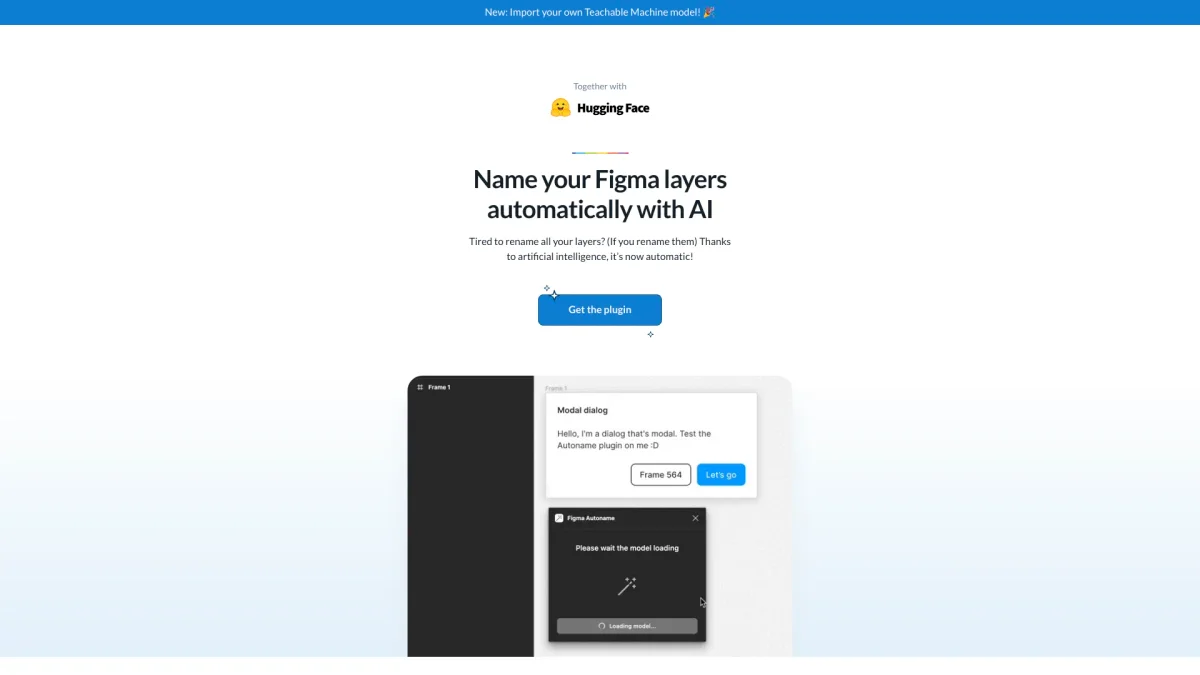
What is Autoname?
Autoname is an innovative Figma plugin that automates the layer renaming process using artificial intelligence. Its main purpose is to save designers time and effort by eliminating the need for manual layer renaming, a common task that can be tedious and time-consuming. By integrating seamlessly with Figma, Autoname helps maintain organized design files and enhances overall workflow efficiency. The key benefits of Autoname include its blazing-fast layer renaming capability, which allows users to rename all layers in just one click. It intelligently detects and preserves the names of components and instances, ensuring that critical design elements remain intact. This community-driven, free, and open-source tool not only boosts productivity for designers but also enhances their creative experience by allowing them to focus more on crafting exceptional designs rather than managing layer names.
Key Features
- One-click renaming of layers
- Preserves component names
- Free and open source
- Community-driven contributions
- Fast and efficient workflow
- Easy integration with Figma
- Supports custom Teachable Machine models
Who is it for?
- Figma users and designers
- UI/UX designers
- Creative teams
- Freelance graphic designers
- Product design professionals
Use Cases
1. Streamlining Design Projects
Use Autoname to quickly rename all layers in large design projects, saving valuable time and reducing the risk of errors. This allows designers to focus on the creative aspects of their work.
2. Maintaining Organized Files
Keep design files organized by ensuring all layers are named coherently and systematically. Autoname ensures that component names are preserved, maintaining file integrity and improving collaboration.
3. Enhancing Team Collaboration
Improve team efficiency by using Autoname to standardize layer naming conventions within collaborative design projects. This leads to better communication and understanding among team members.
4. Integrating Custom Models
Import and use your own Teachable Machine models within Autoname to customize layer naming based on unique criteria, providing a tailored experience that fits specific project needs.
Pricing Plans
Free: Full access to all features, Pro: Pricing information not available on website. Please visit the official website for current pricing.
Frequently Asked Questions
1. Is Autoname really free to use?
Yes, Autoname is completely free to use, and it is open source. Users can access all features without any hidden fees, allowing for a seamless experience.
2. How does Autoname preserve component names?
Autoname intelligently detects components and instances within your Figma design, preventing any renaming of these critical layers. This ensures that your design structure remains intact.
3. Can I contribute to Autoname's development?
Absolutely! Autoname is community-driven and welcomes contributions. The code is released under the MIT license, allowing developers to contribute and enhance its capabilities.
4. What is the installation process for Autoname?
To install Autoname, simply visit the Figma plugin store, search for Autoname, and add it to your Figma workspace. Once installed, you can start using it immediately to rename layers.
Autoname Reviews & Ratings
Real user feedback and ratings for Autoname. See what the community thinks about this AI tool.
No reviews yet
Be the first to share your experience with Autoname