Audiostrip
Free online vocal isolation tool
Audiostrip is a powerful online tool that allows users to isolate vocals from music tracks effortlessly and for free, enhancing audio editing experiences.
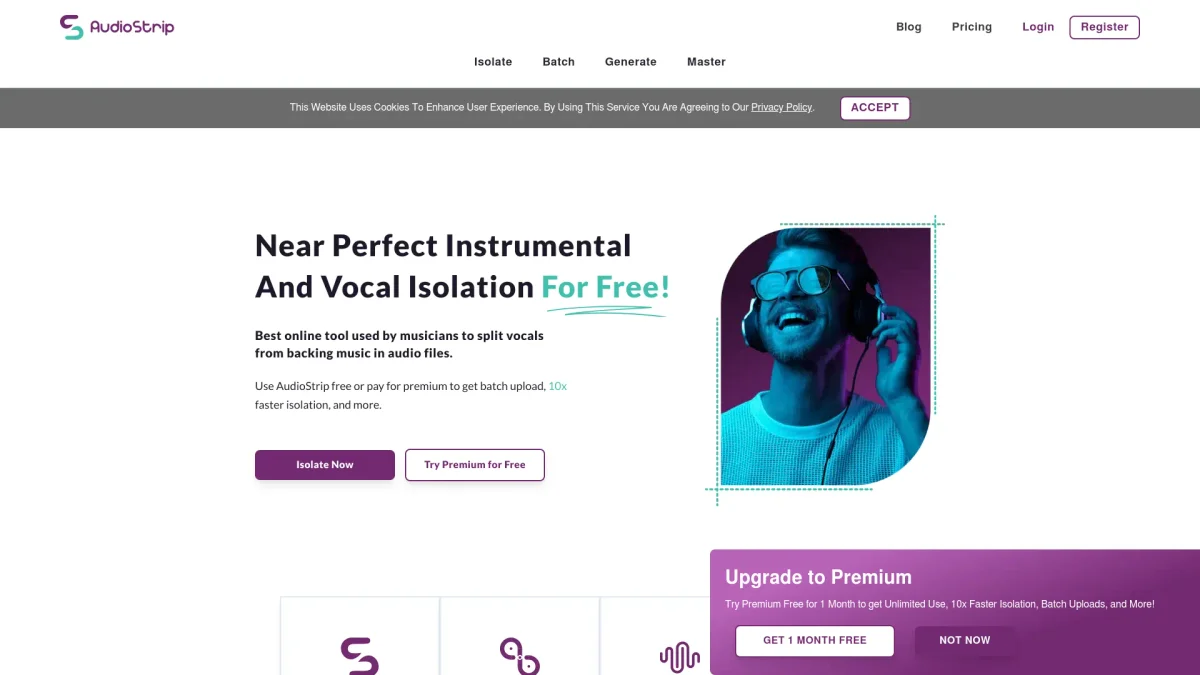
What is Audiostrip?
Audiostrip is an innovative online platform designed to isolate vocals from audio tracks, providing users with a simple and efficient way to separate voice elements from music. Its main purpose is to facilitate audio editing, making it easier for musicians, producers, and content creators to work with vocal components without the need for complex software or expensive tools. By eliminating the need for advanced technical skills, Audiostrip democratizes audio production. With Audiostrip, users can enjoy various benefits such as enhanced creativity in music production, the ability to create karaoke versions of songs, and the opportunity to remix tracks by isolating vocals. This tool is particularly useful for educators, music enthusiasts, and anyone involved in audio-related projects, allowing them to manipulate sounds in a straightforward manner. Audiostrip empowers users to enhance their audio projects, making it an invaluable resource for vocal isolation needs.
Key Features
- Isolate vocals from music tracks
- Free to use with no hidden fees
- User-friendly interface for easy navigation
- Compatible with various audio formats
- No software installation required
- Fast processing times for quick results
Who is it for?
- Musicians and producers
- Content creators and vloggers
- Educators in music
- Karaoke enthusiasts
Use Cases
1. Creating Karaoke Tracks
Easily create karaoke versions of your favorite songs by isolating the vocals. Audiostrip enables users to remove backing tracks, providing a clear vocal-free version suitable for singing along.
2. Remixing Songs
Remix and produce new versions of existing songs by extracting vocals. Audiostrip allows producers to manipulate vocal elements, adding new beats and effects to create unique tracks.
3. Educational Purposes
Educators can utilize Audiostrip to teach students about music production and audio editing. By isolating vocals, students can learn how to analyze and work with different sound components effectively.
Pricing Plans
Pricing information not available on website. Please visit the official website for current pricing.
Frequently Asked Questions
1. Is Audiostrip really free to use?
Yes, Audiostrip is completely free to use, allowing users to isolate vocals without any hidden charges or subscription fees, making it accessible to everyone.
2. What types of audio files can I use with Audiostrip?
Audiostrip supports various audio formats, enabling users to upload and isolate vocals from multiple file types, ensuring flexibility in audio editing tasks.
3. Do I need to install any software to use Audiostrip?
No, Audiostrip is an online tool that functions directly in your web browser. There is no need for software installation, allowing for immediate access and ease of use.
4. Can Audiostrip be used for commercial projects?
While Audiostrip is free to use, users should review the terms of service for any commercial application to ensure compliance with usage rights and regulations.
Audiostrip Reviews & Ratings
Real user feedback and ratings for Audiostrip. See what the community thinks about this AI tool.
No reviews yet
Be the first to share your experience with Audiostrip