
AudioShake
Transform your audio experience effortlessly
AudioShake uses advanced AI to separate audio tracks, enabling users to remix, enhance, and modify soundscapes for creative projects with ease.
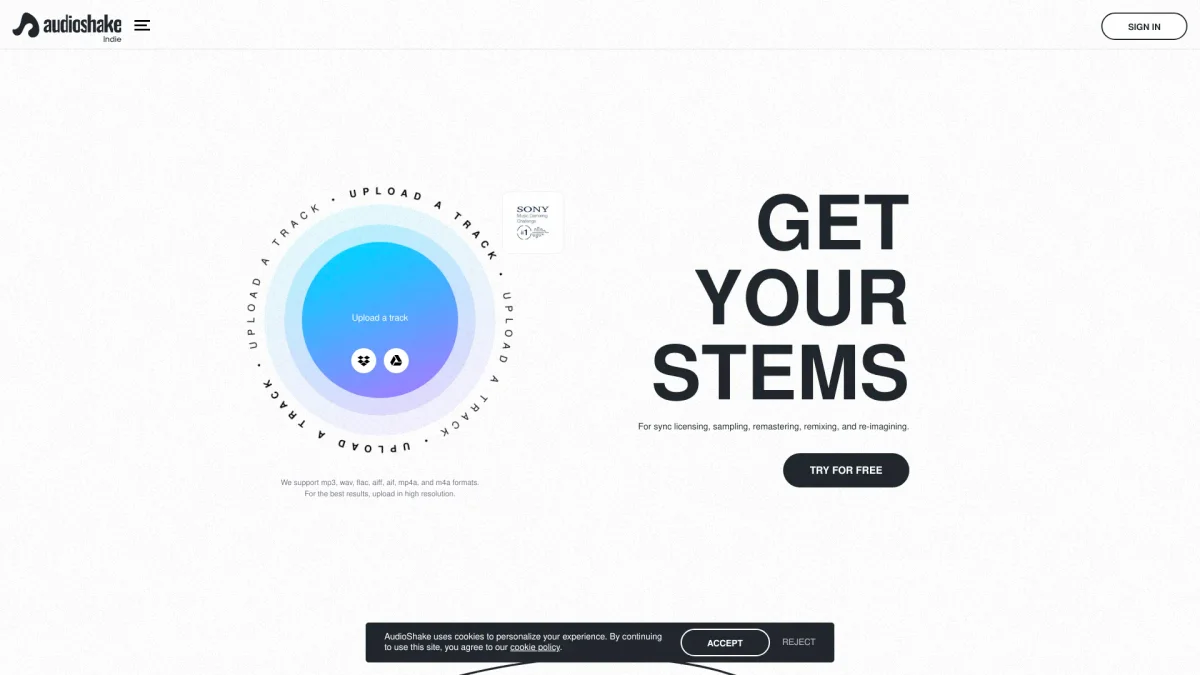
What is AudioShake?
AudioShake is an innovative audio processing tool that leverages artificial intelligence to separate and remix audio tracks. Its primary purpose is to help musicians, producers, and content creators enhance their audio projects by isolating individual elements in a mix. This capability allows users to create unique remixes, soundscapes, or even samples, solving the common issue of complex audio editing that often requires expert skills. Users benefit from AudioShake's intuitive interface and powerful AI algorithms that simplify the audio editing process. Whether creating a podcast, enhancing music tracks, or developing sound effects for videos, AudioShake enables users to manipulate audio effortlessly, leading to increased creativity and productivity. The tool is particularly valuable for anyone in the music and content creation industries, offering a seamless way to produce high-quality audio results without extensive technical knowledge.
Key Features
- AI-powered audio separation
- User-friendly interface
- Real-time audio processing
- Supports various audio formats
- Remix and enhance tracks easily
- Ideal for music and video creators
Who is it for?
- Musicians and producers
- Podcast creators
- Content creators
- Sound designers
- Video editors
Use Cases
1. Music Remixing
AudioShake allows musicians to remix songs by isolating vocals, drums, and instruments, enabling creative reimagining of existing tracks to produce something entirely new.
2. Podcast Audio Enhancement
Podcasters can utilize AudioShake to enhance audio quality by isolating dialogue and improving sound clarity, making the listening experience more enjoyable for their audience.
3. Sound Design for Films
Film sound designers can extract individual sound elements, such as footsteps or background noise, from audio tracks, allowing for precise manipulation and integration into film projects.
4. Creating Custom Samples
Music producers can create custom samples by isolating specific sounds from songs or recordings, providing unique audio elements that can be used in new compositions.
5. Live Performance Adaptation
Artists can adapt their live performances by using AudioShake to create backing tracks that isolate certain instruments or vocals, enhancing the overall live sound.
Pricing Plans
Pricing information not available on website. Please visit the official website for current pricing.
Frequently Asked Questions
1. What audio formats does AudioShake support?
AudioShake supports multiple audio formats, including WAV, MP3, and AIFF, making it versatile for various audio projects and compatible with most audio editing software.
2. Can AudioShake be used for commercial projects?
Yes, AudioShake can be used for commercial projects. Users can create and modify audio content that can be utilized in commercial applications without additional licensing fees.
3. Is there a limit on audio file size?
AudioShake has specific limits on the size of audio files that can be processed, usually determined by the plan selected. For detailed information, please refer to the official website.
4. Does AudioShake offer collaboration features?
AudioShake provides collaborative capabilities that allow users to share their projects with others for feedback or joint editing, facilitating teamwork and creative collaboration.
AudioShake Reviews & Ratings
Real user feedback and ratings for AudioShake. See what the community thinks about this AI tool.
No reviews yet
Be the first to share your experience with AudioShake