
AudioMuse
Elevate Your Audio Creation with AI
AudioMuse simplifies audio editing and music creation, empowering over 35,000 creators to produce unique tracks effortlessly with advanced AI tools.
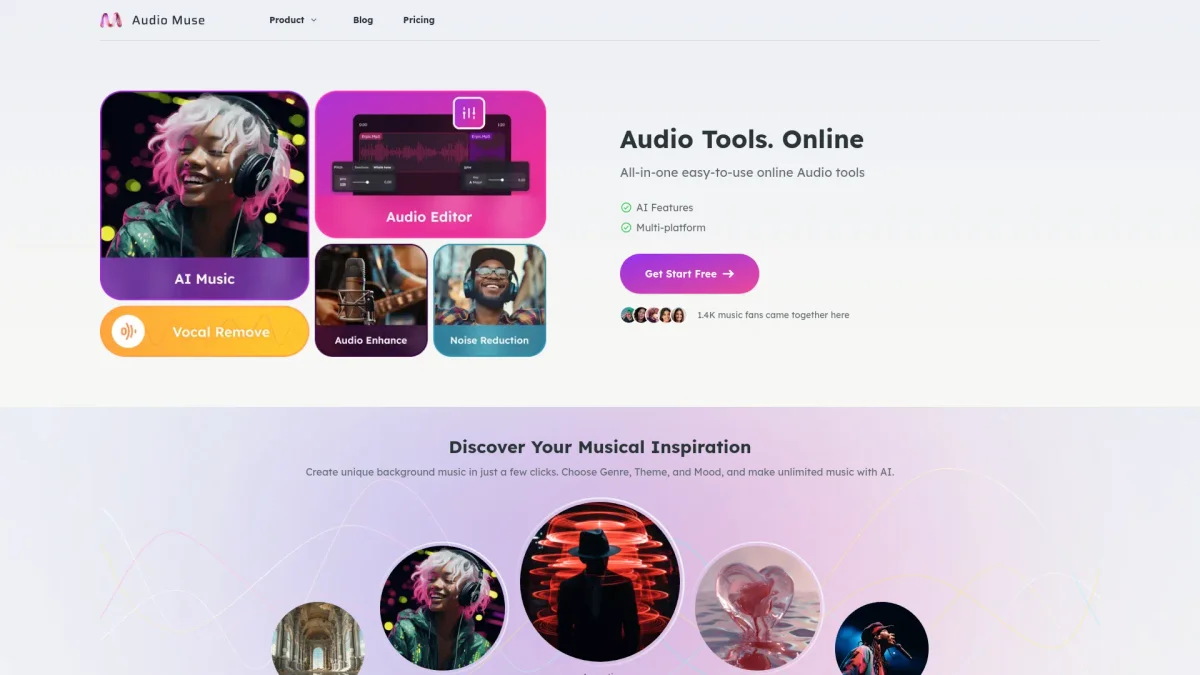
What is AudioMuse?
AudioMuse is an all-in-one online platform designed for audio editing and music creation, utilizing advanced AI technology to streamline the workflow for creators. Its primary purpose is to help users generate unlimited royalty-free music and enhance existing audio tracks, solving the common issues of complexity and time consumption associated with traditional audio tools. With features like automatic noise reduction, vocal removal, and instant mastering, AudioMuse accelerates the creative process for musicians, podcasters, and sound engineers. Users benefit from its ease of use, flexible payment plans, and robust privacy measures, making it an excellent choice for anyone looking to enhance their audio projects efficiently and creatively.
Key Features
- AI-driven music generation
- Instant audio mastering
- Automatic noise reduction
- Vocal and instrumental separation
- Audio format conversion
- User-friendly interface
- Flexible subscription options
Who is it for?
- Independent music producers
- Podcasters and audio creators
- Sound engineers
- Musicians and composers
- Content creators
Use Cases
1. Music Production
Easily create unique tracks using AI music generation. Simply input your preferences, and AudioMuse will produce royalty-free music for your projects, streamlining your workflow.
2. Podcast Enhancement
Utilize the voice enhancer and noise reduction tools to deliver clearer, more immersive podcast episodes. This ensures every detail is audible, improving listener experience significantly.
3. Audio Editing for Videos
Edit audio tracks for video content seamlessly. Use features like audio trimming and joining to create the perfect soundscape for your visuals, enhancing overall production quality.
4. Live Performance Preparation
Prepare for live performances by using the vocal remover to create instrumental tracks from existing songs. This allows artists to rehearse with their unique backing tracks.
5. Quick Audio Formatting
Easily convert audio files to different formats with high quality. This is especially beneficial for creators needing to adapt their audio assets for various platforms or applications.
Pricing Plans
Pricing information not available on website. Please visit the official website for current pricing.
Frequently Asked Questions
1. Does AudioMuse offer a free plan?
Yes, AudioMuse provides a free plan that allows users to test its basic features without any credit card requirements. This is a great way to explore the platform before upgrading.
2. What audio editing features are available?
AudioMuse includes a variety of editing features such as noise reduction, vocal removal, audio trimming, and instant mastering, allowing for comprehensive audio manipulation in one place.
3. Is my data safe with AudioMuse?
Absolutely. AudioMuse prioritizes user privacy and employs strict data protection measures, ensuring that your information is never disclosed to third parties.
4. Can I try AudioMuse without a subscription?
Yes, you can start using AudioMuse for free with no credit card required. This allows you to explore its features and determine if it meets your audio editing needs.
AudioMuse Reviews & Ratings
Real user feedback and ratings for AudioMuse. See what the community thinks about this AI tool.
No reviews yet
Be the first to share your experience with AudioMuse