
AIConvertHub
Seamless online file format conversion
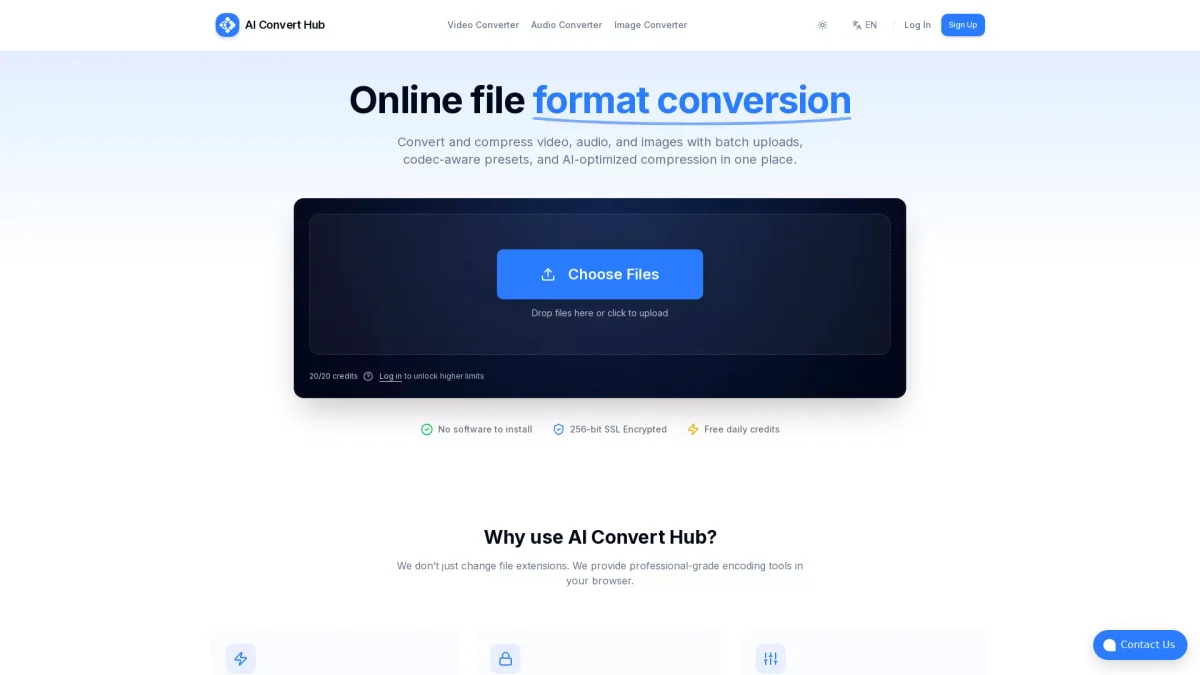
Convert and compress videos, audio, and images effortlessly with AI-optimized tools, allowing batch uploads and professional-grade encoding right in your browser.
What is AIConvertHub?
AIConvertHub is an online platform designed for efficient file format conversion, supporting over 200 formats for video, audio, and images. Its main purpose is to simplify the process of changing file formats, making it accessible for all users without the need for software installations. It addresses common challenges in file conversion, such as speed, quality retention, and security, allowing users to manage their media files effectively. The tool offers several key benefits, including lightning-fast processing through a distributed conversion pipeline that handles files in parallel. Users can enjoy advanced control over codec settings, batch processing capabilities, and high-quality output thanks to its FFmpeg-based pipeline with AI tuning. This makes AIConvertHub an essential tool for content creators, developers, and anyone needing reliable file conversion solutions without compromising quality or security.
Key Features
- Batch processing for multiple files
- AI-optimized compression techniques
- Codec-aware control settings
- 256-bit SSL encryption
- No installation required
- Support for over 200 file formats
Who is it for?
- Content creators and bloggers
- Web developers and designers
- Digital marketers and agencies
- Video and audio editors
- Photographers and graphic designers
Use Cases
1. Video Editing for Creators
Content creators can use AIConvertHub to convert and compress their video files quickly, ensuring high quality while reducing file sizes for faster uploads to platforms like YouTube and Vimeo.
2. Web Development Asset Management
Web developers can convert images and audio files to optimal formats for websites, ensuring compatibility and performance while maintaining high quality through advanced codec controls.
3. Image Optimization for E-commerce
E-commerce businesses can utilize AIConvertHub to convert product images to web-friendly formats, optimizing them for faster loading times and improved user experience on their online stores.
4. Audio File Conversion for Podcasts
Podcasters can convert and compress audio files to the desired format efficiently, ensuring high-quality sound while keeping file sizes manageable for distribution across various platforms.
Pricing Plans
Free: Generous free tier available, Pro: $X/month - Additional features for heavy batch jobs, Enterprise: Custom pricing - Tailored solutions for larger teams and needs.
Frequently Asked Questions
1. Is there a free plan available for AIConvertHub?
Yes, AIConvertHub offers a generous free tier that allows users to perform basic file conversions without any hidden fees. This enables users to test the service before deciding on a paid plan.
2. How secure is my data with AIConvertHub?
AIConvertHub ensures security with 256-bit SSL encryption for all file transfers. Additionally, all files are cleaned up after processing, ensuring privacy and confidentiality for users.
3. What types of files can I convert with AIConvertHub?
AIConvertHub supports over 200 file formats including HEIC, WEBM, and RAW, making it a versatile tool for converting video, audio, and image files to various formats.
4. Can I use AIConvertHub for batch processing?
Absolutely! AIConvertHub allows users to drag in folders or multiple files for batch processing, significantly saving time and improving workflow efficiency for large conversion tasks.
AIConvertHub Reviews & Ratings
Real user feedback and ratings for AIConvertHub. See what the community thinks about this AI tool.
No reviews yet
Be the first to share your experience with AIConvertHub