
Ply
Build powerful features without coding
Ply empowers users to create custom features seamlessly, enhancing apps and workflows without any coding required, making it ideal for teams and businesses.
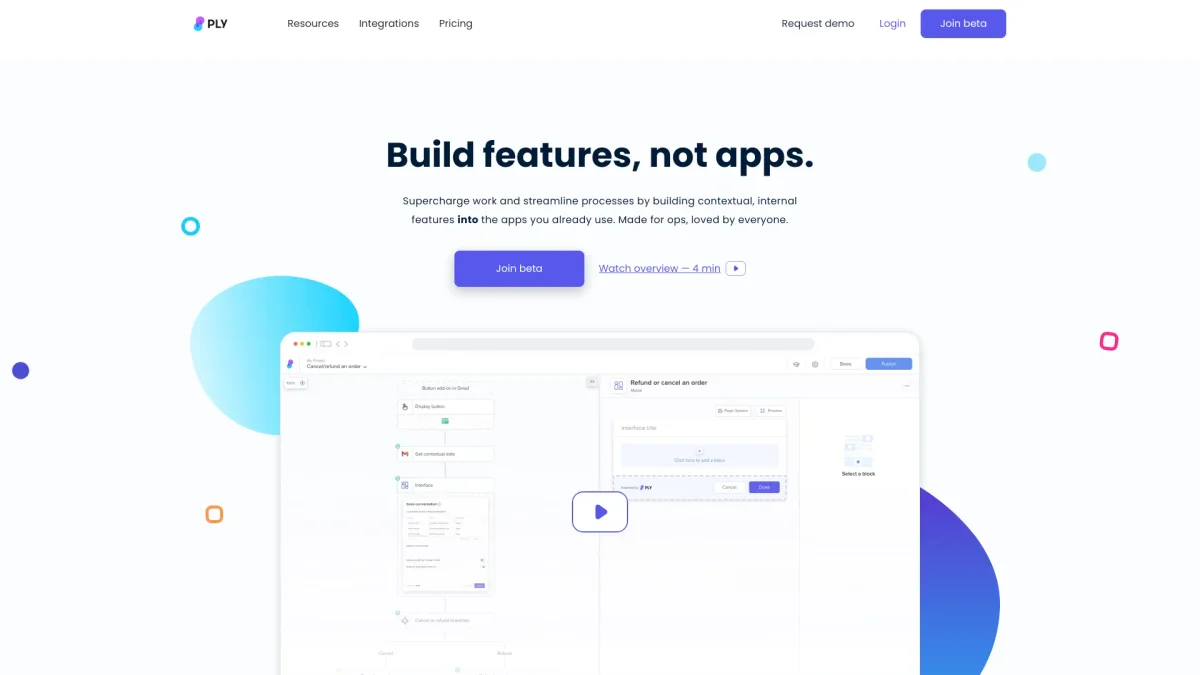
What is Ply?
Ply is a no-code platform designed to enable users to build powerful features for their applications effortlessly. It allows businesses to integrate processes, AI solutions, and smart forms directly into existing workflows, solving the challenge of developing custom functionalities without extensive coding knowledge. By streamlining feature development, Ply helps organizations supercharge their operations and enhance customer experiences effectively. With Ply, users can create stunning, context-aware features that deliver real-time answers and automate data routing. This flexibility accelerates team productivity by enabling the integration of custom buttons and interfaces in popular applications like Gmail, HubSpot, and Salesforce. By adopting Ply, organizations can implement AI solutions at scale, significantly improving operational efficiency and user engagement through tailored applications and features.
Key Features
- No coding required for feature building
- Real-time AI solutions integration
- Customizable buttons and interfaces
- Seamless embedding in existing apps
- Contextual data processing capabilities
- Remote deployment of features
- Granular permissions and access control
Who is it for?
- Business teams seeking efficiency
- Product managers and developers
- Customer service teams
- Marketing departments
- Small to medium-sized enterprises
Use Cases
1. Customer Onboarding Processes
Utilize Ply to create self-service onboarding features that guide new customers through your product's functionalities. The tool allows you to embed smart forms that answer queries and direct users effectively.
2. Lead Routing Automation
Implement lead routing features that automatically direct incoming leads based on predefined criteria. Ply's contextual logic ensures leads are handled promptly, improving conversion rates and team efficiency.
3. Custom Checkout Experiences
Design unique checkout processes that enhance customer interactions during transactions. With Ply, you can create features that adapt to user data, ensuring a smooth and personalized shopping experience.
4. Integration with Team Apps
Enhance team productivity by integrating Ply features into applications like Salesforce and HubSpot. This allows for the creation of contextual playbooks based on your business logic, streamlining workflows and improving collaboration.
Pricing Plans
Pricing information not available on website. Please visit the official website for current pricing.
Frequently Asked Questions
1. What types of features can I build with Ply?
With Ply, users can build a wide range of features, including custom forms, automated workflows, AI solutions, and contextual playbooks, all without needing to write any code.
2. Is Ply suitable for large teams?
Yes, Ply is designed to accommodate teams of all sizes, offering features that enhance collaboration, streamline processes, and allow for remote deployment of updates and new features.
3. How does Ply ensure data security?
Ply is built with security in mind, featuring end-to-end encryption, serverless architecture, and compliance with SOC 2 Type II standards to protect user data and minimize exposure.
4. Can I integrate Ply with my existing applications?
Absolutely! Ply allows seamless integration with popular applications like Gmail, HubSpot, Salesforce, and more, enabling users to enhance their existing workflows with custom features.
Ply Reviews & Ratings
Real user feedback and ratings for Ply. See what the community thinks about this AI tool.
No reviews yet
Be the first to share your experience with Ply