
AI Infographic Generator
Instantly turn text into stunning infographics
Create professional infographics in seconds from text prompts, transforming complex data into visually engaging stories with ease and accessibility.
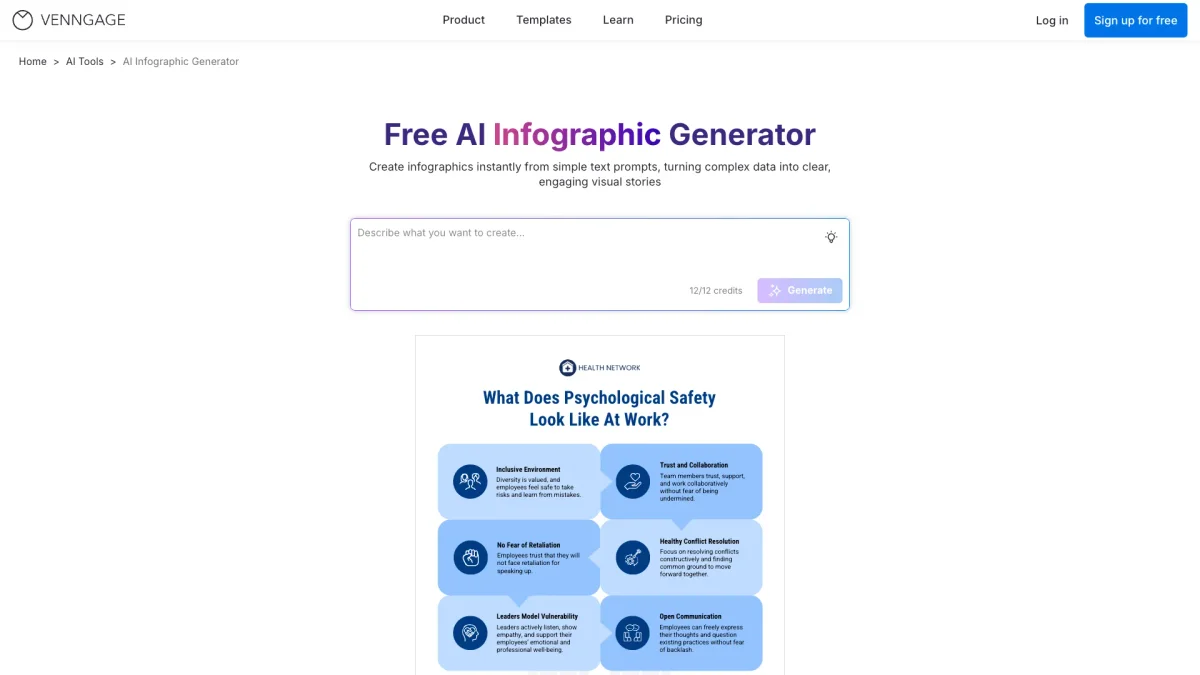
What is AI Infographic Generator?
The AI Infographic Generator is a powerful tool designed to convert simple text prompts into visually appealing infographics quickly. Its main purpose is to simplify the process of creating engaging visual content, making it accessible for users without design skills. By generating infographics from text, this tool helps users communicate complex data and ideas clearly and effectively, solving the challenge of presenting information in a visually digestible format. With key features like customizable templates and AI-powered design suggestions, the AI Infographic Generator empowers users to create infographics for various purposes, including presentations, educational materials, and marketing content. It enhances productivity by allowing quick adjustments with an intuitive editor, ensuring users can focus on the content rather than the design process. This tool is ideal for anyone looking to enhance their visual communication without the need for extensive graphic design experience.
Key Features
- Create infographics from text prompts
- Intuitive drag-and-drop editor
- Wide variety of customizable templates
- AI-powered design suggestions
- Export in multiple formats
- Accessibility features for optimal design
Who is it for?
- Educators and teachers
- Marketing professionals
- Business analysts
- Content creators and bloggers
- HR managers
Use Cases
1. Educational Infographics
Teachers can use the AI Infographic Generator to create educational infographics that simplify complex topics, making it easier for students to grasp essential concepts and information in a visually engaging way.
2. Marketing Campaigns
Marketing professionals can use this tool to design infographics that highlight campaign statistics, brand stories, or product features, effectively communicating key messages and engaging audiences visually.
3. Business Presentations
Business analysts can generate infographics to summarize data findings, present company timelines, or outline strategies, turning intricate data into clear visuals that enhance presentations and discussions.
4. Employee Onboarding
HR managers can create onboarding infographics that illustrate key processes, workflows, and company culture, helping new hires understand their roles and the organization more effectively.
Pricing Plans
Free: Basic features available, Pro: $19/month - Includes advanced features and premium support, Enterprise: Custom pricing - Tailored solutions for large teams.
Frequently Asked Questions
1. Does AI Infographic Generator offer a free plan?
Yes, AI Infographic Generator provides a free plan that allows users to access basic features without any hidden fees, suitable for testing the tool's capabilities.
2. What types of infographics can I create?
You can create various types of infographics including timelines, brochures, posters, charts, and more, each designed to effectively present information visually.
3. Can I customize the infographics I create?
Absolutely! The AI Infographic Generator features a drag-and-drop editor that allows you to customize layouts, text, colors, and visuals to suit your preferences and branding.
4. What formats can I export my infographics in?
You can export your infographics in multiple formats, including PDF, PNG, PPT, and HTML, making it easy to share or include them in presentations and reports.
AI Infographic Generator Reviews & Ratings
Real user feedback and ratings for AI Infographic Generator. See what the community thinks about this AI tool.
No reviews yet
Be the first to share your experience with AI Infographic Generator