Xpressioncamera
Transform Your Video Calls with AI Avatars
Reimagine your onscreen persona in real-time video chats and live streams with Xpressioncamera's generative AI technology.
What is Xpressioncamera?
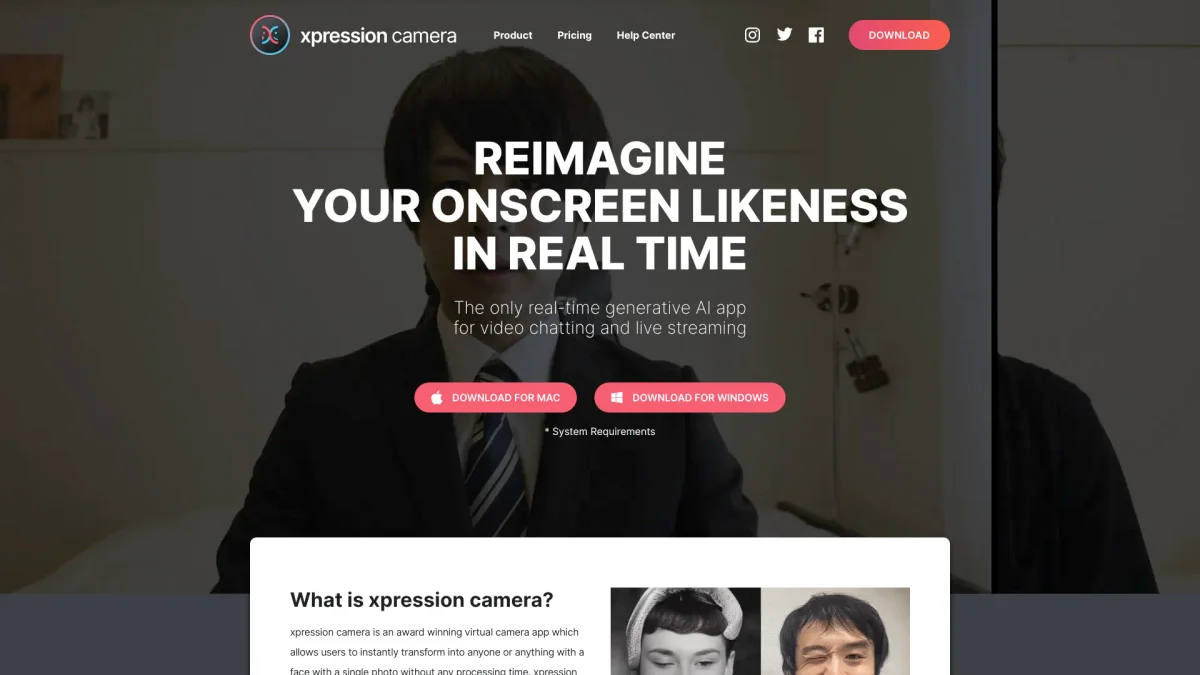
Xpressioncamera is an award-winning virtual camera app that allows users to instantly transform their appearance into various avatars using just a single photo. Its primary purpose is to enhance video chatting experiences on platforms like Zoom or Twitch by offering real-time customization of onscreen personas, solving the problem of static and uninspiring video communications. Key benefits of Xpressioncamera include the ability to reflect users' facial expressions onto any chosen image in real-time, creating dynamic content such as videos, GIFs, and memes. Users can enjoy limitless customization options for backgrounds, hairstyles, and outfits, all while maintaining privacy by altering their onscreen identity, making it an ideal tool for content creators and casual users alike.
Key Features
- Real-time avatar transformation
- Voice2Face technology for animated images
- Unlimited customization options
- Supports various video chat platforms
- Privacy-focused image alteration
- Meme and GIF generation
- Compatible with PC and Mac
Who is it for?
- Content creators and streamers
- Social media influencers
- Corporate professionals
- Gamers and Twitch users
- Educators and trainers
Use Cases
1. Engaging Video Conferences
Elevate your video conference calls by transforming into a unique avatar that reflects your personality. Xpressioncamera allows you to maintain engagement while using fun and creative visuals, perfect for breaking the ice in meetings.
2. Creative Live Streaming
Stream your gameplay or creative content with a personalized avatar that resonates with your audience. Xpressioncamera helps you stand out by allowing real-time expression changes, making your streams more interactive and enjoyable.
3. Social Media Content Creation
Generate captivating content for your social media platforms by using Xpressioncamera to create dynamic videos and memes. The app's features enable you to produce eye-catching visuals that attract more followers and engagement.
4. Fun Virtual Events
Host virtual events or parties where attendees can use Xpressioncamera to express themselves through various avatars. This feature adds excitement and engagement, making events memorable and enjoyable.
Pricing Plans
Pricing information not available on website. Please visit the official website for current pricing.
Frequently Asked Questions
1. What platforms does Xpressioncamera support?
Xpressioncamera is available for both PC and Mac. Users can download the application for Windows or macOS, ensuring compatibility with popular video chat and live streaming platforms.
2. Can I use Xpressioncamera without a webcam?
Yes, Xpressioncamera features Voice2Face technology, which allows users to be off-camera while animating their chosen image on screen using voice input. This means you can participate in video calls without being visible on camera.
3. How does Xpressioncamera ensure user privacy?
Xpressioncamera prioritizes user privacy by allowing users to change their onscreen image, ensuring that true identities remain hidden during video chats and live streams.
4. What types of avatars can I create with Xpressioncamera?
With Xpressioncamera, you can create avatars from selfies or any image with a face, including humanoid designs, CG, cinematic anime, and more, providing virtually limitless creative options.
Xpressioncamera Reviews & Ratings
Real user feedback and ratings for Xpressioncamera. See what the community thinks about this AI tool.
No reviews yet
Be the first to share your experience with Xpressioncamera