
WebsiteCloner
Effortlessly Clone Any Website with AI
WebsiteCloner empowers users to easily replicate websites, enabling rapid deployment, rebranding, and analysis while ensuring ethical and legal compliance.
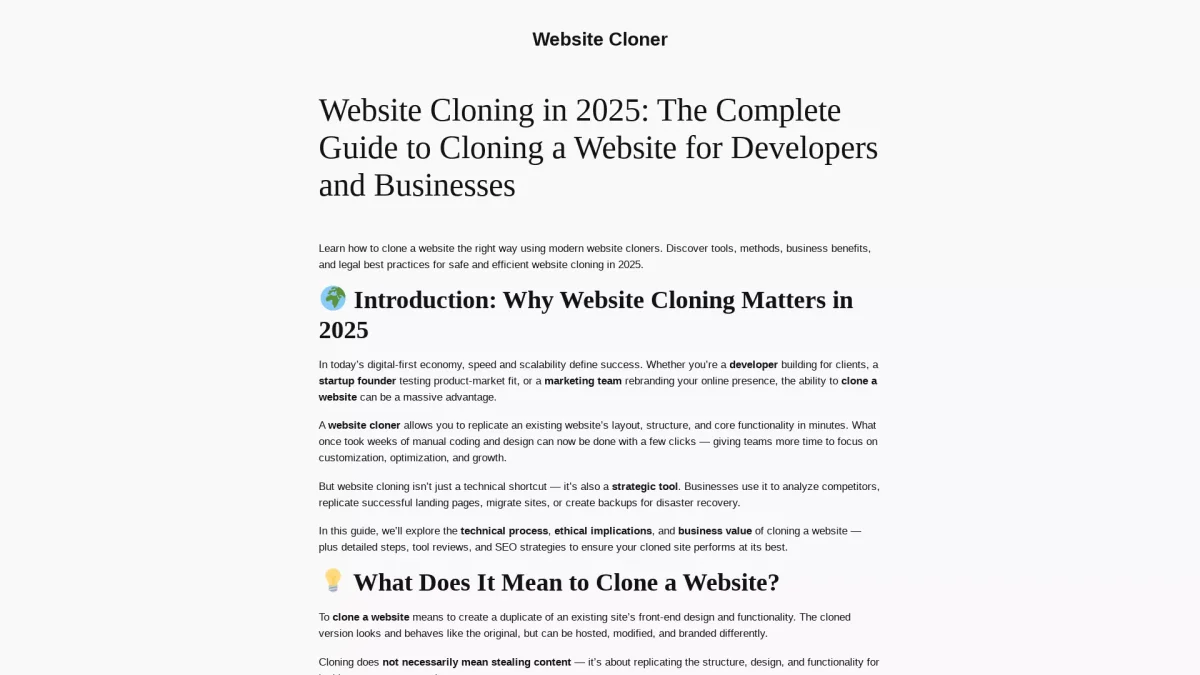
What is WebsiteCloner?
WebsiteCloner is a powerful AI-driven tool designed to clone websites quickly and efficiently, addressing the need for speed and scalability in today's digital landscape. By allowing users to replicate an existing website's layout, structure, and core functionalities in minutes, it eliminates the lengthy manual coding process and gives teams more time to focus on customization and growth. The key benefits of using WebsiteCloner include rapid website deployment for new projects, disaster recovery through site backups, and the ability to analyze competitors effectively. Users can easily create staging copies for testing, migrate sites seamlessly, and even launch localized or multi-branded versions of their websites, making it an invaluable resource for developers, marketers, and business owners alike.
Key Features
- Instant website generation with AI
- Downloadable HTML files for easy use
- Customizable templates for various needs
- Legal guidelines for ethical cloning
- SEO strategies for optimal performance
- User-friendly interface for all skill levels
Who is it for?
- Web developers and designers
- Startup founders and entrepreneurs
- Marketing teams and agencies
- Business analysts and strategists
Use Cases
1. Rapid Website Deployment
Businesses can quickly replicate proven layouts across multiple domains, such as franchise sites or regional marketing pages. This allows for faster market entry and consistent branding.
2. Disaster Recovery and Backup
A cloned copy serves as a full offline backup in case of server failures or cyberattacks, ensuring business continuity and data integrity in challenging situations.
3. Market and Competitor Analysis
By cloning public websites for analysis, businesses can gain insights into competitors' structures, user experience flows, and content hierarchies, aiding in strategic planning and execution.
4. Website Redesign and Migration
WebsiteCloner facilitates the migration and redesign of existing sites, allowing users to create staging copies and test new features before going live. This ensures a smooth transition.
Pricing Plans
Pricing information not available on website. Please visit the official website for current pricing.
Frequently Asked Questions
1. What types of websites can I clone using WebsiteCloner?
WebsiteCloner allows users to clone any website's front-end design and functionality. This includes public sites for analysis, your own sites for migration or redesign, and template-based sites under their licenses.
2. Is there a free trial or version available?
Yes, WebsiteCloner offers a free version that allows users to access basic features without any hidden fees. This enables users to explore the tool's capabilities before committing to a paid plan.
3. How does WebsiteCloner ensure legal compliance?
WebsiteCloner provides guidelines for ethical cloning, ensuring users understand the legal implications. It emphasizes legitimate use cases, such as cloning your own site or open-source versions, to avoid copyright infringement.
4. Can I modify the cloned website after cloning?
Absolutely. Once a website is cloned, users can modify the HTML, CSS, and other assets to customize the site according to their branding and functional needs.
WebsiteCloner Reviews & Ratings
Real user feedback and ratings for WebsiteCloner. See what the community thinks about this AI tool.
No reviews yet
Be the first to share your experience with WebsiteCloner