
Webcopilot
Your Second Brain on the Web
WebCopilot empowers users to carry their knowledge everywhere by enabling document uploads and instant answers, transforming how you access and use information online.
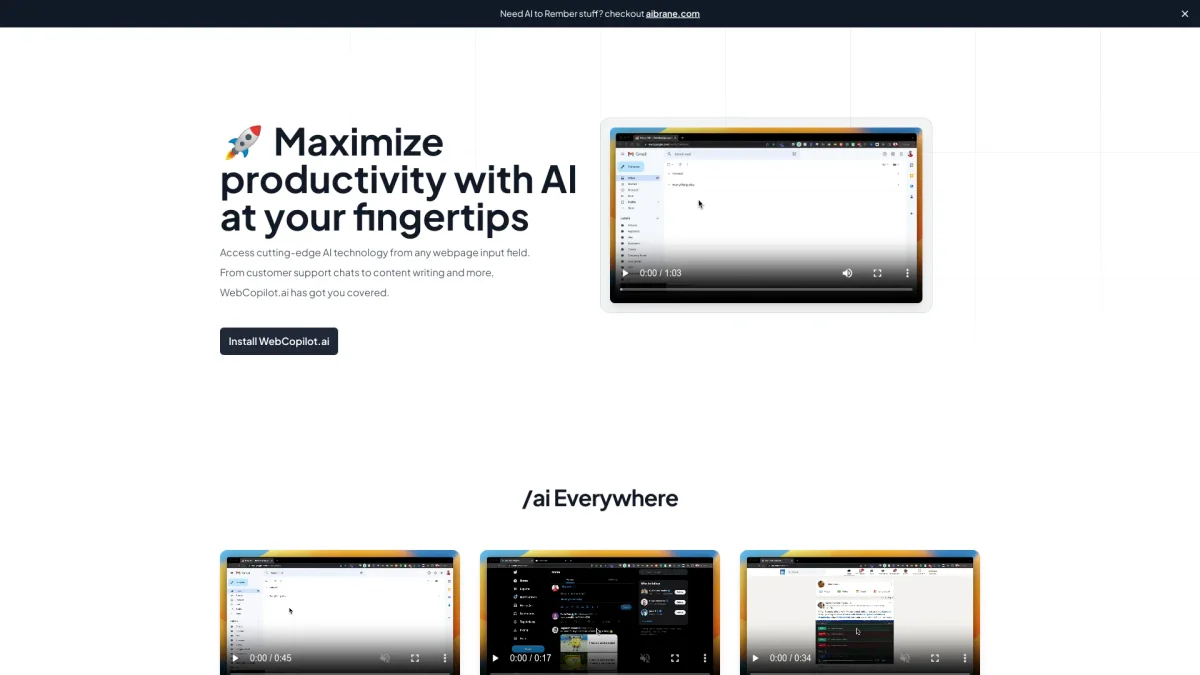
What is Webcopilot?
WebCopilot is an innovative tool designed to help users manage their knowledge and information seamlessly across the web. By allowing users to upload documents, PDFs, and links, it serves as a second brain, providing instant answers sourced from their own knowledge bases. This tool addresses the common challenge of information overload, enabling users to find relevant information quickly without tedious searching. The key benefits of WebCopilot include its ability to process various document formats, perform semantic searches, and provide context-aware responses. Users can ask questions about their uploaded documents in a natural conversational manner, making it feel like they have access to a personal assistant who knows their entire knowledge repository. With features like multiple knowledge bases and comprehensive source citations, WebCopilot helps users stay organized and informed effortlessly.
Key Features
- Semantic search for meaningful results
- Natural conversational AI
- Supports multiple document formats
- Instant answers from uploaded docs
- Organize knowledge with multiple bases
- No complicated setup required
Who is it for?
- Team leaders and managers
- Researchers and students
- Support teams and help desk staff
- Knowledge workers and professionals
Use Cases
1. Streamlining Team Meetings
Upload meeting notes and strategy documents to WebCopilot. During discussions, ask questions about past decisions or action items, allowing for quick reference without digging through files.
2. Research and Study Assistance
Students can drop in research papers, textbooks, and lecture notes. WebCopilot acts as an AI study buddy, answering questions and recalling important information for exam preparation.
3. Efficient Customer Support
Support teams can upload help documentation and SOPs. When customers ask questions, WebCopilot provides instant answers, significantly reducing response times and enhancing service quality.
4. Organizing Personal Knowledge
For individuals with extensive bookmarks and saved articles, WebCopilot transforms cluttered knowledge into a searchable database, making it easy to retrieve information when needed.
Pricing Plans
Free: Basic tools with no hidden fees, Pro: $X/month - Additional features and premium support, Enterprise: Custom pricing - Tailored solutions for large teams.
Frequently Asked Questions
1. Does WebCopilot require a credit card to start?
No, WebCopilot allows users to start for free without requiring a credit card. You can install the Chrome extension and begin using it immediately.
2. What types of documents can I upload?
WebCopilot supports a variety of document formats including PDFs, text files, and links. You can upload meeting notes, research papers, and any relevant documents to enhance your knowledge base.
3. How does WebCopilot ensure accuracy in responses?
WebCopilot provides answers that are sourced directly from your uploaded documents. Each response includes citations to the exact document and page, ensuring you can verify the information easily.
4. Can I use WebCopilot across different websites?
Yes, once you install the WebCopilot Chrome extension, you can access it on any website. This allows you to ask questions and retrieve information while browsing the web.
Webcopilot Reviews & Ratings
Real user feedback and ratings for Webcopilot. See what the community thinks about this AI tool.
No reviews yet
Be the first to share your experience with Webcopilot