
VizChart
Create Dynamic Charts with AI Power
Transform your data into stunning, professional charts effortlessly using VizChart's AI-driven chart maker for various visualization needs.
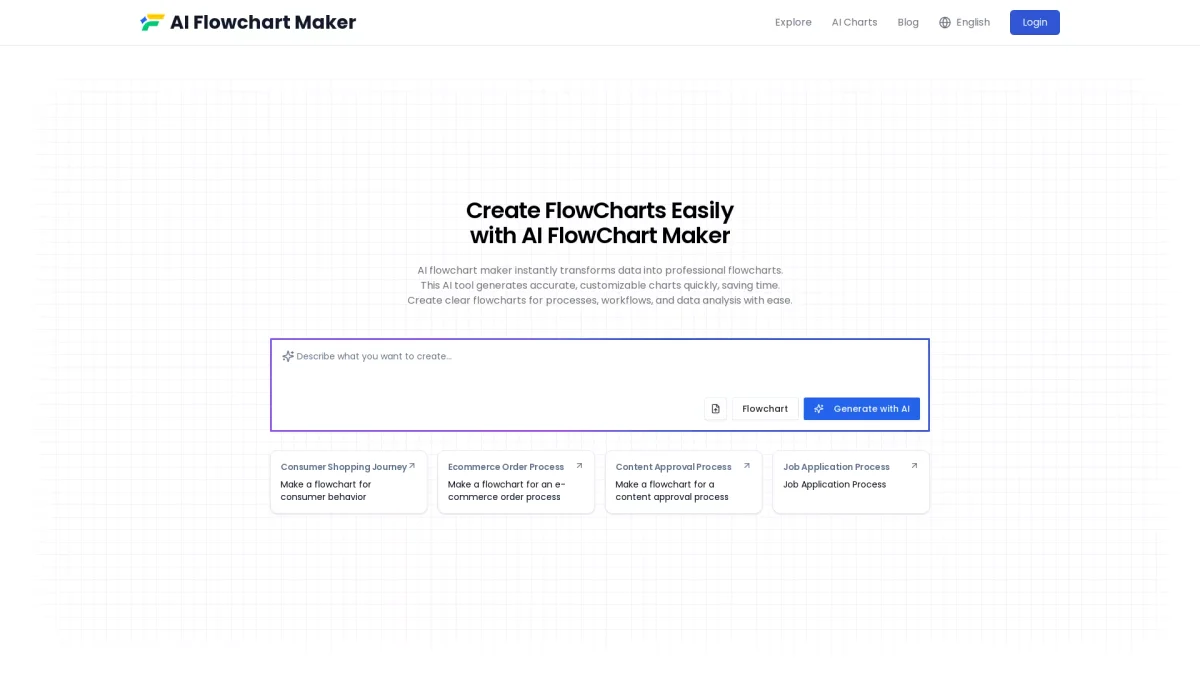
What is VizChart?
VizChart is an advanced AI charts maker designed to convert data into visually compelling and professional charts. It solves the problem of data presentation by enabling users to create a wide variety of chart types, such as bar, line, pie, and even interactive 3D visualizations, all powered by artificial intelligence. This tool is perfect for anyone looking to enhance their data storytelling through eye-catching visualizations. The key benefits of using VizChart include its ease of use and the ability to generate charts quickly without requiring advanced design skills. Users can create stunning visualizations that effectively communicate complex data insights, making it ideal for professionals in fields such as marketing, research, and education. By automating the chart creation process, VizChart saves time and boosts productivity, allowing users to focus on interpreting and analyzing their data rather than getting bogged down in design details.
Key Features
- Wide variety of chart types
- AI-powered automated chart generation
- Interactive 3D visualizations
- Easy-to-use interface for all skill levels
- Supports multiple data formats
- Customizable chart designs
- Real-time data visualization updates
Who is it for?
- Data analysts and scientists
- Marketing professionals
- Educators and students
- Business executives
- Content creators and bloggers
Use Cases
1. Business Data Reporting
Generate insightful business reports with visually appealing charts. Use VizChart to create presentations that clearly convey sales data, performance metrics, and other key business insights, enhancing stakeholder understanding.
2. Educational Presentations
Create engaging educational content that facilitates learning. Teachers and students can use VizChart to visualize complex concepts through interactive charts, making lessons more engaging and easier to understand.
3. Market Research Analysis
Visualize market research data effectively. Use VizChart to create clear and impactful visualizations that showcase trends, comparisons, and insights, making your findings easily digestible for stakeholders.
4. Social Media Content Creation
Design eye-catching charts for social media posts. Use VizChart to generate visually appealing graphics that enhance your social media strategy, attracting more engagement and shares.
Pricing Plans
Pricing information not available on website. Please visit the official website for current pricing.
Frequently Asked Questions
1. What types of charts can I create with VizChart?
VizChart supports a wide range of chart types including bar charts, line charts, pie charts, radar charts, scatter charts, and even interactive 3D visualizations, offering versatility for all data presentation needs.
2. Is VizChart suitable for non-designers?
Absolutely! VizChart is designed with an easy-to-use interface that allows users with no design experience to create stunning charts quickly and effortlessly, making data visualization accessible to everyone.
3. Can I customize the charts I create?
Yes, VizChart allows for extensive customization options in chart design, enabling users to tailor colors, fonts, and layouts to match their specific branding or presentation needs.
4. Does VizChart support real-time data visualization?
Yes, VizChart offers real-time data visualization updates, allowing users to connect data sources and automatically refresh charts, ensuring the insights presented are always up-to-date.
VizChart Reviews & Ratings
Real user feedback and ratings for VizChart. See what the community thinks about this AI tool.
No reviews yet
Be the first to share your experience with VizChart