
Video Watermark Remover AI
Effortlessly Remove Watermarks from Videos
Quickly eliminate unwanted watermarks from videos in various formats using advanced AI technology, providing high-quality results in under two minutes.
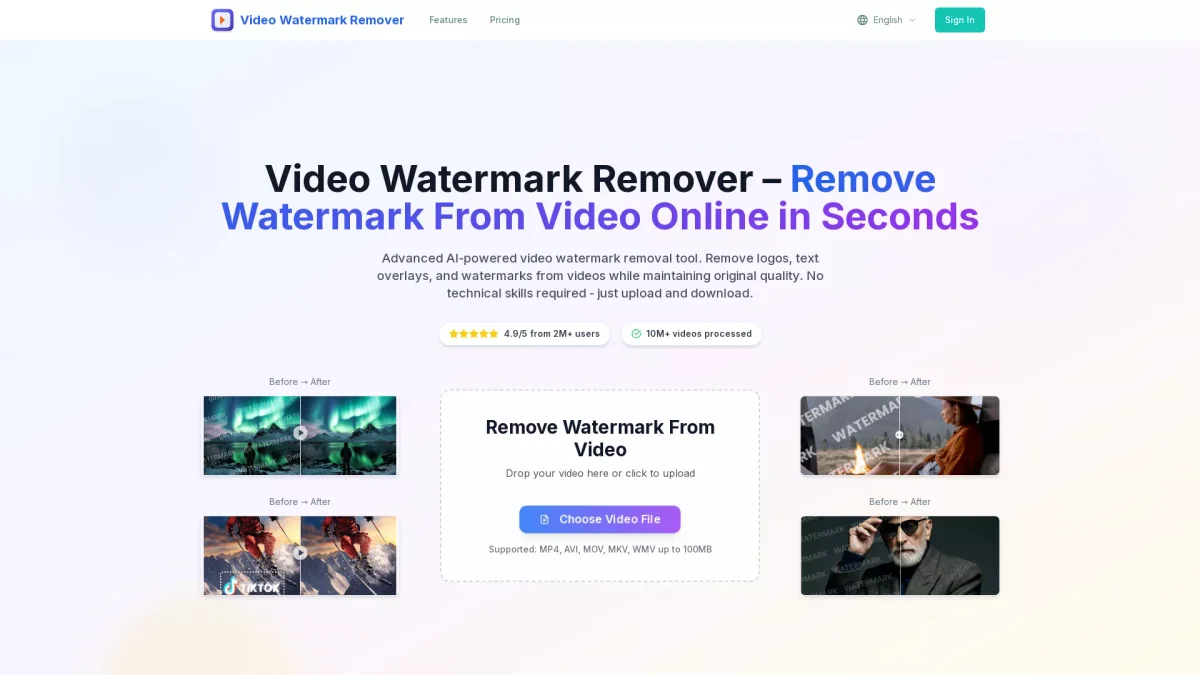
What is Video Watermark Remover AI?
Video Watermark Remover AI is an innovative online tool designed to remove watermarks from videos effortlessly. Its primary purpose is to help users eliminate distracting logos, text, and overlays from their video content, enhancing its visual appeal and professionalism. By leveraging advanced AI technology, it automatically detects and removes watermarks while preserving the original video quality, making it suitable for various video formats such as MP4, AVI, and MOV. This tool offers significant benefits for content creators, marketing agencies, and anyone needing clean video footage. Users can complete the watermark removal process in three simple steps: upload, AI processing, and download the clean video. With high-quality outputs and fast processing times, Video Watermark Remover AI helps save valuable editing time, allowing users to focus more on content creation and less on tedious editing tasks, ensuring a seamless workflow for all video projects.
Key Features
- Supports multiple video formats
- High-quality output without blur
- Fast processing in under 2 minutes
- AI-powered watermark detection
- Privacy guaranteed with file deletion
- Cross-device compatibility
Who is it for?
- Content creators and bloggers
- Marketing agencies
- Video editors and producers
- Social media managers
- Businesses needing polished videos
Use Cases
1. Social Media Content Creation
Easily remove watermarks from videos sourced from platforms like TikTok and Instagram. This allows content creators to share polished, professional-looking videos on social media without distracting logos or text overlays.
2. Business Presentations
Enhance your business presentation videos by removing watermarks from stock footage. This tool ensures your presentations look professional and maintain clarity, crucial for making impactful impressions on clients and stakeholders.
3. Video Marketing Campaigns
Use the tool to remove watermarks from promotional videos. Marketers can present their content without distractions, ensuring their messages are clear and engaging while maintaining high production value.
4. YouTube Channel Management
For YouTube creators, this tool is invaluable for removing watermarks from clips used in compilations or reviews. Ensure your videos are visually appealing and free from branding clutter to keep viewer attention focused.
Pricing Plans
Free: Basic watermark removal features with limited usage, Starter: $94.80/year - 120 video removals, HD output, Professional: $190.80/year - 360 video removals, priority processing, Business: $382.80/year - 960 video removals, API access, team collaboration.
Frequently Asked Questions
1. What video formats does Video Watermark Remover AI support?
Video Watermark Remover AI supports several formats including MP4, AVI, MOV, MKV, and WMV, making it versatile for different video types and uses.
2. How long does it take to remove a watermark?
The AI-powered processing typically takes under two minutes, allowing users to quickly obtain their watermark-free videos without long wait times.
3. Is my uploaded video secure?
Yes, all uploaded files are automatically deleted from the server within 24 hours, ensuring your privacy and data security during the watermark removal process.
4. Can I use Video Watermark Remover AI for commercial purposes?
Absolutely, the tool is suitable for both personal and commercial projects, enabling businesses and content creators to produce clean, professional videos without distractions.
Video Watermark Remover AI Reviews & Ratings
Real user feedback and ratings for Video Watermark Remover AI. See what the community thinks about this AI tool.
No reviews yet
Be the first to share your experience with Video Watermark Remover AI