

Vectorizer AI
Transform images into scalable SVG vectors
Vectorizer AI quickly converts PNG and JPG files into SVG vectors using advanced AI, ensuring high-quality, scalable images for various applications.
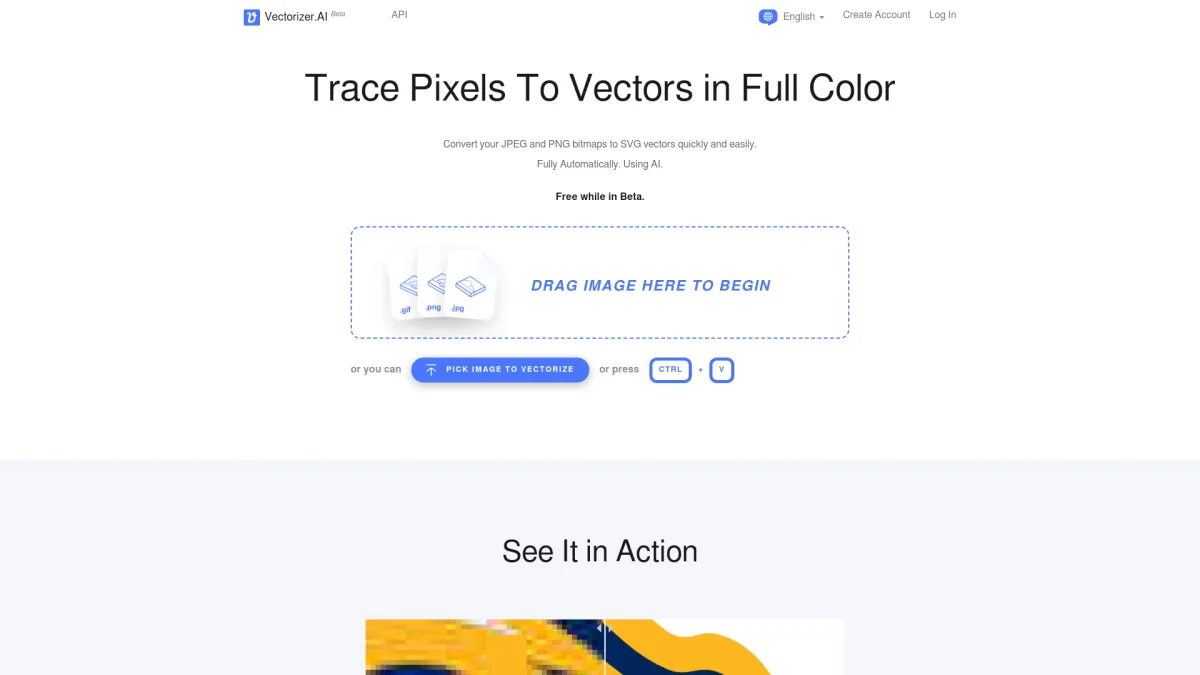
What is Vectorizer AI?
Vectorizer AI is an online tool designed to convert raster images such as PNG and JPG files into scalable SVG vectors. Its primary purpose is to simplify the vectorization process, allowing users to transform pixel-based images into high-quality vector formats quickly and automatically. This is particularly useful for graphic designers, artists, and anyone needing to create print-ready or cuttable graphics without losing quality during scaling. By leveraging deep learning and proprietary algorithms, Vectorizer AI delivers several key benefits. Users can enjoy full-color support, high precision with sub-pixel details, and various output formats including SVG, PDF, and DXF. The tool is fully automatic, making it easy for users to get professional-grade vector images without requiring extensive graphic design skills, thus saving time and enhancing productivity in creative projects.
Key Features
- AI-powered automatic vectorization
- Supports multiple image formats
- High-quality SVG, PDF, EPS outputs
- Full color and transparency support
- Advanced geometric shape fitting
- Fast processing using GPUs
- User-controlled palette size
Who is it for?
- Graphic designers
- Print shops and services
- Artists and illustrators
- Marketing professionals
- Web developers
Use Cases
1. Logo Design Enhancement
Use Vectorizer AI to convert your company's bitmap logo into a scalable SVG format. This allows for seamless resizing without loss of quality, making it perfect for use on websites, business cards, and promotional materials.
2. Custom T-shirt Graphics
Design custom graphics for t-shirts by vectorizing your artwork. The tool ensures that the design remains crisp and clear, whether printed on fabric or displayed online, improving the overall quality of the merchandise.
3. Creating Vector Illustrations
Turn hand-drawn sketches or digital illustrations into clean, editable vector graphics. This enables artists to refine their work, making it suitable for both digital applications and physical prints.
4. Preparing Images for CNC Cutting
Convert bitmap images into vector files ideal for CNC cutting machines. Vectorizer AI ensures precise outlines and paths for cutting, significantly enhancing the production of custom designs.
Pricing Plans
Pricing information not available on website. Please visit the official website for current pricing.
Frequently Asked Questions
1. What file formats does Vectorizer AI support?
Vectorizer AI supports various input formats including PNG, JPG, BMP, and GIF, and can output files in SVG, PDF, EPS, DXF, and PNG formats.
2. Is there a free trial for Vectorizer AI?
The website does not specify a free trial, but users can create an account to explore the features available. For details on free usage, please check the official site.
3. How does Vectorizer AI ensure high-quality outputs?
Vectorizer AI utilizes advanced deep learning networks and proprietary algorithms to analyze and convert images, ensuring high precision and quality in the resulting vector graphics.
4. Can I use Vectorizer AI for commercial projects?
Yes, Vectorizer AI can be used for commercial projects. The tool is designed to provide high-quality vector conversions suitable for various professional applications.
Vectorizer AI Reviews & Ratings
Real user feedback and ratings for Vectorizer AI. See what the community thinks about this AI tool.
No reviews yet
Be the first to share your experience with Vectorizer AI









