Unscreen
Simplified video editing for creators
Unscreen was an innovative tool for removing backgrounds from videos, now integrated into Canva’s powerful suite for seamless video editing.
What is Unscreen?
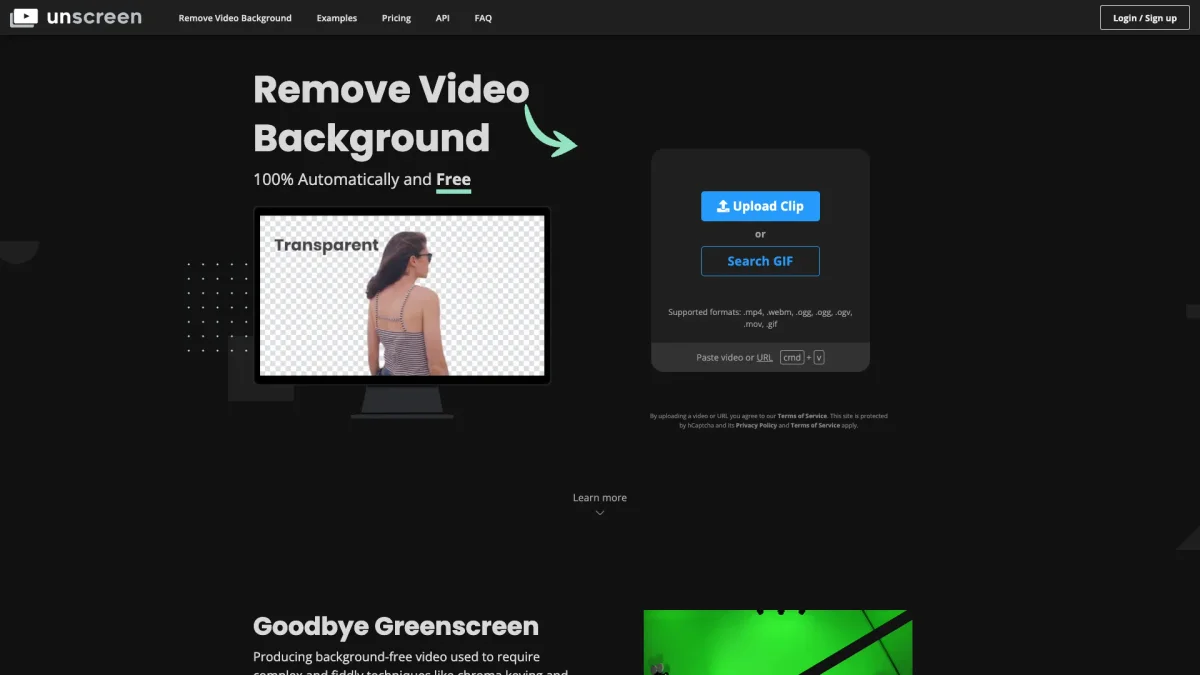
Unscreen was a specialized video editing tool designed to remove backgrounds from videos effortlessly, catering primarily to content creators and marketers. Its main purpose was to simplify the video editing process, allowing users to focus on their creative vision without being bogged down by complex software. By automating background removal, Unscreen enabled users to produce professional-quality videos quickly and efficiently, addressing a common challenge faced in video production. Following its shutdown, users are encouraged to transition to Canva's video editor, which offers robust features including background removal, AI-powered tools, and seamless integration for video projects. This alternative provides a comprehensive solution for creators looking to enhance their video content while benefitting from additional functionalities such as text-to-video and smart format switching. Canva's platform empowers users to create standout content with minimal effort and maximum creativity.
Key Features
- Background removal from videos
- Integration with Canva
- AI-powered editing tools
- Text-to-video capabilities
- Auto animations and voice enhancement
- Smart format switching
Who is it for?
- Content creators and marketers
- Video production professionals
- Social media influencers
- Educators and trainers
Use Cases
1. Social Media Video Creation
Easily create engaging social media videos by removing backgrounds and integrating dynamic elements using Canva's features. Perfect for enhancing brand visibility and audience engagement.
2. Educational Content Development
Develop instructional videos with clear visuals by eliminating distracting backgrounds. Use Canva's tools to create polished content that enhances learning experiences for students.
3. Marketing Campaigns
Produce promotional videos quickly by streamlining the editing process. Canva's integration allows for effective background removal and creative enhancements, driving better engagement.
Pricing Plans
Pricing information not available on website. Please visit the official website for current pricing.
Frequently Asked Questions
1. What happened to Unscreen?
Unscreen officially shut down on December 1, 2025, and all services were discontinued permanently. Users are encouraged to transition to Canva's video editing suite for alternative solutions.
2. Can I retrieve my uploaded video files?
No, uploaded video files are automatically deleted 30 days after processing. If you wish to download a video processed within that timeframe, please contact the support team for assistance.
3. What happens to my Unscreen subscription?
All Unscreen subscriptions have been cancelled, and any remaining credits or minutes expired along with the subscription. Users retained access until their individual expiry dates.
4. What alternatives are available after Unscreen's shutdown?
After Unscreen's shutdown, users are recommended to use Canva's video editor, which includes similar features like background removal and a variety of AI-powered editing tools.
Unscreen Reviews & Ratings
Real user feedback and ratings for Unscreen. See what the community thinks about this AI tool.
No reviews yet
Be the first to share your experience with Unscreen