
Twee
Enhance Your Language Lessons with AI
Twee empowers educators to create, share, and grade language lessons quickly and easily, tailored to student proficiency levels across multiple languages.
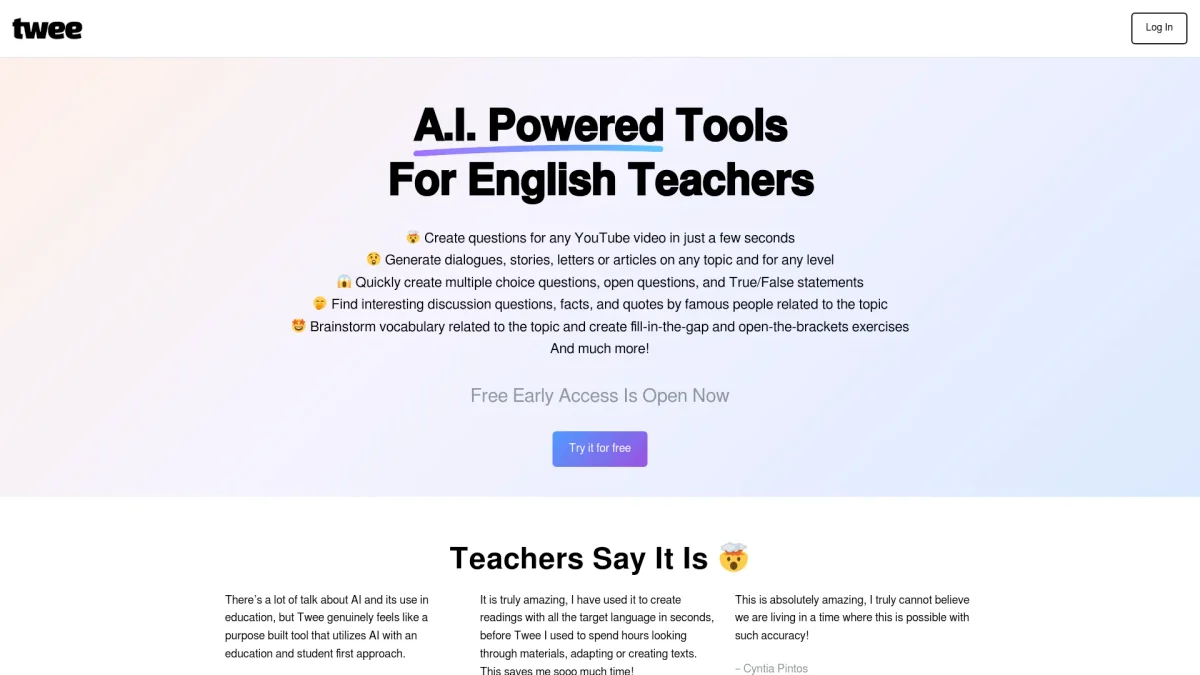
What is Twee?
Twee is an innovative platform designed for language educators that leverages artificial intelligence to streamline lesson creation and assessment. Its primary purpose is to simplify the process of generating tailored educational content for students, addressing the challenges of lesson planning and grading. By allowing teachers to input topics or vocabulary, Twee instantly produces a variety of lesson materials appropriate for different proficiency levels (A1-C2). The key benefits of using Twee include saving time on lesson preparation, enhancing student engagement with interactive materials, and providing automated assessments that offer actionable insights. Teachers can efficiently manage their workflow, track student progress, and create professional-looking documents or interactive assignments. By utilizing Twee, educators can focus more on teaching and less on administrative tasks, ultimately improving the learning experience for their students.
Key Features
- Generate CEFR-aligned lesson materials
- Automated assessment of student responses
- Flexible sharing options: PDF, Word, or links
- Over 40 unique tools for language skills
- Interactive exercises based on various topics
- Comprehensive ESL lesson plans and worksheets
Who is it for?
- Language educators
- ESL teachers
- Curriculum developers
- Educational institutions
- Tutors and teaching assistants
Use Cases
1. Creating Custom Lesson Plans
Teachers can easily generate customized lesson plans by entering topics or vocabulary. Twee produces tailored exercises, dialogues, and assessments that align with CEFR standards, saving hours of preparation time.
2. Automated Grading of Assignments
With Twee's AI assessment tools, educators can automatically grade student responses to various exercises, including written answers and multiple-choice questions, providing immediate feedback and insights.
3. Engaging Interactive Exercises
Twee allows teachers to create interactive exercises that can be shared via links or used in Google Forms. This feature makes lessons more engaging and accessible for students, enhancing their learning experience.
4. Vocabulary Development Activities
Educators can utilize Twee's vocabulary tools to create matching exercises, fill-in-the-gap tasks, and sentence formation activities, helping students improve their language skills effectively.
Pricing Plans
Free: Basic features and tools for lesson creation, Pro: $0/month - Advanced features including additional assessment tools, Enterprise: Custom pricing - Tailored solutions for institutions and large teams.
Frequently Asked Questions
1. Does Twee offer a free trial or free plan?
Yes, Twee provides a free plan that includes basic features for creating and sharing lesson materials, allowing users to explore the platform without any financial commitment.
2. Can I share my lessons with students online?
Absolutely! Twee allows you to share your lesson materials interactively via links or export them as professional PDFs or Word documents for offline use.
3. What types of lesson materials can I create with Twee?
With Twee, you can create a wide range of lesson materials including texts, dialogues, exercises, questions, and writing prompts, all tailored to specific CEFR levels.
4. How does Twee assess student performance?
Twee's AI tools automatically evaluate student responses to various exercises, including multiple-choice and written answers, providing actionable insights that help teachers identify areas for improvement.
Twee Reviews & Ratings
Real user feedback and ratings for Twee. See what the community thinks about this AI tool.
No reviews yet
Be the first to share your experience with Twee